
Inspiring
October 30, 2020
Answered

Best ePub dimensions

  • October 30, 2020
  • 1 reply
  • 2154 views

Hi, I have a landscape kids' book for print that I need to convert (recreating from scratch to single pages, as the spreads are too wide to simply export) for a fixed-layout ePub for Apple and Kindle. 


What are the best dimensions to create for an ePub that will work for most devices? Most of the ePub info I have found is about exporting and that won't work for this pub. Thank you!


This topic has been closed for replies.
Correct answer Derek Cross

Derek, I am aware that there are many devices around. As I stated above, I am not looking for perfection. As I also stated above, I am indeed created a fixed layout kids' book, I am also familiar with reflowable and wouldn't have the question in that case.


Sorry guys, I had no idea this would be such so difficult!


It's not difficult, Bob has given you the (an) answer.


1 reply

BobLevine
Community Expert
Community Expert
October 30, 2020
Honestly, it doesn't matter. It will either expand or contract to fit the screen and there's simply no way to make sure it looks perfect on all devices.
Inspiring
October 30, 2020

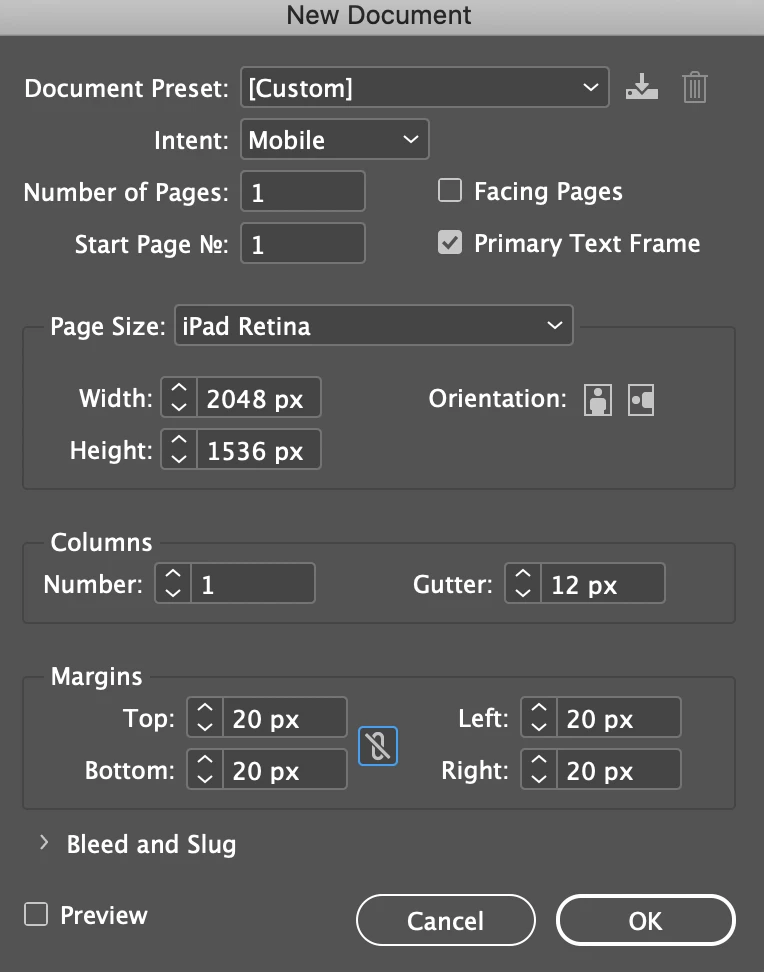
Not worried about perfect, really. Just new and trying to sort options. 16:9? 2224x1668? I'm assuming there's a too-small for quality and too-large for file size...or maybe that gets decided on the export.

Derek Cross
Community Expert
Community Expert
October 30, 2020

I can't. It's a landscape layout and will be too wide so I am going to reformat it manually. I just need a recommendation to start for a fixed layout epub.


Nanmc – There are lots of sizes and aspect ratios for the various devices now available, so you can't get a perfect one (unless you're creating a FXL ePub for one model).

With Reflowable ePubs, it doesn't matter what size or aspect ratio you create in the Indesign document; the ePub reflows to fit the device or reader.