
Participant
December 13, 2022
Answered

Black border added to images when exporting to pdf

  • December 13, 2022
  • 1 reply
  • 519 views

Hi!

I'm exporting an interactive pdf from InDesign that contains some png images that I made on Illustrator, the images were exported as RGB, png 300 PPI, the images look fine when placed in Indesign but after exporting to pdf a weird black border is added to the images.


Before exporting:
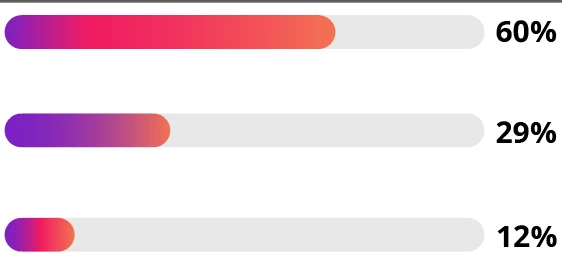
 

After exporting from Indesign to pdf:
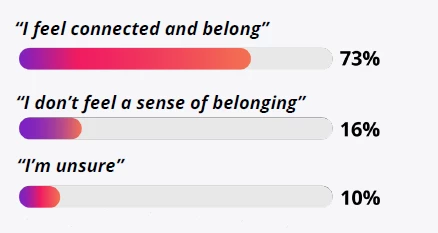
 

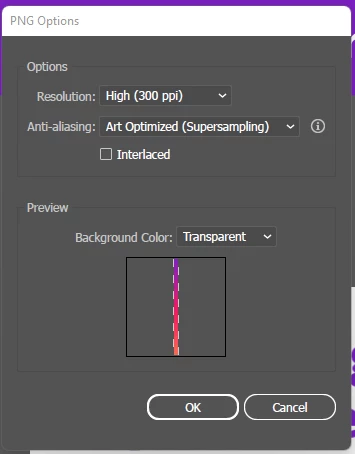
Exported from illustrator as:
 

Thanks for your feedback

This topic has been closed for replies.
Correct answer Rene Andritsch

Have you tried to place the images as Illustrator files and export the PDF from InDesign? As this seems to be vector art there is no need convert them to PNG before placing them in InDesign.

1 reply

Rene Andritsch
Community Expert
Rene AndritschCommunity ExpertCorrect answer
Community Expert
December 13, 2022

Have you tried to place the images as Illustrator files and export the PDF from InDesign? As this seems to be vector art there is no need convert them to PNG before placing them in InDesign.

Participant
December 13, 2022

Thank you, this does work, I was trying to avoid it so I wouldn't have to replace all the images, lol.


Rene Andritsch
Community Expert
Community Expert
December 13, 2022

Yeah, sometimes you have to go the extra mile 😉