
Participant
July 10, 2024
Answered

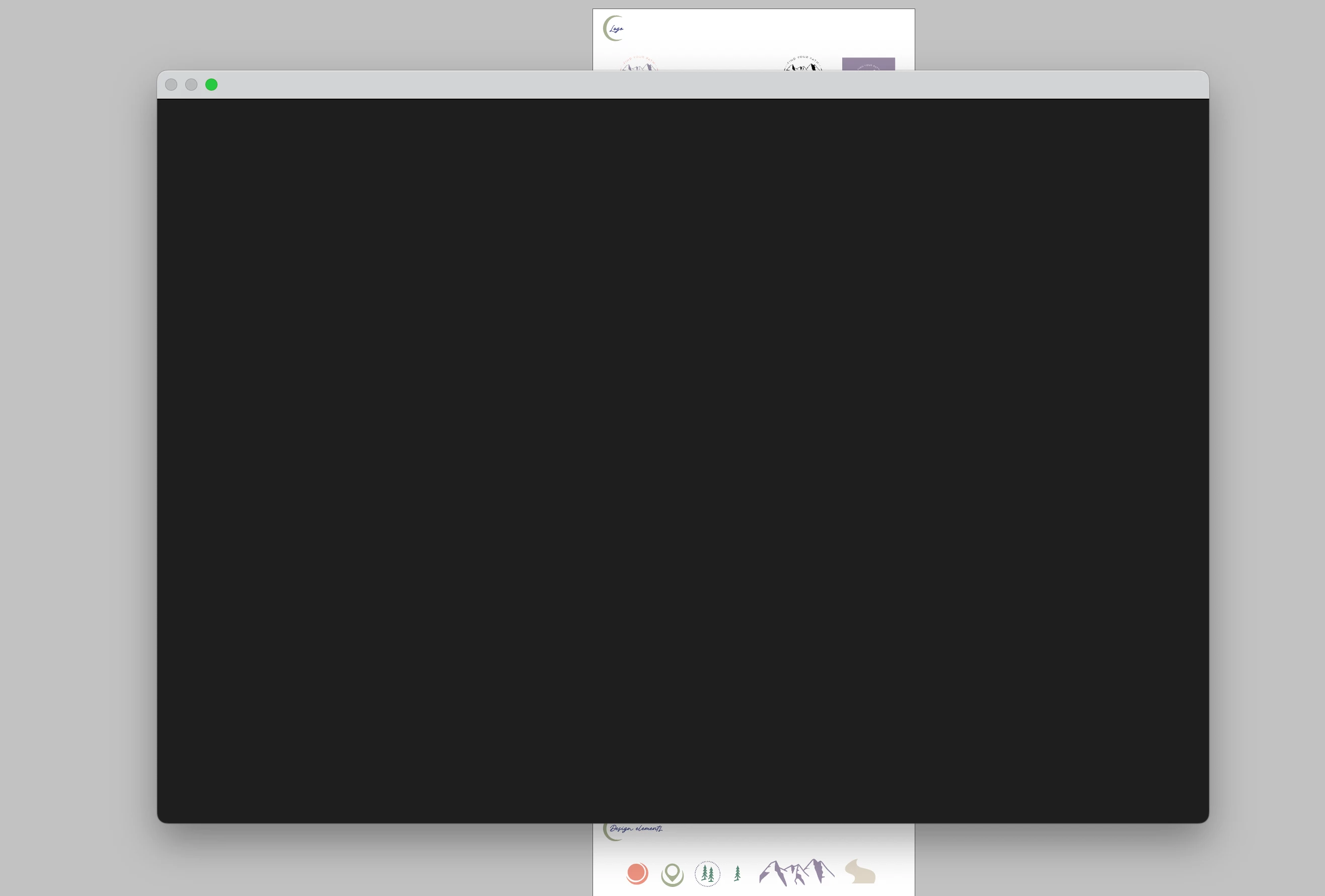
Black modal screen when trying to save

  • July 10, 2024
  • 6 replies
  • 8010 views

I just spent hours on this and haven't saved it til now (I know, my fault), but when I clicked save as, this modal popped up and I can't exit out of it or do anything in InDesign now. HELP!! I don't want to lose all this work.
Correct answer Peter Spier

try hitting Esc to exit the dialog and see if you are able to export to .idml

If that fails, consider doing a force quit in hopes that restarting InDesign will fix the problem and hopefully auto-recovery will kick in.

6 replies

Participant
August 24, 2025

The same thing happened to me today when I used 'Save As' in Adobe InDesign 2025 for the first time. Initially I followed these steps: quitting InDesign and then pressing and holding Ctrl+Shift+Alt while restarting the application, and unfortunately the issue was not resolved. Next, I simply uninstalled the application with the 'no preference saved' option and then reinstalled the app. Now, the 'Save As' issue is resolved, and it works fine.

Community Expert
August 24, 2025

For future issues

Reinstalling rarely fixes everything - you can do a complete reinstall using the
Creative Cloud Cleaner Tool https://helpx.adobe.com/creative-cloud/kb/cc-cleaner-tool-installation-problems.html


Participating Frequently
April 4, 2025

I have the same issue in windows 11

See Screenshot: Blank document -> File -> Save As -> Dialog freezes
InDesign Version 20.2
I have also opened old .indd files and tried to save them -> same result

Tried to uninstall and install again - same result
Tried to uninstall all previous versions and install InDesign Version 20.2 - same result

Need help!

Peter Spier
Community Expert
Community Expert
April 4, 2025

UI issues like this are usually caused by a corrupt cache. See Reset InDesign Preferences and Other Troubleshooting and scroll down to the section on deep reset to see how to manually find and delete the cache files.

Peter Spier
Community Expert
Community Expert
April 7, 2025

Preferences > General > and click on "Reset Preferences on Quit" and then quit and restart.

--> did not work - same result

I followed the instructions from here 

https://community.adobe.com/t5/indesign-discussions/reset-indesign-preferences-and-other-troubleshooting/td-p/11990234  
Close InDesign; then rename these InDesign folders:

C:\Users\user\AppData\Roaming\Adobe\InDesign

C:\Users\user\AppData\Local\Adobe\InDesign

In both places, rename the InDesign folder to InDesign.old. Now try to relaunch/restart InDesign
did not work either (same result)


Next try was "Reset with the nuclear option (4)"

A fourth and final way to reset InDesign is to uninstall the application using the CC Cleaner tool and reinstall from the Creative Cloud Desktop app. https://helpx.adobe.com/at/creative-cloud/kb/cc-cleaner-tool-installation-problems.html 

Does not work either but now I get a different error message right at the begining:


I don't think the result will be any different, but it will be informative to find out, so please try both of the following:

Sign out of the CC Desktop app and sign in again, try to open InDesign.

Reboot in Safe Mode and try to start InDessign.

Did you by any chance recently update Photoshop? There's a bug that's causing the update to install a faulty startup script for InDesign, though the error messabe is typically different.

Community Expert
July 11, 2024

Very frustrating - have your resolved it? 

Participant
July 11, 2024

Update! I had to force quit. Nothing was working. But somehow my data was recovered for most of the document other than the last few things, so yay! 

Anshul_Saini
Community Manager
Community Manager
July 11, 2024

Hi @eacribb,


I'm sorry to hear about the trouble you experienced. I'm glad to know that most of your data was recovered after the force quit.

Could you please provide some additional details to help us understand the issue better?

  • Which macOS version are you using?
  • Is this happening with all files or just this particular one?
  • Are you still facing this issue with new files?

Thank you for your patience.


Best regards,
Anshul Saini

Barb Binder
Community Expert
Community Expert
July 10, 2024

I think Peter's suggestion is the only one left to try. Let us know if that works. 


This won't make you feel better (yet) but we've all lost work like this, and I can say from experience that it takes a lot less time to recreate it, the second time around. 


I'm sorry, @Erin33612282lqe4.


~Barb

~Barb at Rocky Mountain Training
Peter Spier
Community Expert
Community Expert
July 10, 2024
quote

This won't make you feel better (yet) but we've all lost work like this,


By @Barb Binder

Too true.

Good luck.

Peter Spier
Community Expert
Peter SpierCommunity ExpertCorrect answer
Community Expert
July 10, 2024

try hitting Esc to exit the dialog and see if you are able to export to .idml

If that fails, consider doing a force quit in hopes that restarting InDesign will fix the problem and hopefully auto-recovery will kick in.

Inspiring
August 4, 2025

Our superman .. thank you

Barb Binder
Community Expert
Community Expert
July 10, 2024

Yikes.


What happens if you click the green circle in the top left corner?


Do you have more than one desktop defined or multiple monitors? Can you look at the other desktops or monitors to see if save as is over there?


I work with multiple desktops on my Mac, and sometimes when I move InDesign from one desktop to another, the model dialog box appears on the original desktop and I have to go find it.


~Barb

~Barb at Rocky Mountain Training
Participant
July 10, 2024

The green button just makes it go full screen. I can't even move the InDesign over to another screen. Unfortunately nothing is on my other screen 😞 This modal has blocked me from doing anything in the file