
Participant
August 27, 2020
Answered

Bloqueo de InDesign CC 2018

  • August 27, 2020
  • 1 reply
  • 410 views

Hola, buen día! Cada vez que ejecuto el programa  InDesign CC 2018 me aparece una ventana de informe de bloqueo.
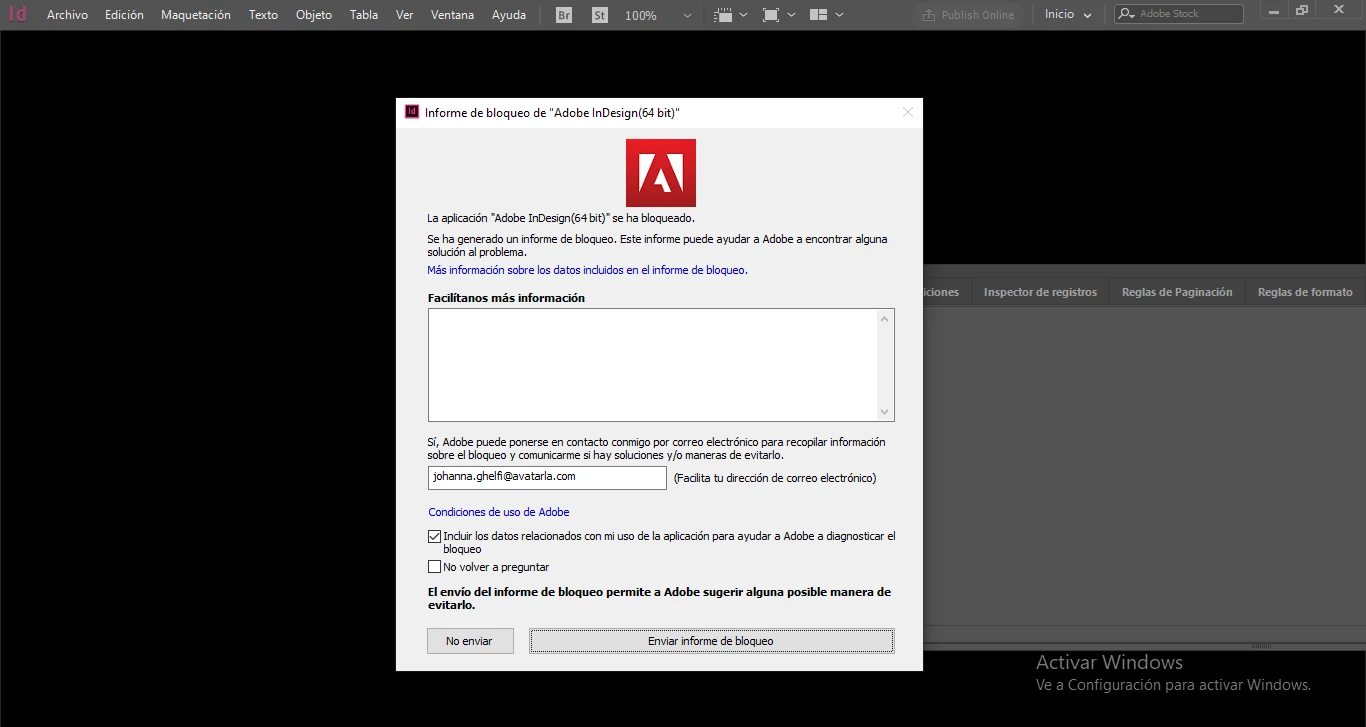
 

Hago click en "más información sobre los datos incluidos en el informe de bloqueo" y me aparece el siguiente bloque de código en texto:

Crash Report

Cómo podría solucionar el problema para poder usar el programa? Ya he mandado un informe del bloqueo. Necesito usar InDesign para trabajar.

Gracias!

Joy Ghelfi
This topic has been closed for replies.
Correct answer Srishti Bali

Hi there,


Sorry to hear about the Crash. I would request if you could share a few more details like:


  • When did this start happening? Are there any recent changes made to your system? For example, any antivirus, system updates or web extensions installed recently.
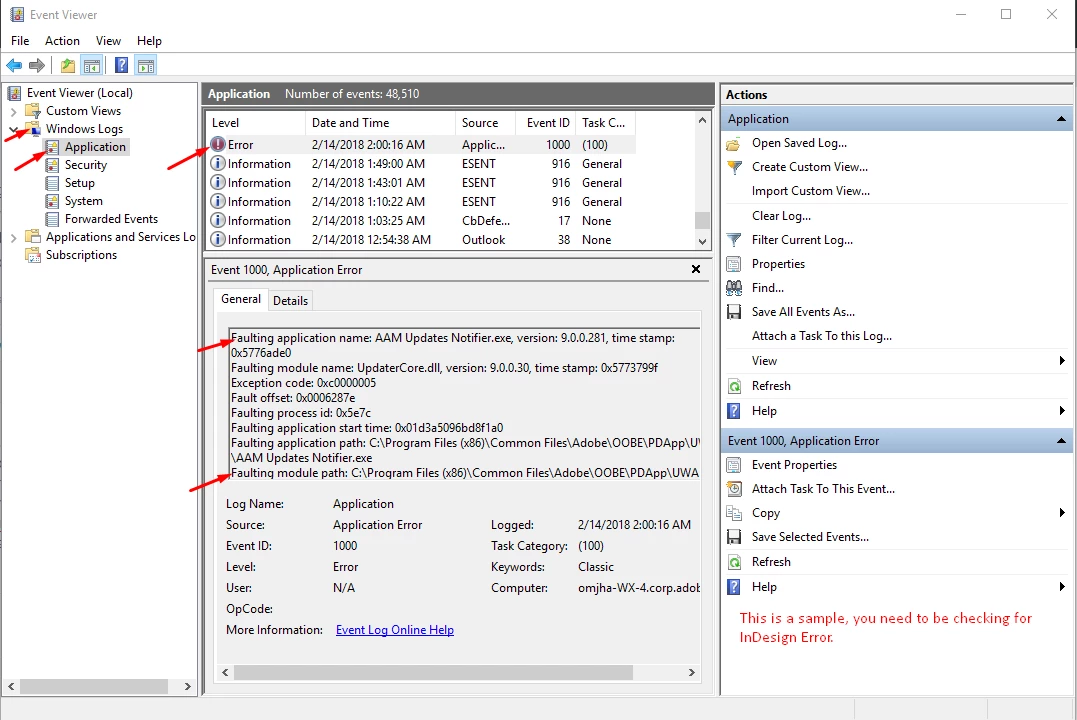
  • Do you see any InDesign related log in  Event Viewer? If yes, pleas do share the screenshot.

    Press Windows+R to open the Run dialog, enter eventvwr (or eventvwr.msc) and hit OK.

    Go to Windows Logs > Application and check if you see any error related to InDesign.


All this information will help us understand the issue better and assist you accordingly.


Regards,

Srishti

1 reply

Srishti Bali
Community Manager
Srishti BaliCommunity ManagerCorrect answer
Community Manager
August 27, 2020

Hi there,


Sorry to hear about the Crash. I would request if you could share a few more details like:


  • When did this start happening? Are there any recent changes made to your system? For example, any antivirus, system updates or web extensions installed recently.
  • Do you see any InDesign related log in  Event Viewer? If yes, pleas do share the screenshot.

    Press Windows+R to open the Run dialog, enter eventvwr (or eventvwr.msc) and hit OK.

    Go to Windows Logs > Application and check if you see any error related to InDesign.


All this information will help us understand the issue better and assist you accordingly.


Regards,

Srishti