

Answered
Blurry Text Box After Export
Hello,
Someone made me a business card in Photoshop. Now I want to export it into InDesign so I can export with marks and bleeds for the printer.
For some reason after I export as .png or .jpg from Photoshop it has a haze in the background of what I assume is the text box. It's even worse after I export the .jpg or .png from InDesign as .pdf. The haze also shows up when printed. How do I stop this?
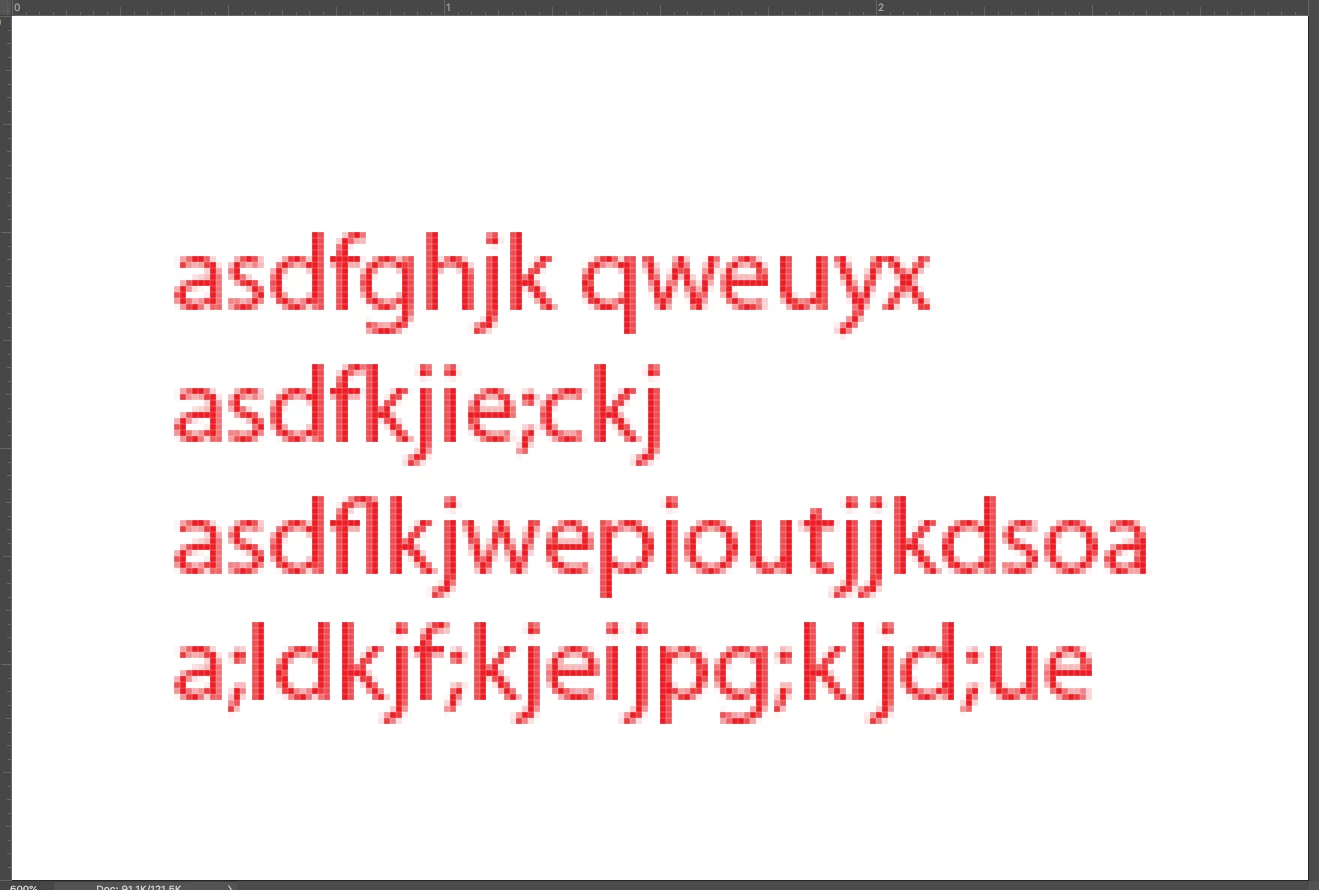
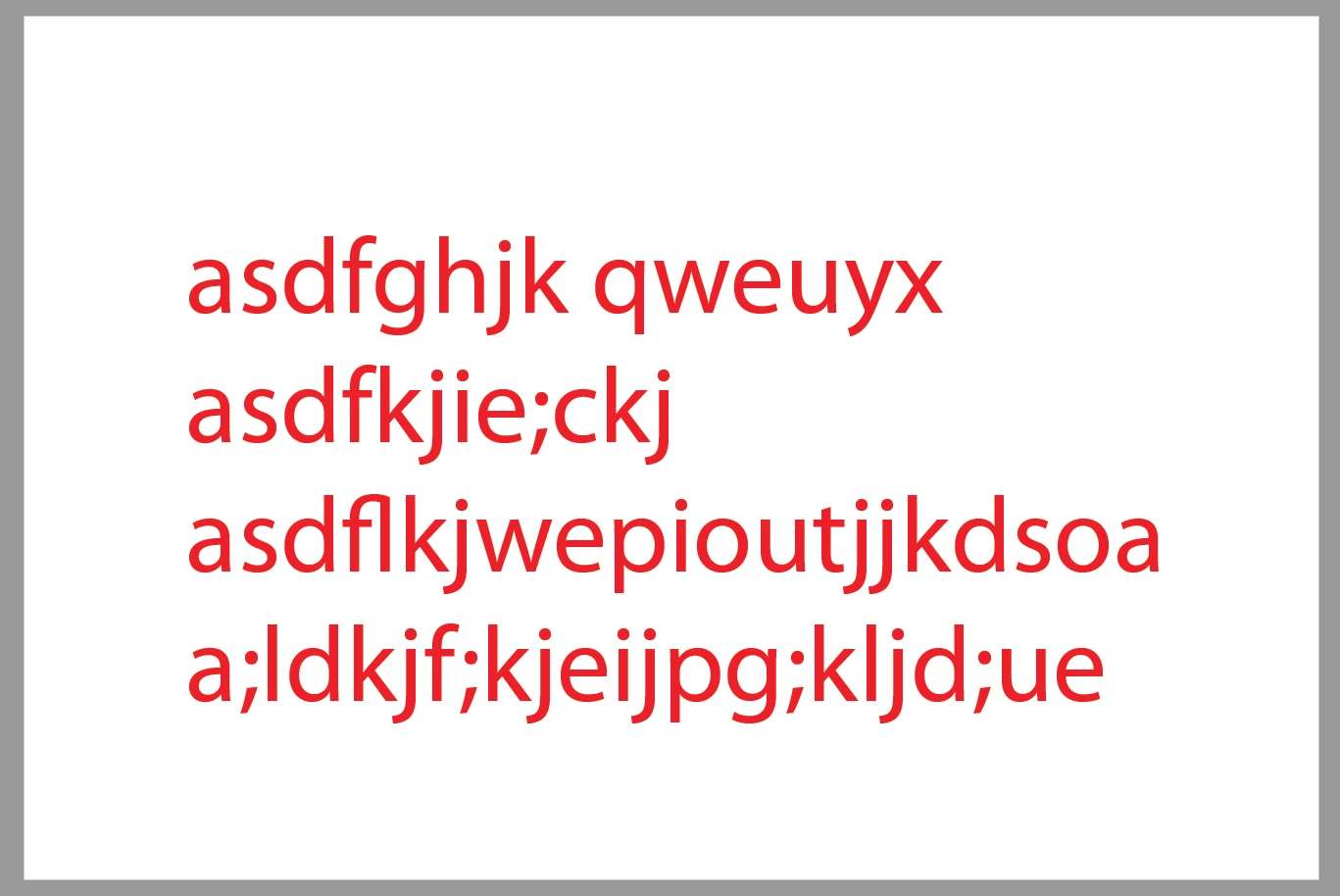
I'm attaching enlarged screenshots to show the blur around the text and image. I understand the text lines aren't crisp because it's oversized. My concern is the background of the text. It looks "dirty".
First image is the PDF I exported from InDesign. The second image is the JPG I exported from Photoshop.
Thanks in Advance!


 AdChoices