Hosun
Inspiring
January 10, 2020
Answered

bookmarks

  • January 10, 2020
  • 2 replies
  • 1819 views

Hi,


I've just found out there are two kinds of bookmarks.


One comes from highlight.

The other comes from selection.


Is there any difference?


When I see bookmarks on pdf, I see no difference between the two kinds of bookmarks.


Hosun Kang
 

This topic has been closed for replies.
Correct answer Michael Bullo

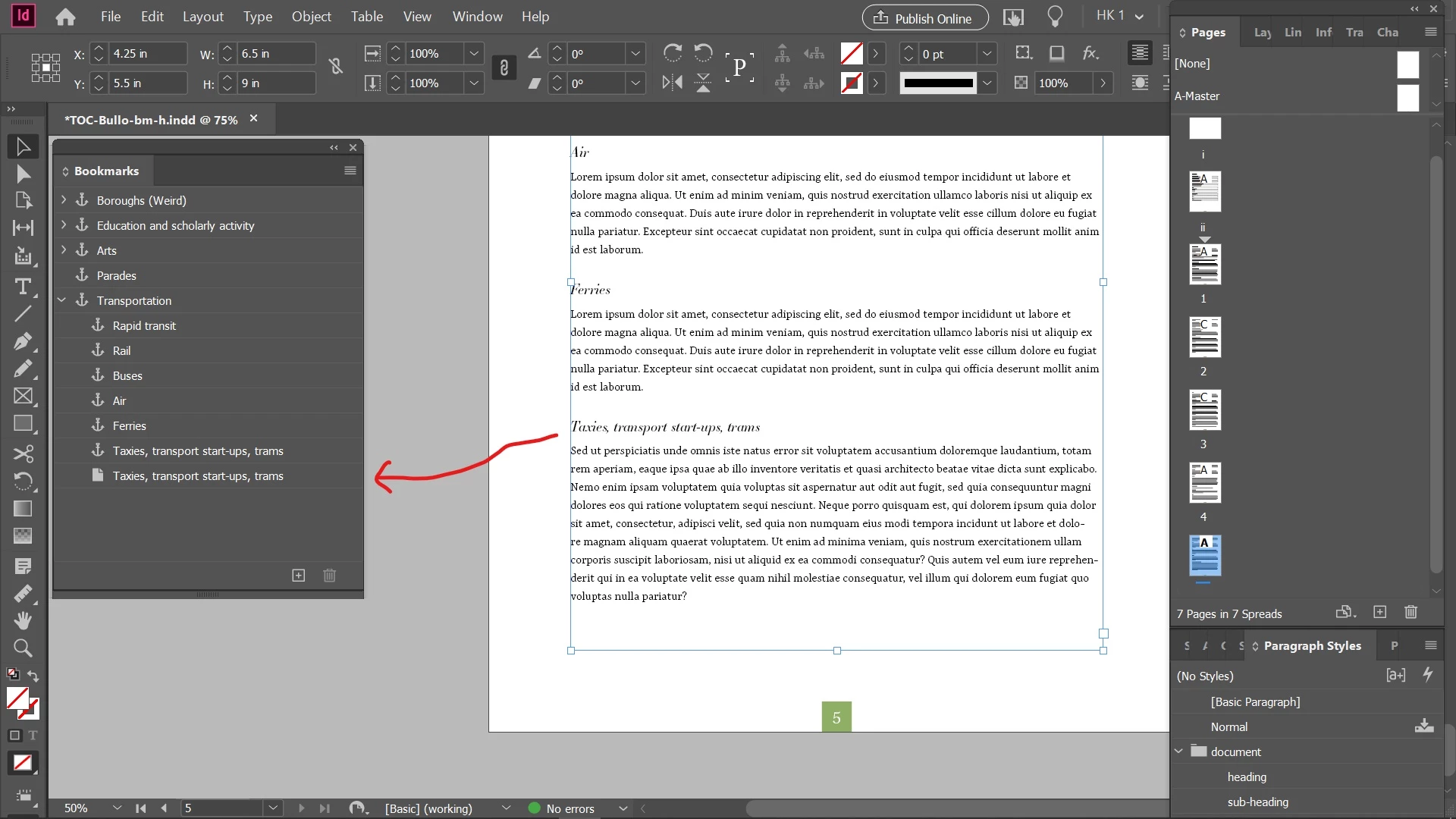
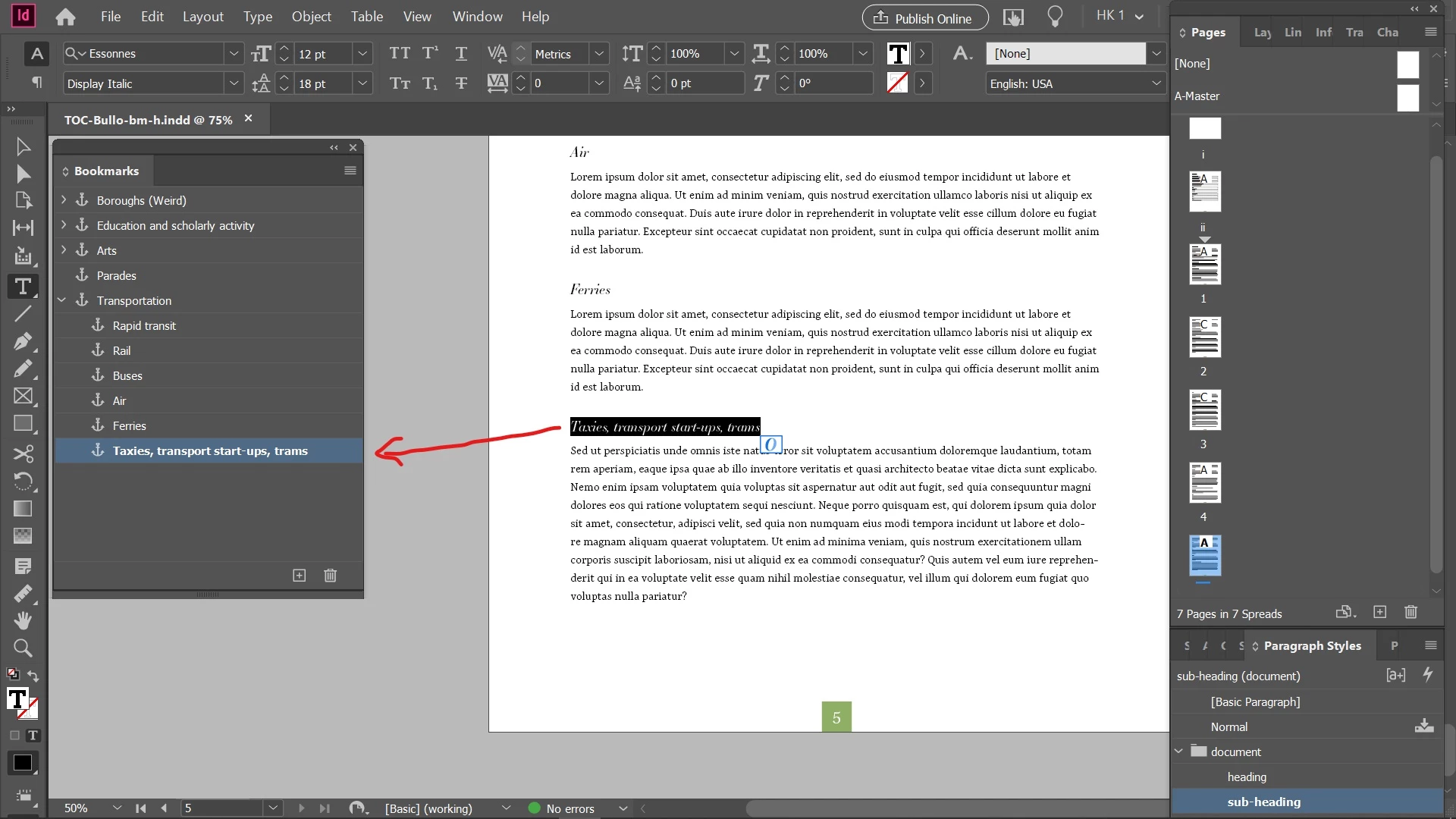
Have a close look at the icons next to the text within the Bookmarks panel. The anchor icon represents a text bookmark that points to a specific piece of text while the page icon represents a page bookmark that points to a specific page.

2 replies

Community Expert
January 10, 2020

Hi Hosun,

in essence there can be three* different destinations in bookmarks:


Hyperlink Text Destination

Points to text in the same document.


Hyperlink Page Destination

Points to a page in the same document.


Hyperlink External Page Destination

Points to a page in a different InDesign document.


There are three different icons for the three different destinations:


* For scripters: In DOM documentation there is a fourth destination listed and that is Page.

If I am using Page as destination the result can only be a Hyperlink Page Destination, a page in the same document as the added bookmark.


Regards,
Uwe Laubender

( ACP )


Michael Bullo
Community Expert
Michael BulloCommunity ExpertCorrect answer
Community Expert
January 10, 2020

Have a close look at the icons next to the text within the Bookmarks panel. The anchor icon represents a text bookmark that points to a specific piece of text while the page icon represents a page bookmark that points to a specific page.