
Answered
Button to add rows to a table.
Is there a way to put a button into an Adobe InDesign that will add rows to a table and move all content below that table down?

Is there a way to put a button into an Adobe InDesign that will add rows to a table and move all content below that table down?
I wasn't aware forms could be modifed at the Reader level, even if built using LiveCycle. I guess there may be a solution, then. 😛
—
Here is an example of some things Designer can do, including adding and deleting rows. (This is as a user in Acrobat.)
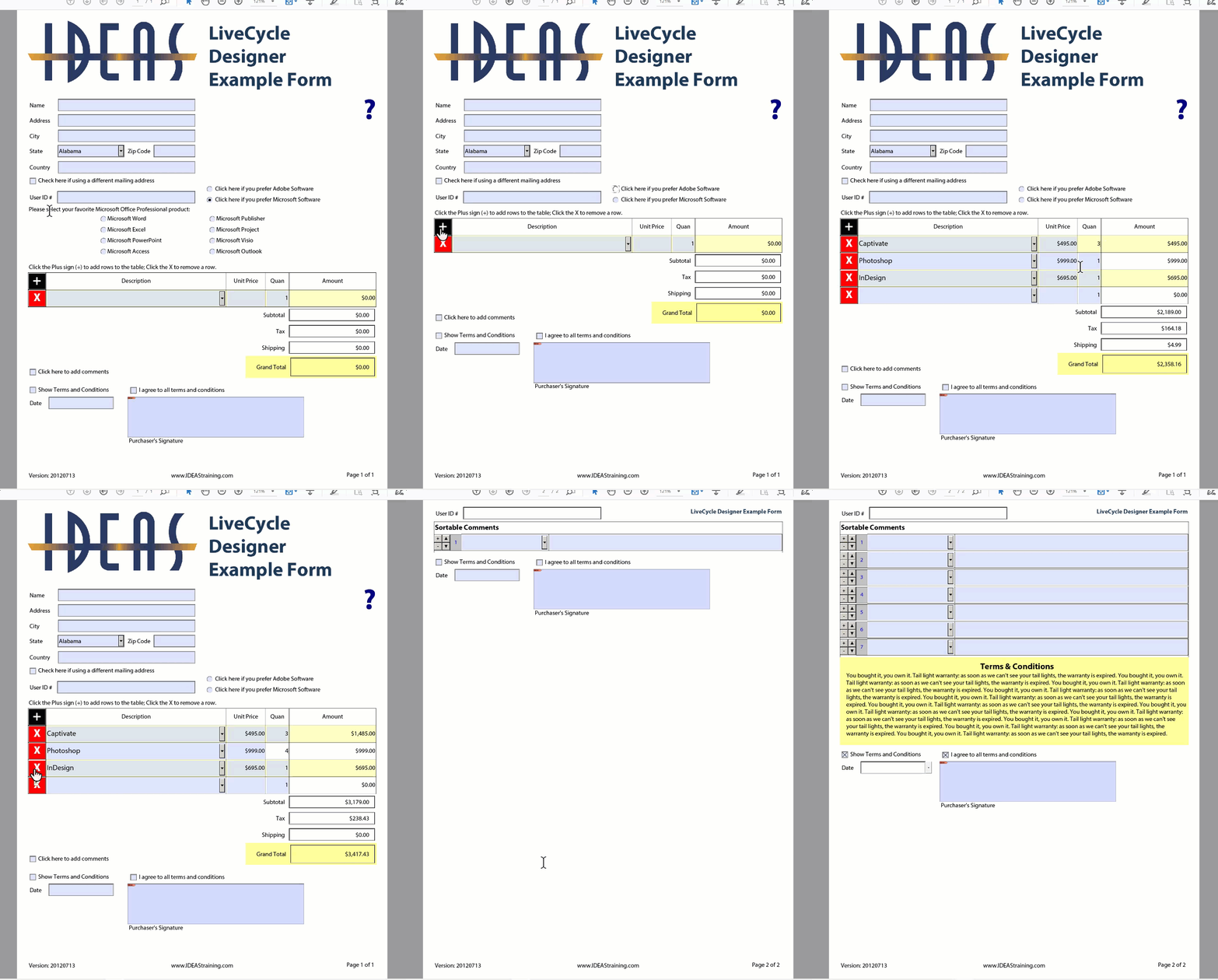
Added: Designer has real tables in it unlike Acrobat; and it can perform Excel-like calculations.
Already have an account? Login
Enter your E-mail address. We'll send you an e-mail with instructions to reset your password.
 AdChoices