

chuzz72
Inspiring
July 20, 2017
Question

Can I view zoomed out InDesign documents as a grid?

  • July 20, 2017
  • 3 replies
  • 3169 views

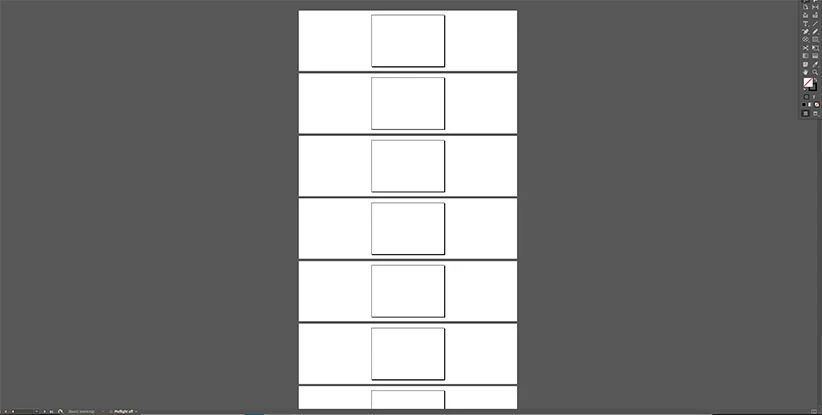
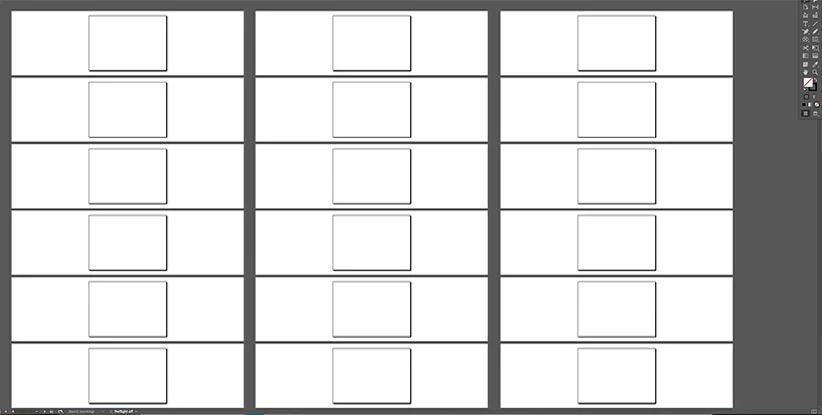
When I zoom out of a 40pp Indesign document the view on screen is one long column. What I'd like to see is all the pages grouped (in order) horizontally and vertically in a grid pattern as oppose to one long column.

Is Indesign capable of such a view? I think this could be a real asset to have.

What I view on my monitor when zoomed out…
How I want to view my document…
Any help or a solution would be great.

Thanks in advance.

This topic has been closed for replies.

3 replies

Geоrge
Legend
July 21, 2017

What's up?

See my screenshot:

Just do "new window":

P.S. Yes, you need to arrange "by hands" pages and do equal scaling in the windows, but this is not so big problem. IMHO

Remember, never say you can't do something in InDesign, it's always just a question of finding the right workaround to get the job done. © David Blatner
sharp_hands16B8
Community Expert
Community Expert
July 20, 2017

Sort of like a "Slide Sorter" in a presentation application? Is that what you're going for? When I have had ID files that I need to rearrange, or duplicate plages, throughout I end up doing in Acrobat PDF after words. It's easier to look at the pages tray on the side. Drag it out, and now I see it like a Slide Sorter view which I can then rearrange, copy and paste, etc...

chuzz72
chuzz72Author
Inspiring
July 21, 2017

Hi Mark,

Thanks for your reply. Not just a page order configuration –  "I'd need to be able to edit select/copy/cut/paste/delete throughout the document…" Not the pages but individual elements on the pages.

TᴀW
Legend
July 20, 2017

You can get quite close: Open the pages panel as wide as it will go. Set the view to '"horizontal" (View Pages > Horizontally), and the thumbnail size to "Jumbo" (Panel Options > Pages size). You don't see the pasteboard this way though, but you do see the pages.

Ariel

PS If you save this as a custom workspace, you can quickly switch to this "plan" view and back...

id-extras.com | InDesign tools & scripts for typesetters, form designers, and translators
chuzz72
chuzz72Author
Inspiring
July 20, 2017

Hi Ariel,

Thanks for your idea, I can see what you mean…

Unfortunately it doesn't quite solve why I need the grid view. I'd need to be able to edit select/copy/cut/paste/delete throughout the document and the Pages panel is just a preview.

Cheers

Martin

TᴀW
Legend
July 20, 2017

Right -- the only thing you could do this way is to rearrange pages...

The only other idea I have is to open several windows (Arrange > New Window), and then choose one of the tiling options, so you can have multiple views of your document open simultaneously...

Ariel

PS Is Chuzz short for Chuzzlewit by any chance? :-)

id-extras.com | InDesign tools & scripts for typesetters, form designers, and translators