
Participant
February 22, 2020
Answered

Can't add Pathfinder to InDesign workspace?

  • February 22, 2020
  • 2 replies
  • 2502 views

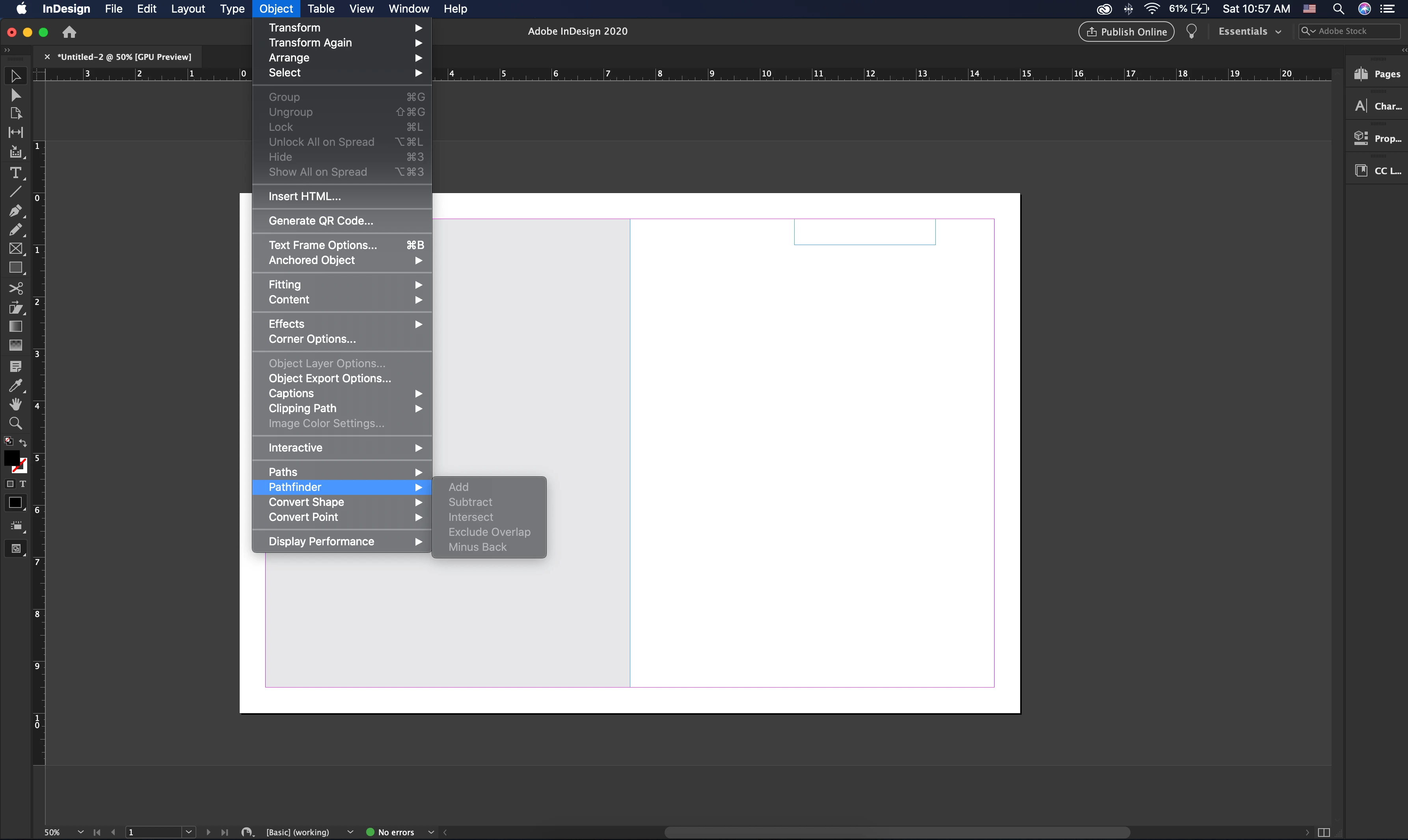
Hi, all! I recently downloaded InDesign to my new laptop and I'm setting up my workspace. For some reason, Pathfinder isn't its own panel anymore and I can't add it to my workspace. Not sure why this is! I can easily use pathfinder if I open Object > Pathfinder, but it's much more convenient if it's out in my workspace. Anyone know if this is a bizarre update or something? Please help!
 

This topic has been closed for replies.
Correct answer jonathanl43674249

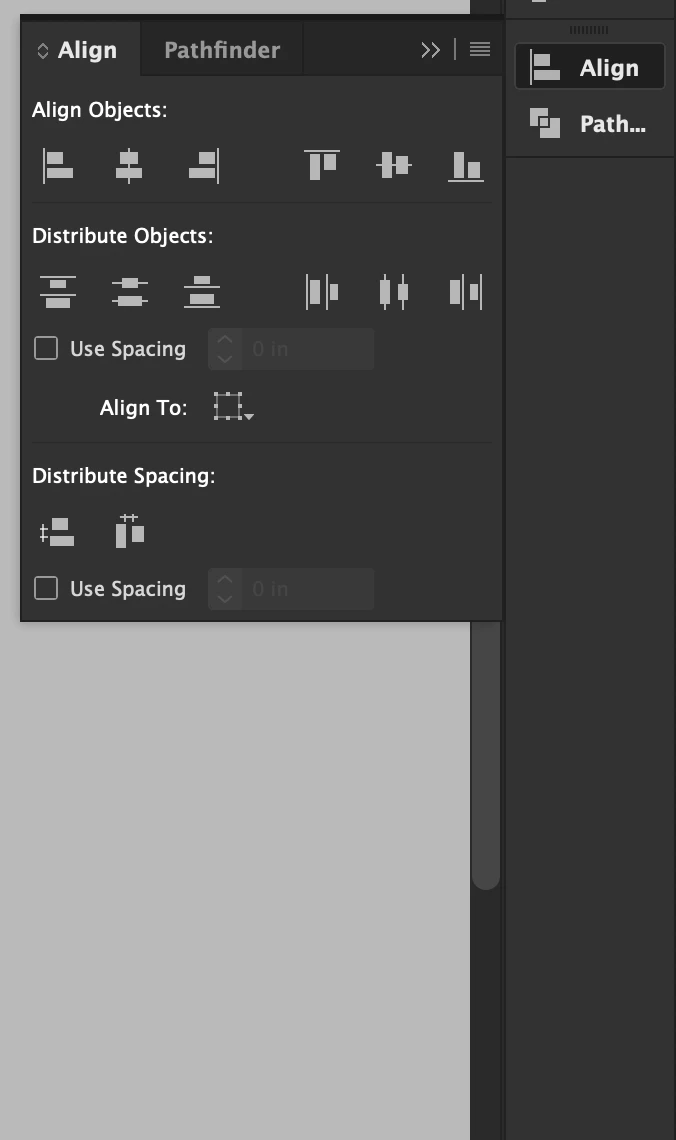
Nevermind! I found it! It's included in the Align panel.


2 replies

Colin Flashman
Community Expert
Community Expert
February 23, 2020

Just to add to the post, if you want a quicker way to get to some pathfinder options, have a look at this post over at Silicon Publishing by Ole Kvern where he has made a startup script that adds pathfinder options to the contextual menu: https://www.siliconpublishing.com/blog/2014/01/indesign-scripting-baby-steps

If the answer wasn't in my post, perhaps it might be on my blog at colecandoo!
jonathanl43674249AuthorCorrect answer
Participant
February 22, 2020

Nevermind! I found it! It's included in the Align panel.