
Participant
January 26, 2023
Answered

Can't Edit Text and can't find it in layers tab

  • January 26, 2023
  • 1 reply
  • 850 views

Hello, I'm currently working on making a quick branding booklet for my company. I found a great-looking free template online as a start. Although I'm quite familiar with Photoshop, I'm new to InDesign.


I'm able to add text, edit text, and change pictures and colours of basically everything. Apart from the certain text that appears on multiple pages, I've tried to look for it in every layer tab on every page and cannot find it. However, when I hide the 'text' layer, it also hides the text, which is so confusing. 
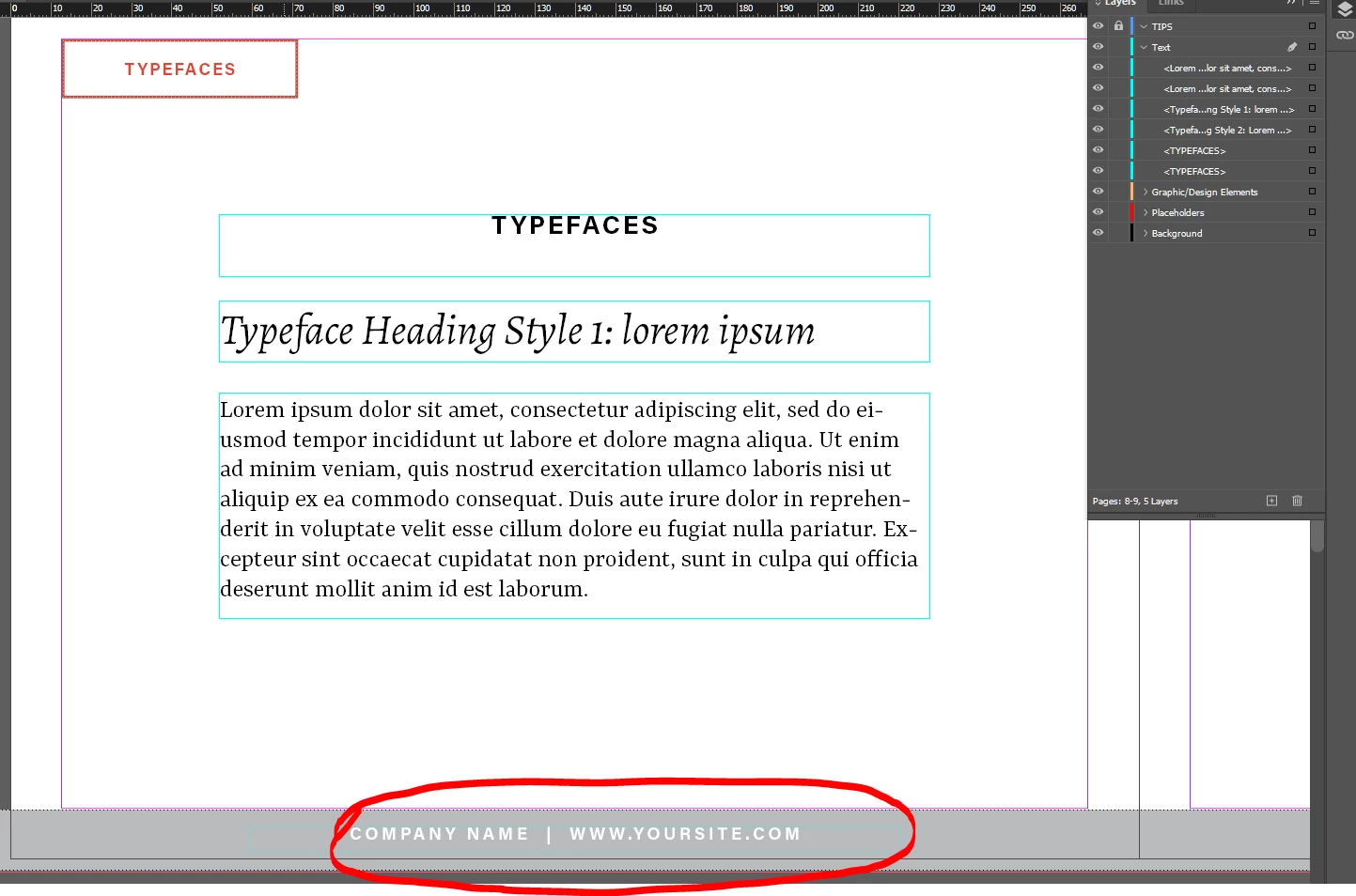
 

Here you can see all the text on the page and the layers that are visible.
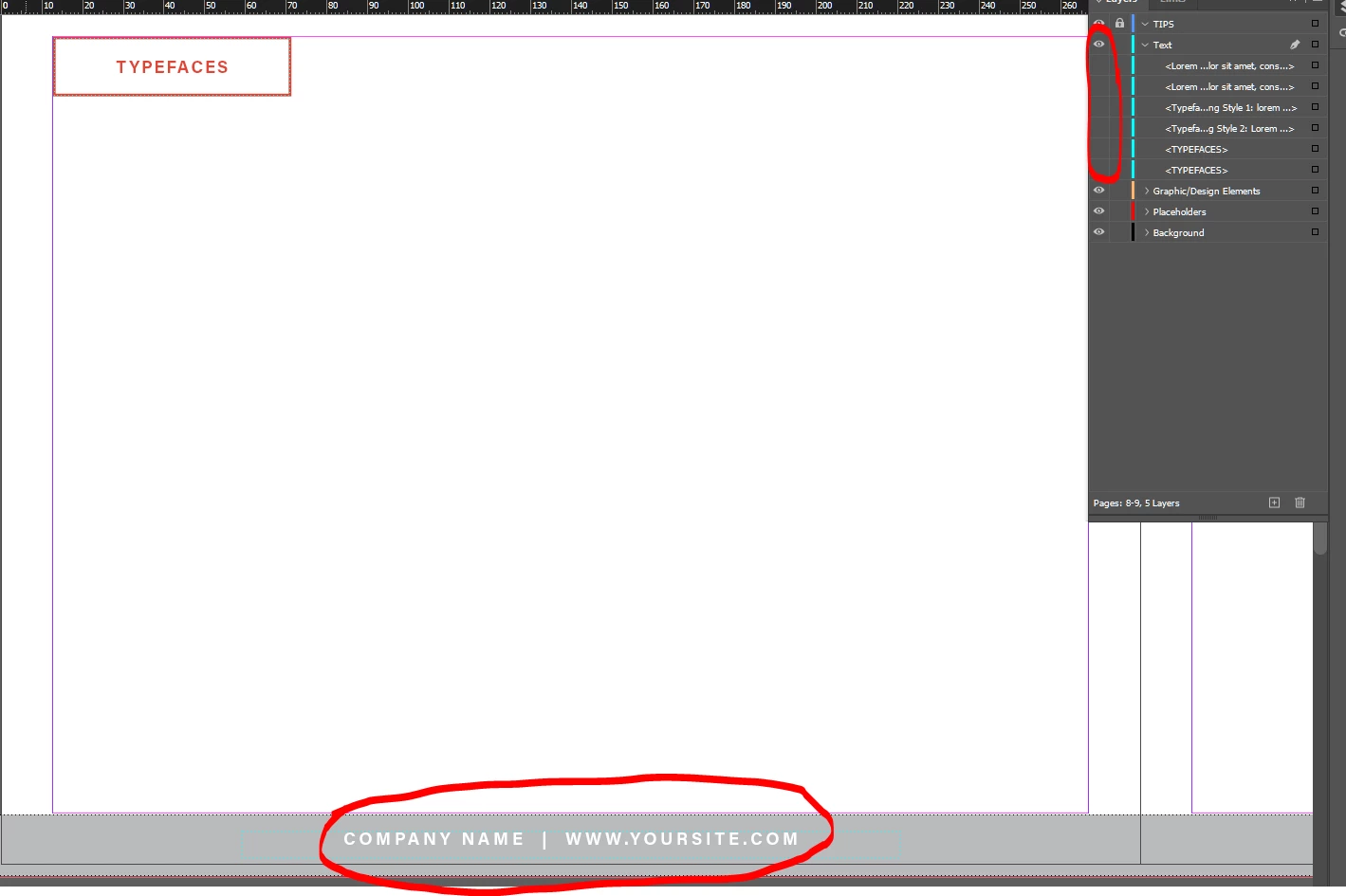
Once I hide all the text on the layer everything hides except the text I'm on about.
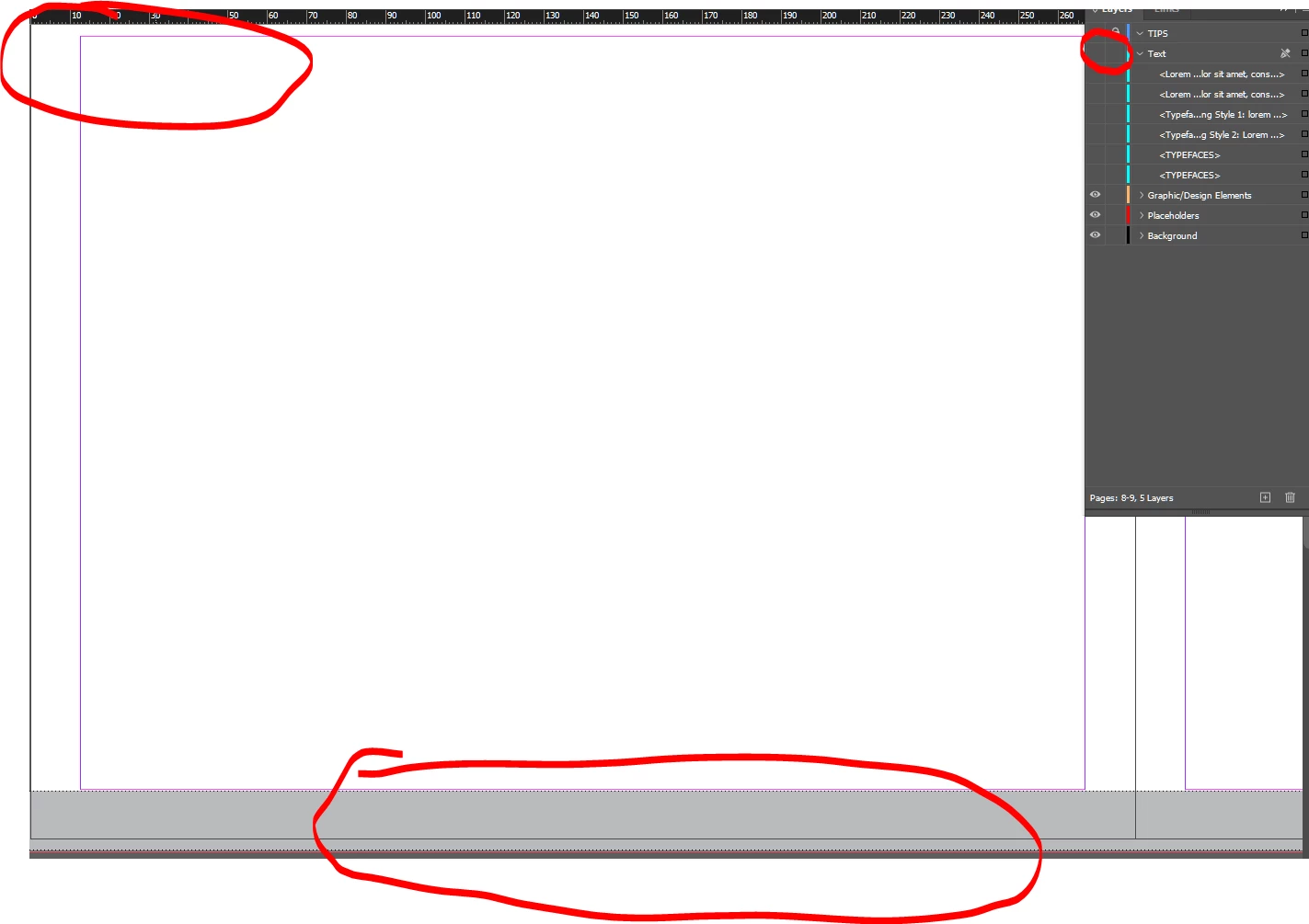
If I hide the entire layer it goes away,. leading me to believe it's somewhere in this layer I just can't find it.


This topic has been closed for replies.
Correct answer Michael Bullo

Yes. Double click on a Parent page to edit it. A few things to keep in mind…

  1. Any changes you make to the Parent page will show on pages that the Parent page is applied to.
  2. Keep an eye on the scroll bar to the right of the Parent pages. You have more Parent pages than you can currently see.
  3. Your layer structure also exists on Parent pages. So open your Layers panel and watch out for locked layers.

1 reply

Michael Bullo
Community Expert
Community Expert
January 26, 2023

Have a look into Parent pages. These can be found at the top of the Pages panel. Until recently, Parent pages were known as Master pages. Happy to answer any specific questions you might have.

WESTFPAuthor
Participant
January 26, 2023

Here?


Michael Bullo
Community Expert
Michael BulloCommunity ExpertCorrect answer
Community Expert
January 26, 2023

Yes. Double click on a Parent page to edit it. A few things to keep in mind…

  1. Any changes you make to the Parent page will show on pages that the Parent page is applied to.
  2. Keep an eye on the scroll bar to the right of the Parent pages. You have more Parent pages than you can currently see.
  3. Your layer structure also exists on Parent pages. So open your Layers panel and watch out for locked layers.