
Question
Can't remove white space around printed document
Hi all,
I am currently trying to print out out a sticker document that needs to be precise. There are 24 circles on the A4 paper, I used some green marks to see if the printer was even close to correct, which it's not because I can obviously see some white space when printed.
In my PDF I can see nothing wrong, so I'm not sure if it's my PDF or printer? I'm currently using an old printer but just for testing, I'm supposed to be using a Brother mfc-j5720dw but as I said I will be using it when I'm 100% sure it works as I'm testing right now.
Will be showing some images of my InDesign document, if it helps!
Woud love to hear if anyone knows how to fix this!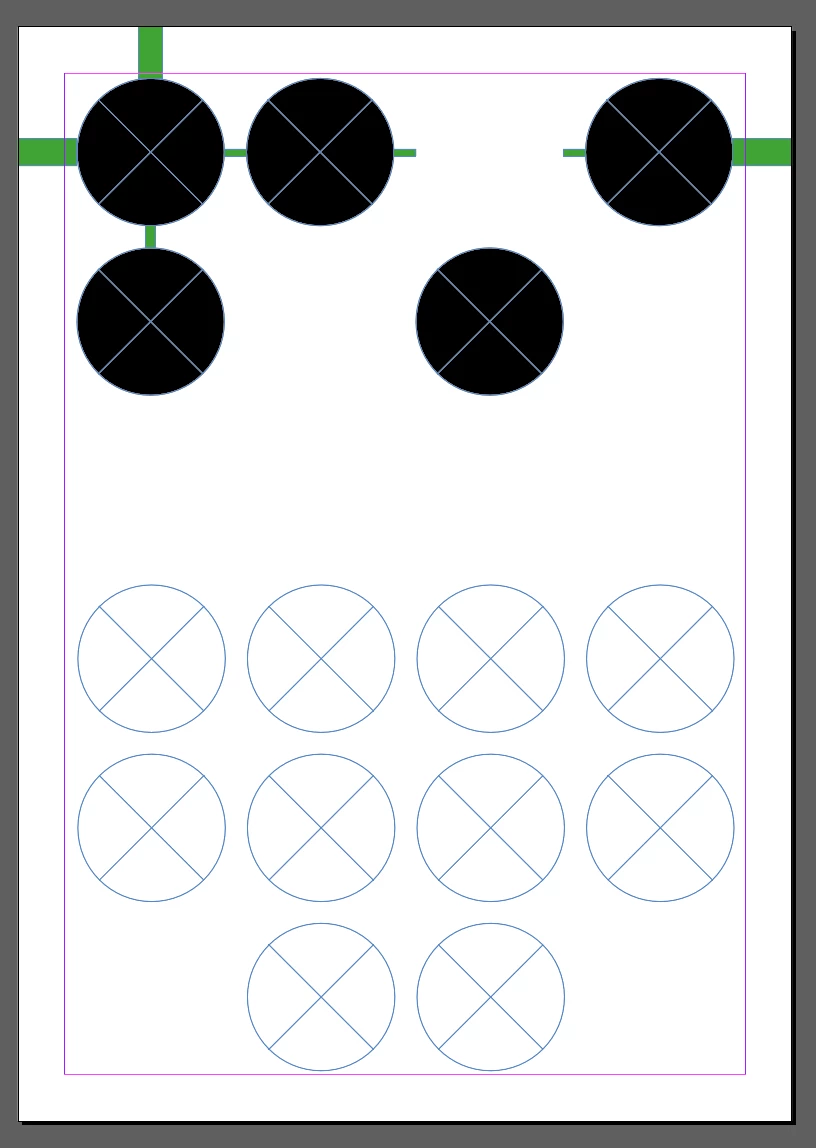

 AdChoices