

Can't use Keyboard Shortcut right after opening indd files
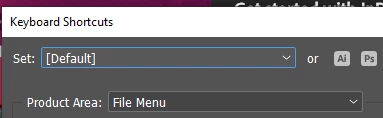
Hello, I've been having problem where I couldn't use any Keyboard Shortcut right after I open any InDesign file. This is happening to all kind of shortcuts built in or created by me. Changing the Default set shortcut or Custom set is also doesn't help.
The solution I have found is either I click anywhere outside the InDesign window and click back the InDesign then the Keyboard shortcut is work again. Or simply pressing ALT+TAB twice or SHIFT+ALT+TAB if I have multiple program running. Pressing windows button and then press the windows also works. The idea is to go out from InDesign and back to InDesign again so I can use any shortcut again while the file still open.
If I close the file and open another file then I have to ALT+TAB ALT+TAB again in order to use the shortcut. Seems like simple solution but it frustate me as it wasn't like this before.
I am using the latest InDesign 18.3 and latest CC. My keyboard and mouse is regular wired one without macro whatsoever. I encountered the same issue in two different PC already. Please see this video to give you better understanding.
Any kind of help is greatly appreciated. Thank you very much.
 AdChoices