
Participant
August 14, 2020
Answered

Can you create InDesign templates from either MS Word or PDF documents?

  • August 14, 2020
  • 2 replies
  • 1756 views

I frequently need to create proposals using a form (the SF330 form to be precise). The version I have in InDesign is out of date and I'd like to have a version using the latest SF330. It is freely available as a PDF, a fillable form PDF, and a MS Word document. I only find paid resources for an InDesign version. My question is: can I take a PDF or Word document and create a solid template in InDesign from it? I've attached it for reference - it would be a beast to recreate on my own!
This topic has been closed for replies.
Correct answer Steve Werner

Short answer: No, you couldn't automate the process of converting that PDF to an InDesign file. Either you rebuild it yourself or you pay someone to do it for you.


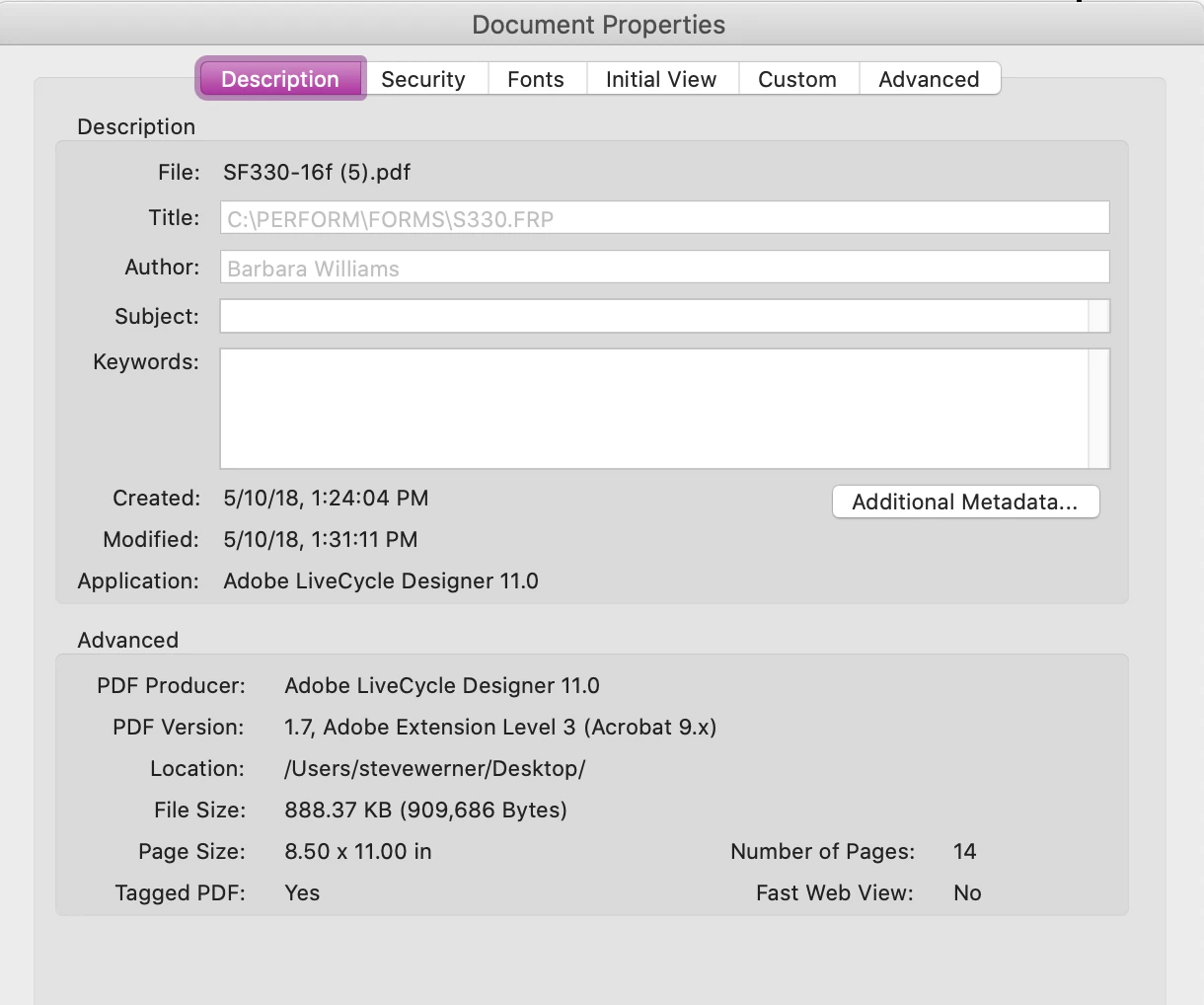
To support this, I looked at how the PDF was created: Lifecycle Designer. There is no direct conversion, nor any translation software which go from the original to InDesign.


2 replies

Community Expert
August 14, 2020

You can't do it in InDesign without 3rd Party Software

But Affinity Publisher allows you to open a PDF and make changes etc. 


Steve Werner
Community Expert
Community Expert
August 14, 2020

Given that it includes a variety of formats, including forms, there would be a lot of re-work even if you could open it with Affinity, or one of the PDF translation software products like PDF2ID from Recosoft. They're doing a translation.

Steve Werner
Community Expert
Steve WernerCommunity ExpertCorrect answer
Community Expert
August 14, 2020

Short answer: No, you couldn't automate the process of converting that PDF to an InDesign file. Either you rebuild it yourself or you pay someone to do it for you.


To support this, I looked at how the PDF was created: Lifecycle Designer. There is no direct conversion, nor any translation software which go from the original to InDesign.