
peterr82291792
Known Participant
July 27, 2017
Answered

can you hang bullet points?

  • July 27, 2017
  • 2 replies
  • 18189 views

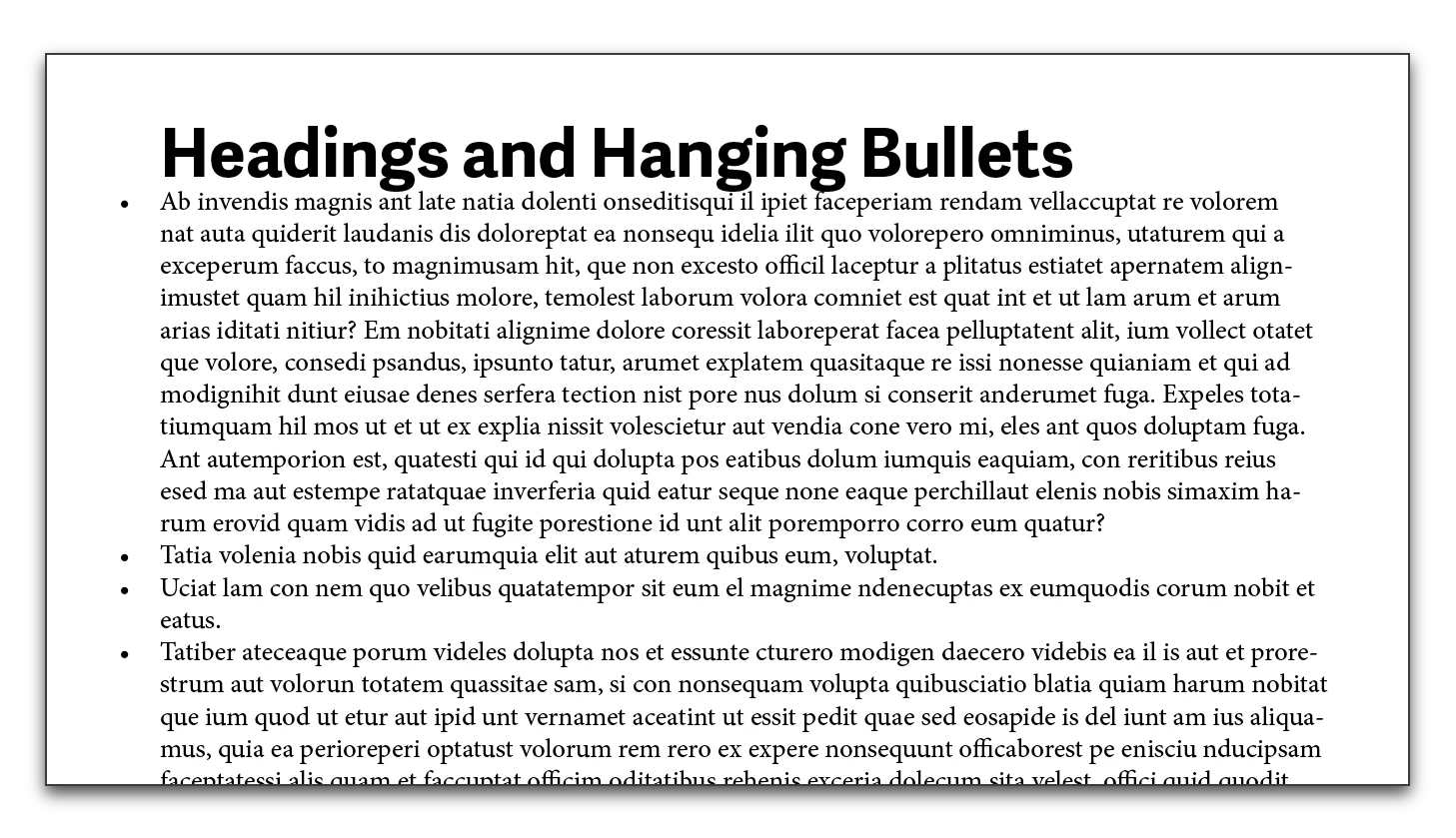
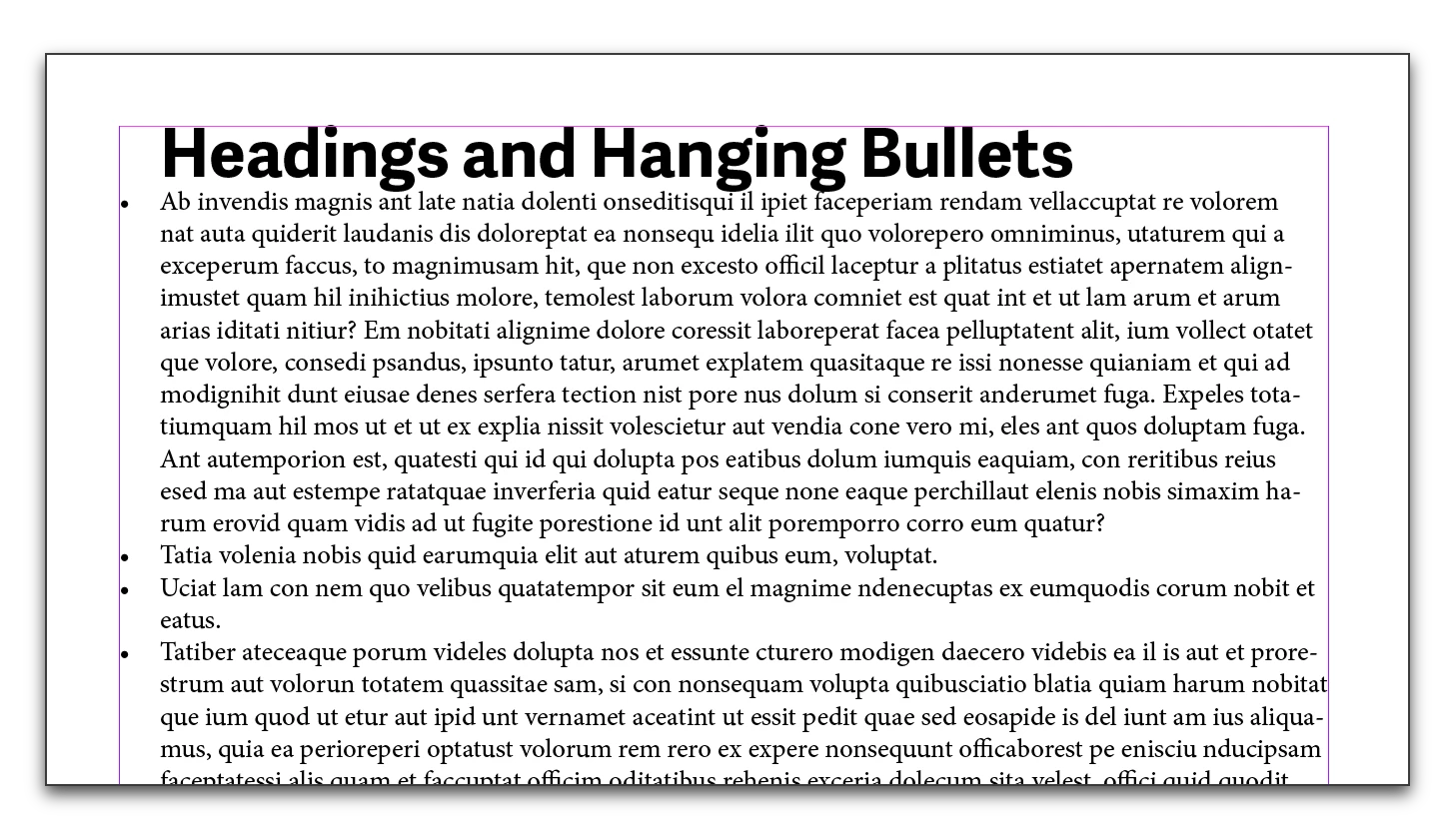
I have a heading and bullet points following. I need to have the text of the bullet points line-up with the heading and have the bullets hang out on the left. I tried hanging punctuation using the story pallet but it doesn't line-up properly. Is there an easy way of dong this with out using indents in the tabs panel. Thanks.
This topic has been closed for replies.
Correct answer Barb Binder

This is the look you want?

You can't use the story panel to hang bullets, so:

  • Set up bullets with a hanging indent
  • Adjust the margins to control the bullet position
  • Add a left indent everything else
  • Use styles so that it is painless

2 replies

Barb Binder
Community Expert
Barb BinderCommunity ExpertCorrect answer
Community Expert
July 27, 2017

This is the look you want?

You can't use the story panel to hang bullets, so:

  • Set up bullets with a hanging indent
  • Adjust the margins to control the bullet position
  • Add a left indent everything else
  • Use styles so that it is painless

~Barb at Rocky Mountain Training
peterr82291792
Known Participant
July 27, 2017

Yes that's how I would usually do it, but what if you are working in columns? I was hoping for a results like the quote marks in the attachment where the bullets would end up on the out side of the text box that way it will work when doing it in columns. Hope that makes sense.

Barb Binder
Community Expert
Community Expert
July 28, 2017

well it would be easier if it was in english guess I could figure it out.


OK! In my defense, I was not wrong, you cannot hang punctuation with the Story panel.

But here comes Obi-Wan (who refuses to be limited by any software features or lack there-of, ever) to the rescue.

Peter: he is setting up a numbered list, but using a bullet and using a negative tracking value to push the bullet out of the frame. I am literally on my way out the door for the weekend, but here it is in English.

Add a thin space, a bullet and a tab for the number style, and a tab position. (You will have to play with the tab position.) Remove the default Left and First line indents.

Create a character style (you can create it while you in the in the numbering dialog box above) and set the style and the negative tracking. You will have to play with those numbers as well.

I'm unplugging for the weekend—can't wait to see how this unfolds.

~Barb at Rocky Mountain Training
amaarora
Inspiring
July 27, 2017

Hi,

While setting indent spacing in the paragraph style having bullets is the most appropriate and flexible way to generate hanging bullets, there is tet another way to have a hanging bullet effect.

I will just post the link to the instructions Control the Indent of a Bulleted List in InDesign - Webucator Blog

-Aman

peterr82291792
Known Participant
July 27, 2017

Yes that is the one way I do it depending on the situation. The brand Im working with says to have all the text lined up like headings, body copy and bullets with the bullet points hanging outside on the left but not sure how to do this, at least not as easy as you can hang quote marks by using the story pallet.