
Cannot open because it was saved with a newer version of Adobe InDesign?
Hello!
Background:
I'm working with files, arranged in a folder by chapter, that were originally created in InDesign CC. I only own InDesign CS6, so I had a friend with CC backsave the original .indd files to .idml so I could work with them in CS6. The conversion seems to have gone well.
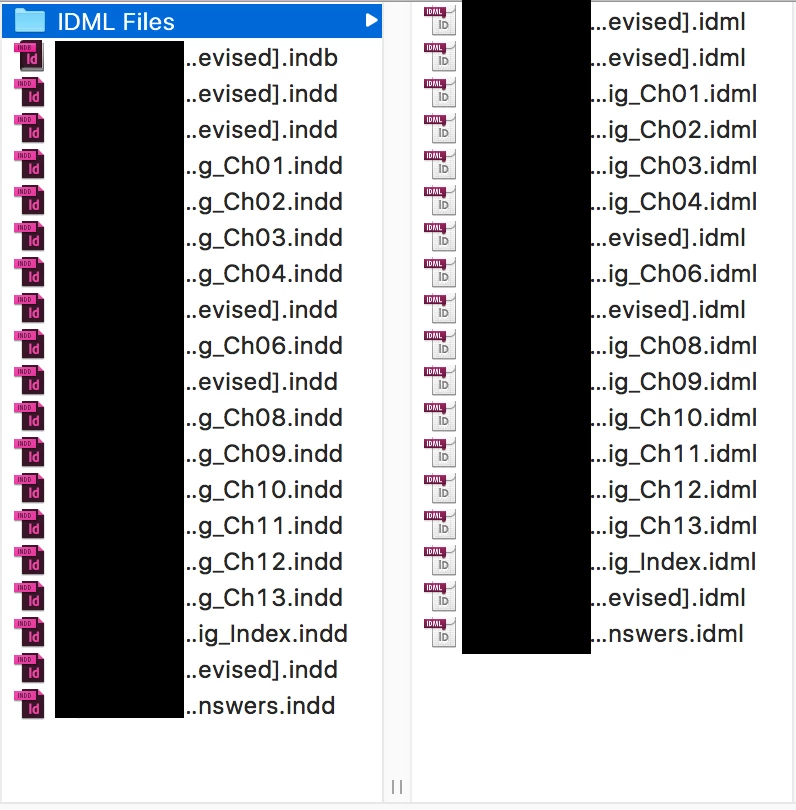
Problem:
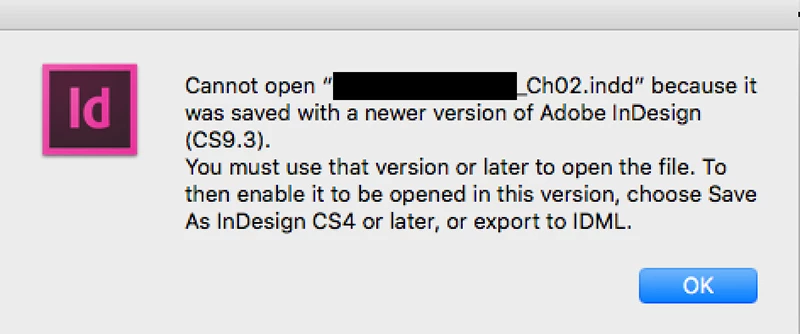
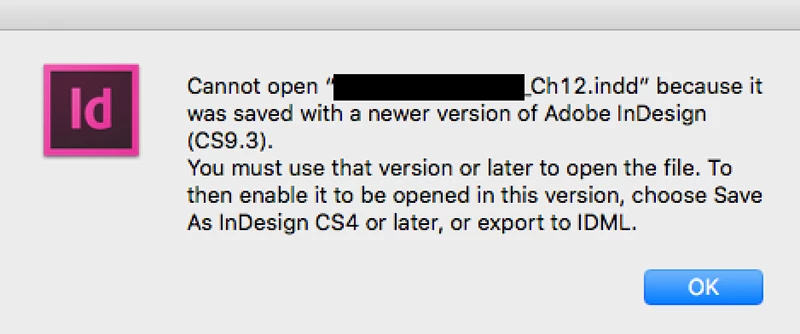
When I try to open some files, I get multiple pop-ups referencing other chapter files with the message:
"Cannot open [filename] because it was saved with a newer version of Adobe InDesign (CS9.3)".
These referenced file, however, are not the files I opened.
For example, if I choose to open Chapter 10, I get popup messages telling me that Chapter 02 and Chapter 12 cannot be opened since they were saved with a newer version of Adobe InDesign.
The good thing is after clicking through about 2/3 of these popups, the file I want finally opens. And it appears to have all of its components intact.
My fear is that I'm missing something, that some of these files are somehow linked to other chapters in the original (before conversion) folder. And that it may affect some content later on down the road. But maybe I'm just ignorant to the workings of InDesign.
Question:
I'm hoping someone might clarify if this (me opening one file, only to get error messages about other files) is a result of all the files being inextricably linked in some way or another. And if so, how might I proceed in changing their association from the original .indd files to the converted .idml files?
Thank you in advance!
 AdChoices