Exit
  • Global community
    • Language:
      • Deutsch
      • English
      • Español
      • Français
      • Português
  • 日本語コミュニティ
  • 한국 커뮤니티
0

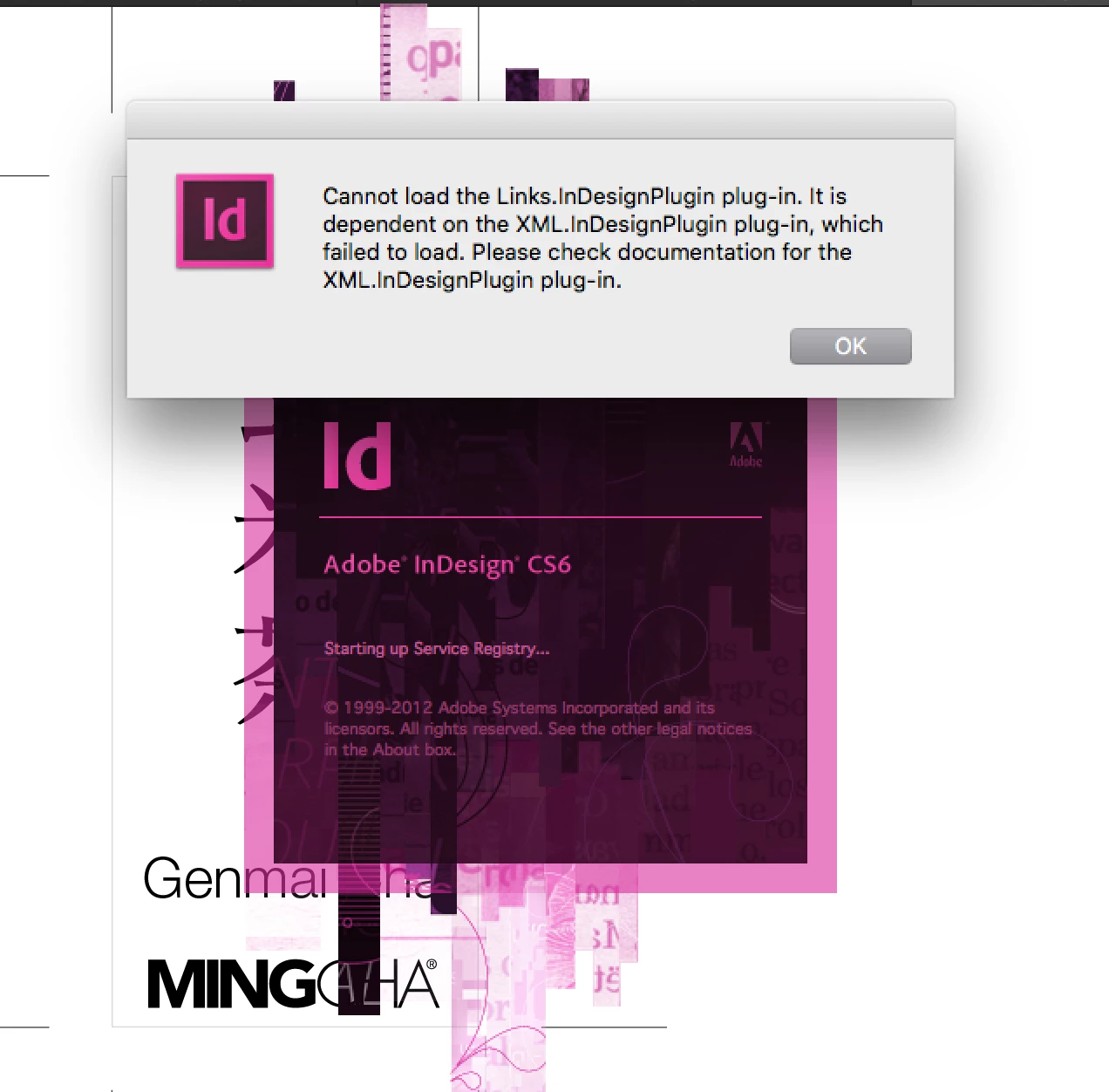
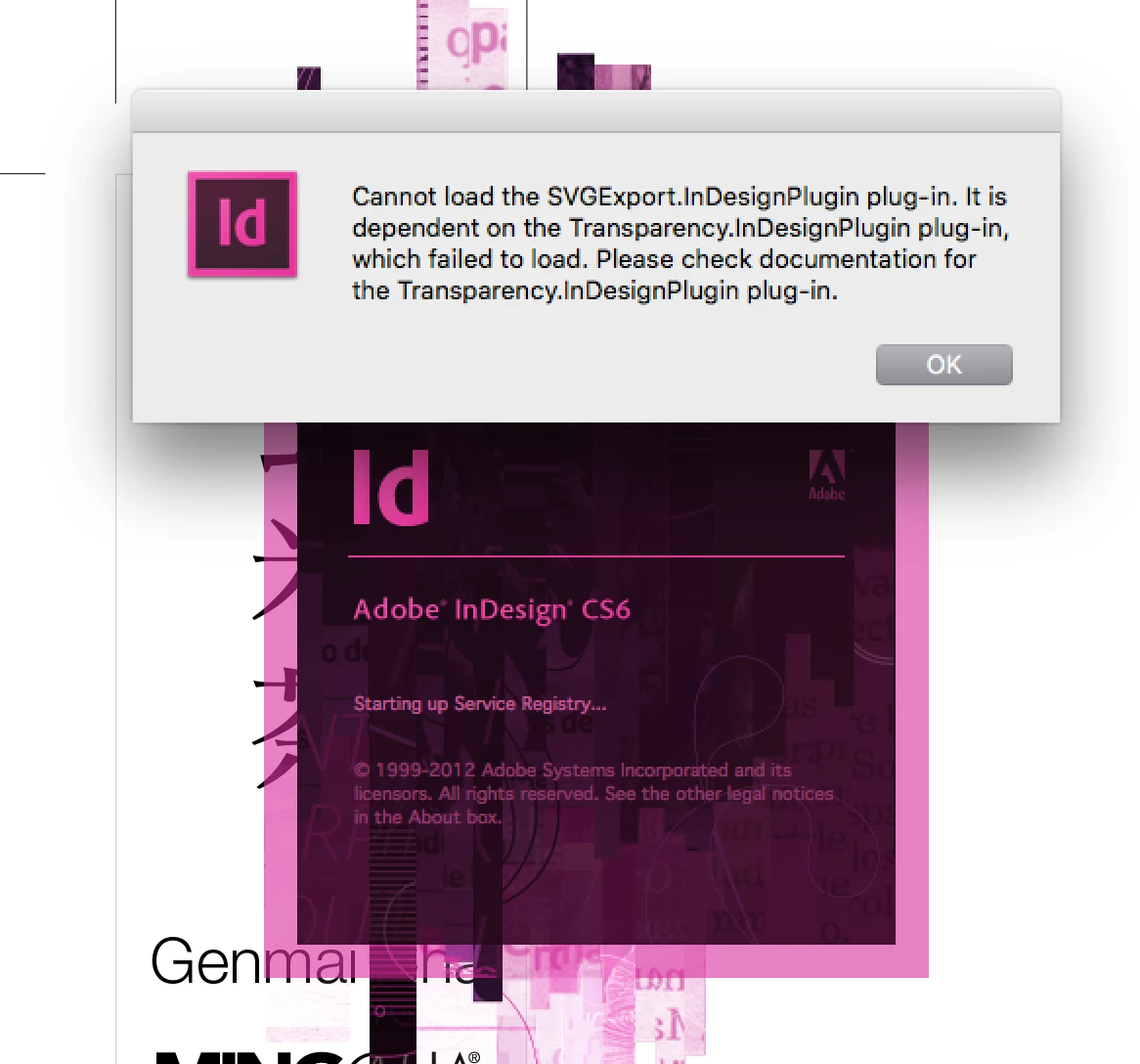
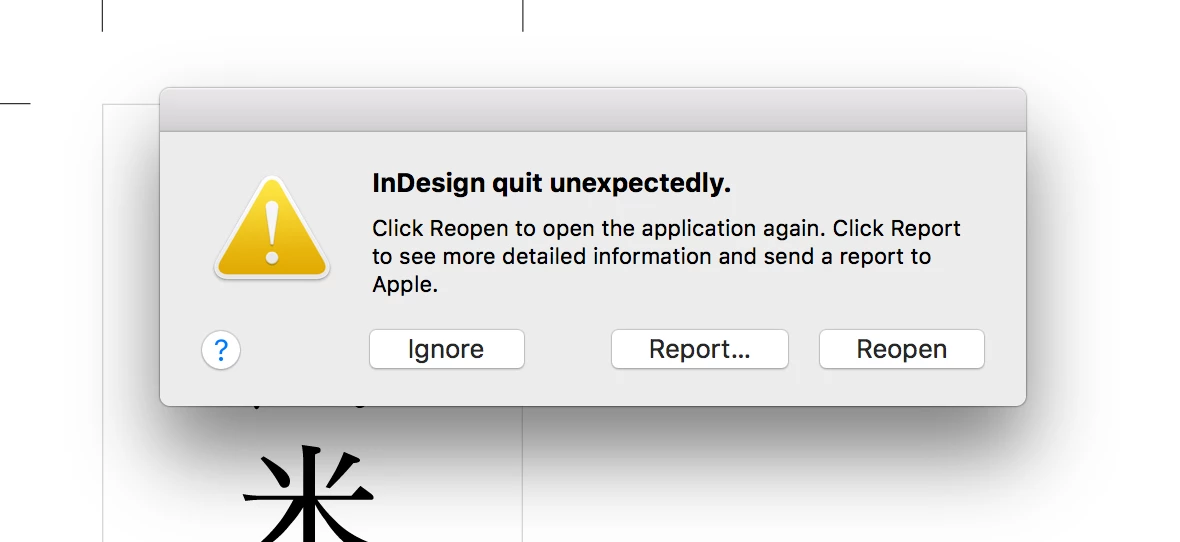
Cannot open Indesign CS6

New Here ,
Dec 26, 2019 Dec 26, 2019

I can't open my Indesign CS6 after updated the macOS into macOS High Sierra version 10.13.6.

Any solution?
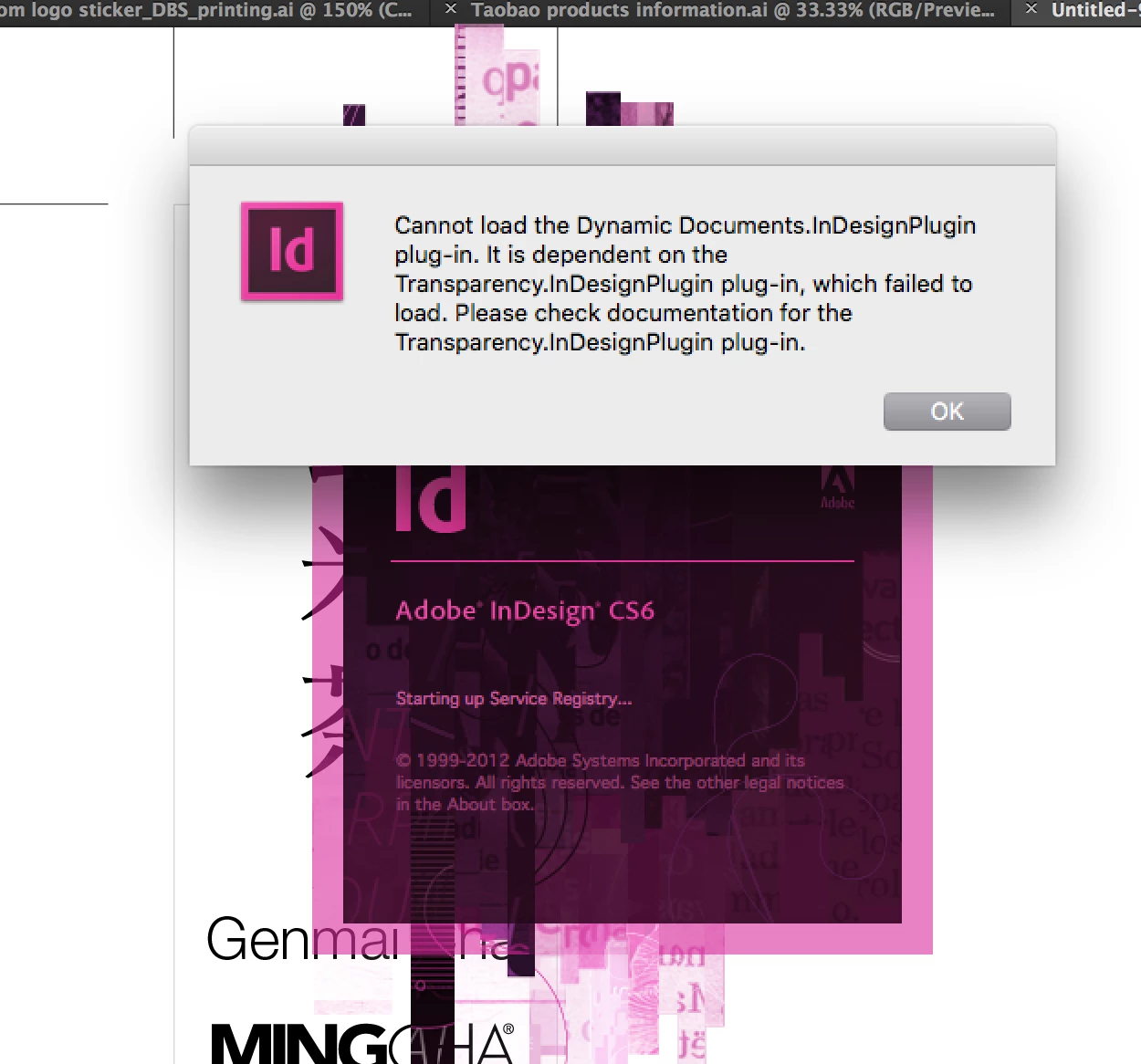
 

Screen Shot 2019-12-20 at 6.02.43 PM.pngScreen Shot 2019-12-20 at 6.02.54 PM.pngScreen Shot 2019-12-20 at 6.02.49 PM.pngScreen Shot 2019-12-20 at 6.03.06 PM.png

TOPICS
Bug , How to
532
Translate
Report
Community guidelines
Be kind and respectful, give credit to the original source of content, and search for duplicates before posting. Learn more
community guidelines

correct answers 1 Correct answer

Community Expert , Dec 27, 2019 Dec 27, 2019

To get CS6 to run on High Sierra you have to drop back to Java 6. Here is the Apple support page with a download link:


https://support.apple.com/kb/DL1572?locale=en_US


But is looks like you are missing plugins. Try dropping back to Java 6 and if that doesn’t work reinstall CS6

Translate
Community Expert ,
Dec 26, 2019 Dec 26, 2019

InDesign CS6 is not supported on Sierra, although some people say they have been able to make it work. You could try resetting preferences or running the Adobe CC Cleaner Tool. You may need to use an older OS.

Translate
Report
Community guidelines
Be kind and respectful, give credit to the original source of content, and search for duplicates before posting. Learn more
community guidelines
Participant ,
Dec 27, 2019 Dec 27, 2019

Hey there, clear all prefrences and reinstall the InDesign.

Translate
Report
Community guidelines
Be kind and respectful, give credit to the original source of content, and search for duplicates before posting. Learn more
community guidelines
Community Expert ,
Dec 27, 2019 Dec 27, 2019

And what exactly do you think that will do? CS6 on anything later than 10.10 is a crapshoot...PERIOD!

Translate
Report
Community guidelines
Be kind and respectful, give credit to the original source of content, and search for duplicates before posting. Learn more
community guidelines
Community Expert ,
Dec 27, 2019 Dec 27, 2019
LATEST

To get CS6 to run on High Sierra you have to drop back to Java 6. Here is the Apple support page with a download link:


https://support.apple.com/kb/DL1572?locale=en_US


But is looks like you are missing plugins. Try dropping back to Java 6 and if that doesn’t work reinstall CS6

Translate
Report
Community guidelines
Be kind and respectful, give credit to the original source of content, and search for duplicates before posting. Learn more
community guidelines