joelw8023616
Inspiring
October 2, 2017
Pergunta

Cannot resize table cells? (Options grayed out)

  • October 2, 2017
  • 1 resposta
  • 7677 Visualizações

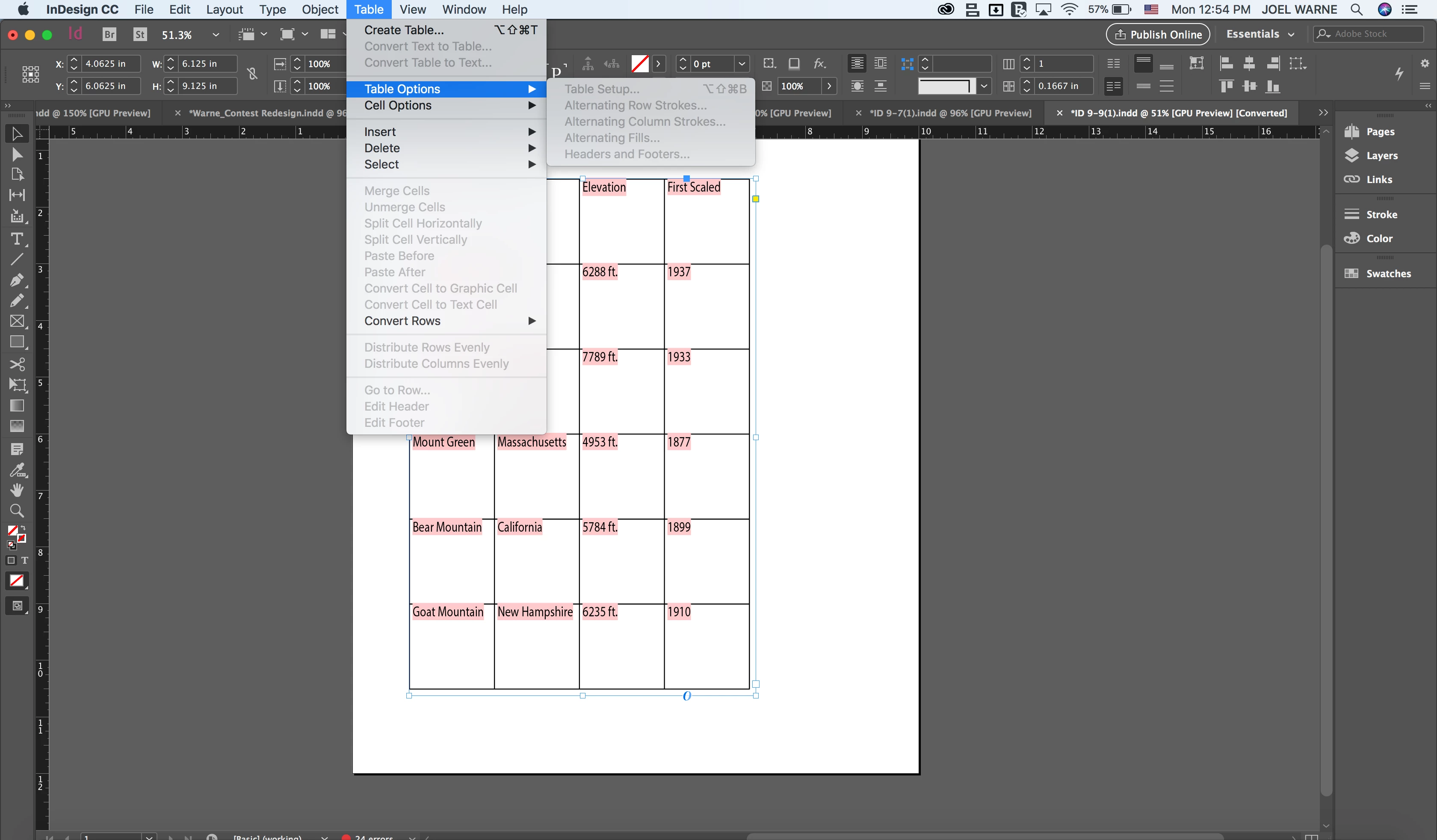
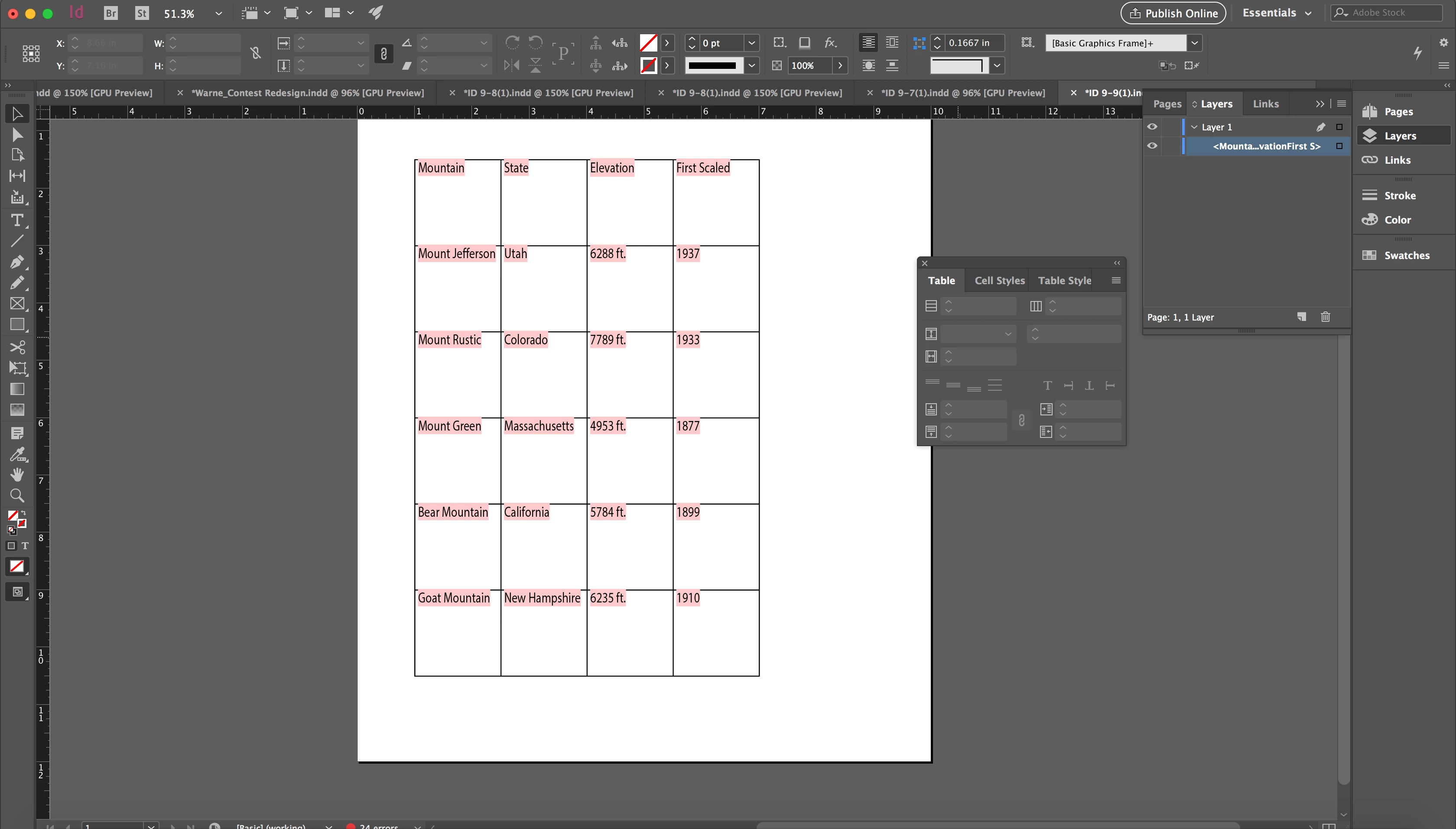
For school, I am required to change the sizes of the cells in the table identified in the screenshots. The problem is, when I select the table all table options become grayed out. Even the tables panel becomes grayed out. I cannot make any changes. The options are grayed out when I have not selected the table too.

What am I doing wrong?

Este tópico foi fechado para respostas.

1 Resposta

Barb Binder
Community Expert
Community Expert
October 2, 2017

You have to click inside the table for Table Options, and highlight the cells you want to change for Cell Options.

If you want to resize cells, use the Type tool to drag the horizontal and vertical lines. Add Shift to change all the rows or all the columns at one time.

~Barb at Rocky Mountain Training
NOVELETTE
Inspiring
June 16, 2023

Hi, I am having the same issue as the previous question above about greyed out table. It does not show with the options when I clicked on table as your response shows. This is my frst time creating a table therefore I need to know how to remove greyed out so I can make up the table.

Nove

Robert at ID-Tasker
Legend
June 16, 2023

You can't select a TextFrame the table is in - you need to switch to Text cursor and then click somewhere in the table to make it "active".