
nisa42269715
Participant
February 29, 2024
Question

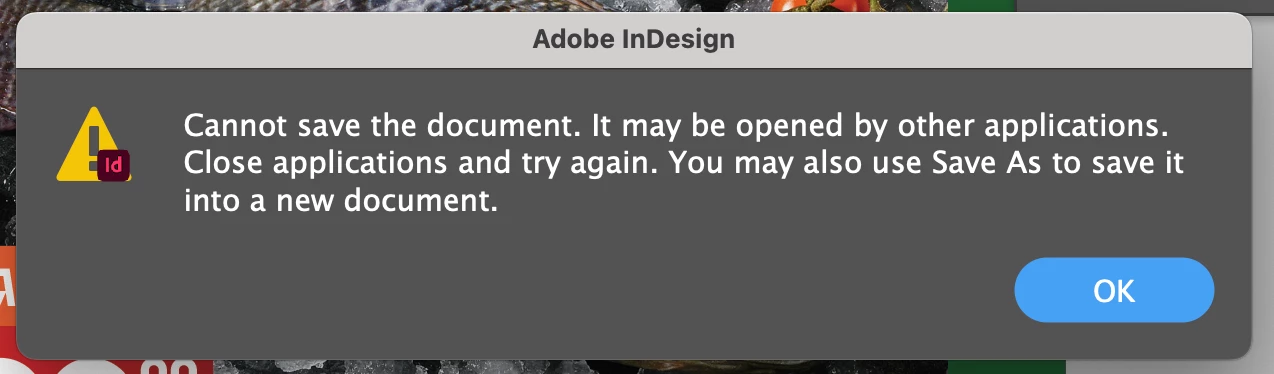
cannot save file already open
  • February 29, 2024
  • 1 reply
  • 228 views


need help please. im working on Imac and this error always accure when i try to edit saved file. it also happens when i try to export the file. it happens in every file i try to save or export only in indesign and only on this Imac! no other application is in use at this moment....

This topic has been closed for replies.

1 reply

Bill Silbert
Community Expert
Community Expert
February 29, 2024

What version of InDesign and what operating system are you using? Also what version imac do you have? Look under the Apple in the top menu for the "About This Mac" option. The popup that appears will tell you when the imac was made. Make sure that your imac fully meets the compatibility requirements of both the OS and your version of InDesign. It would also be a good idea to try trashing your InDesign preferences. This will restore the program to its defaults which could fix the issue.

To do so on a Mac:

The User Library folder in which InDesign’s preferences are stored is hidden by default on most Macintoshes. To access it make sure that InDesign is closed and click on the desktop to launch a Finder Window (Command-N). With this window in column view follow the path User>Home folder (it’s the folder with an icon that looks like a house—it may have the user’s name rather than “Home”) and click on the Home folder. With the Option Key pressed choose Library from the Finder Go Menu. “Library” will now appear within the Home folder. Within the Library folder find the folder called Preferences and within it find the folder called “Adobe InDesign” and the file called “com.adobe.InDesign.plist” and delete both that folder and that file. When InDesign is next launched it will create new preference files and the program will be restored to its defaults. 

The advantage of manually deleting preference files in this manner is that after you’ve reset up the program (make sure that no document window is open) to your liking, you can create copies of your personalized “mint” preference files (make sure that you quit the program before copying them—that finalizes your customization) and use them in the future to replace any corrupt versions you may need to delete.