Exit
  • Global community
    • Language:
      • Deutsch
      • English
      • Español
      • Français
      • Português
  • 日本語コミュニティ
  • 한국 커뮤니티
0

CC Library link broken

Community Beginner ,
Oct 03, 2017 Oct 03, 2017

Hello,

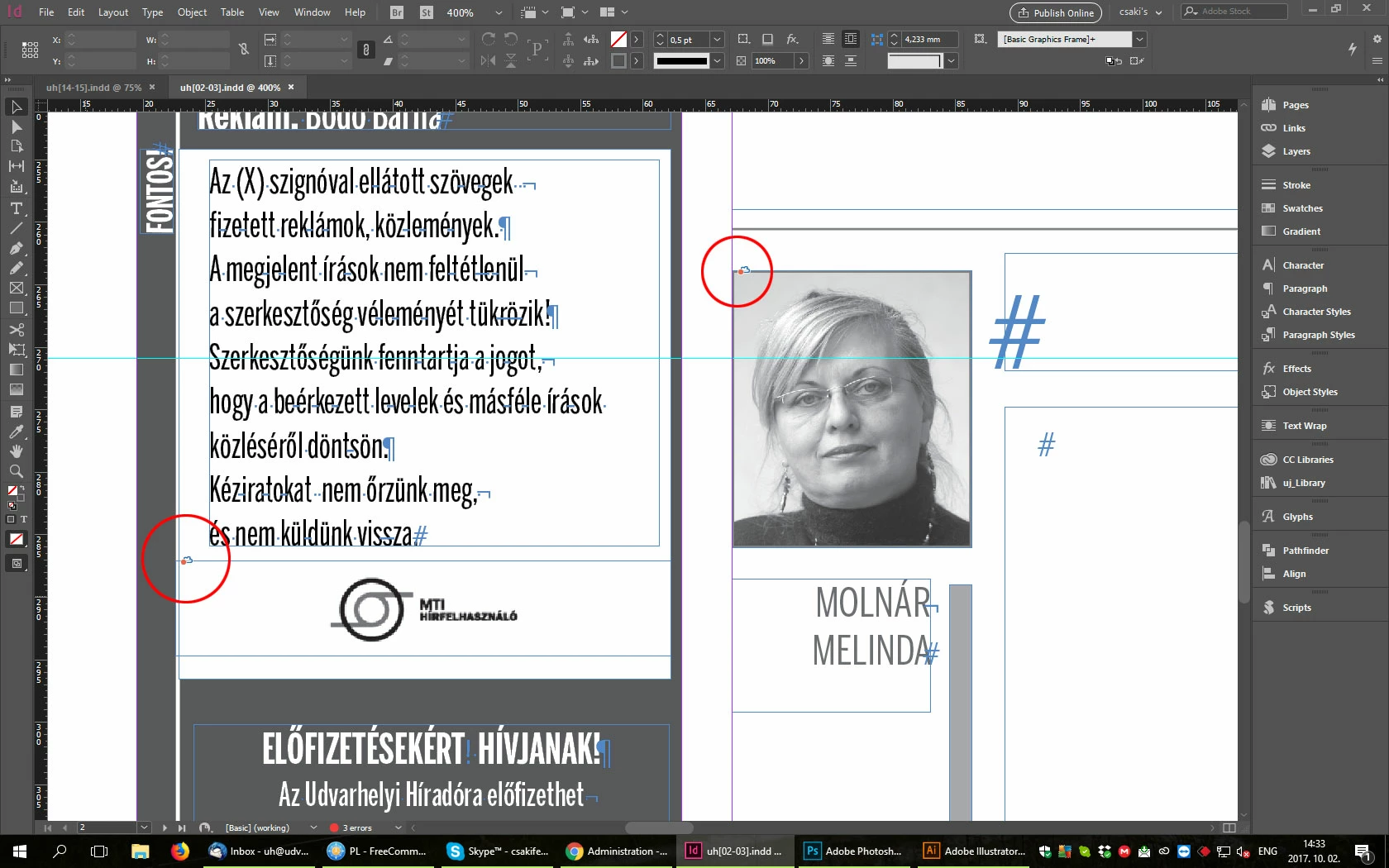
We have a problem with the CC Library links. Often happens that in inDesign the CC Library links are broken. I can't Relink the source, because I get an error message. If I delete the content, and I place again, then the link is working.

I tried already to sign out and sign in again with Adobe ID, a tried to rename the CC Library, but nothing.

What could be the problem?

Thank you for your help.
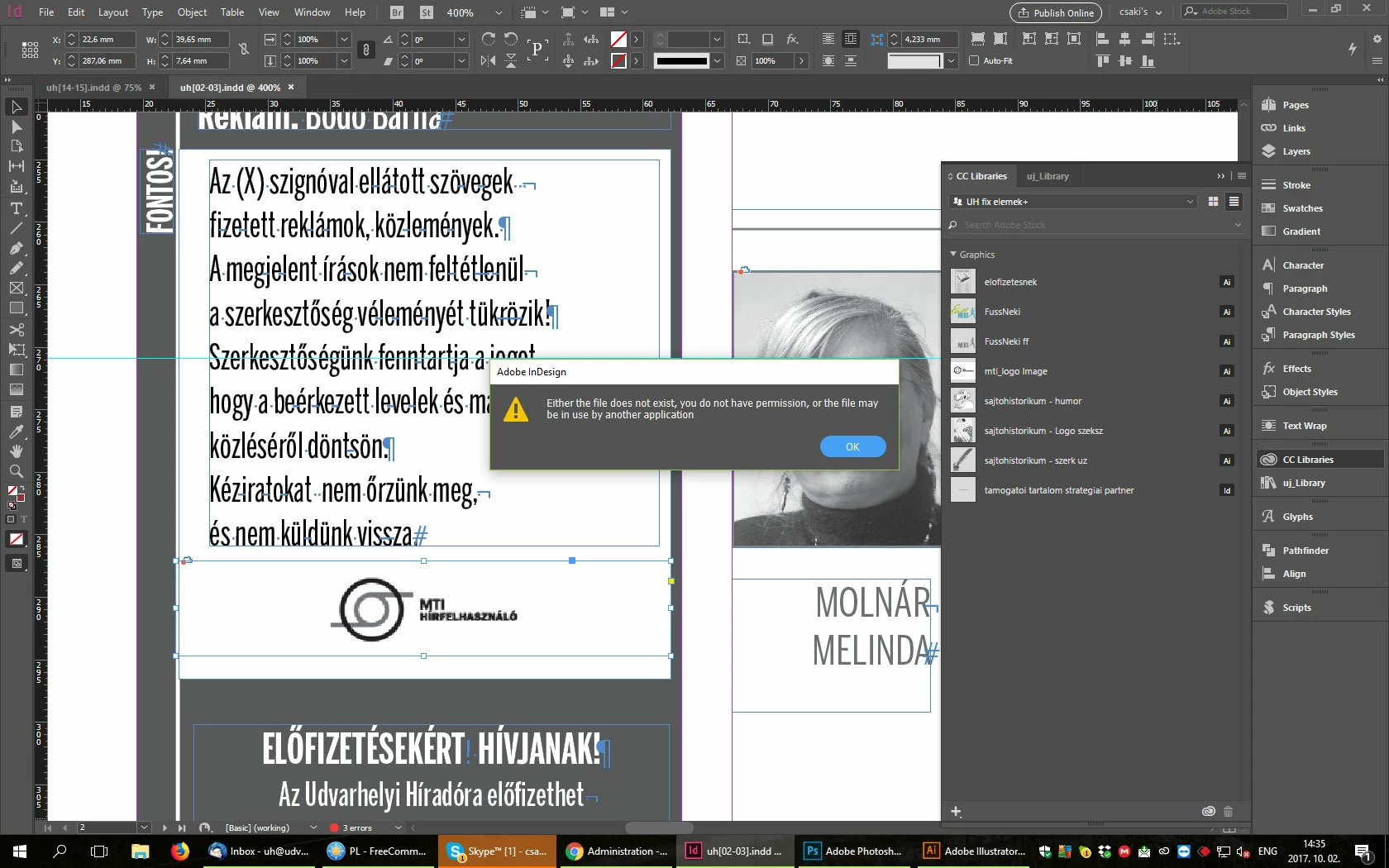
error-message.jpgbroken-cloud-links.jpg

1.5K
Translate
Report
Community guidelines
Be kind and respectful, give credit to the original source of content, and search for duplicates before posting. Learn more
community guidelines

correct answers 1 Correct answer

Community Expert , Oct 03, 2017 Oct 03, 2017

Since I've never encountered it myself in my work, I don't have other solutions. Those are the solutions that people have posted.

Translate
Community Expert ,
Oct 03, 2017 Oct 03, 2017
Translate
Report
Community guidelines
Be kind and respectful, give credit to the original source of content, and search for duplicates before posting. Learn more
community guidelines
Community Beginner ,
Oct 03, 2017 Oct 03, 2017

I already tried all this methods, but nothing.

I tried to sign out, sign in back.

I tried to rename the CC Library, which worked for a while, but when the page was opened in an other PC the links were broken.

Translate
Report
Community guidelines
Be kind and respectful, give credit to the original source of content, and search for duplicates before posting. Learn more
community guidelines
Community Expert ,
Oct 03, 2017 Oct 03, 2017

Since I've never encountered it myself in my work, I don't have other solutions. Those are the solutions that people have posted.

Translate
Report
Community guidelines
Be kind and respectful, give credit to the original source of content, and search for duplicates before posting. Learn more
community guidelines
Community Beginner ,
Oct 04, 2017 Oct 04, 2017
LATEST

Dear Steve Werner,

Thank you very much anyway for your help.

I'll try again all these methods. If I'm lucky maybe one of them will work.

Thank you again.

Have a nice day.

Feri

Translate
Report
Community guidelines
Be kind and respectful, give credit to the original source of content, and search for duplicates before posting. Learn more
community guidelines