
Participant
February 13, 2025
Answered

Centerfold Image - Spread not correct in PDF

  • February 13, 2025
  • 1 reply
  • 670 views

I probably need another 'master' to cover the middle spread of my magazine, but I could use help.
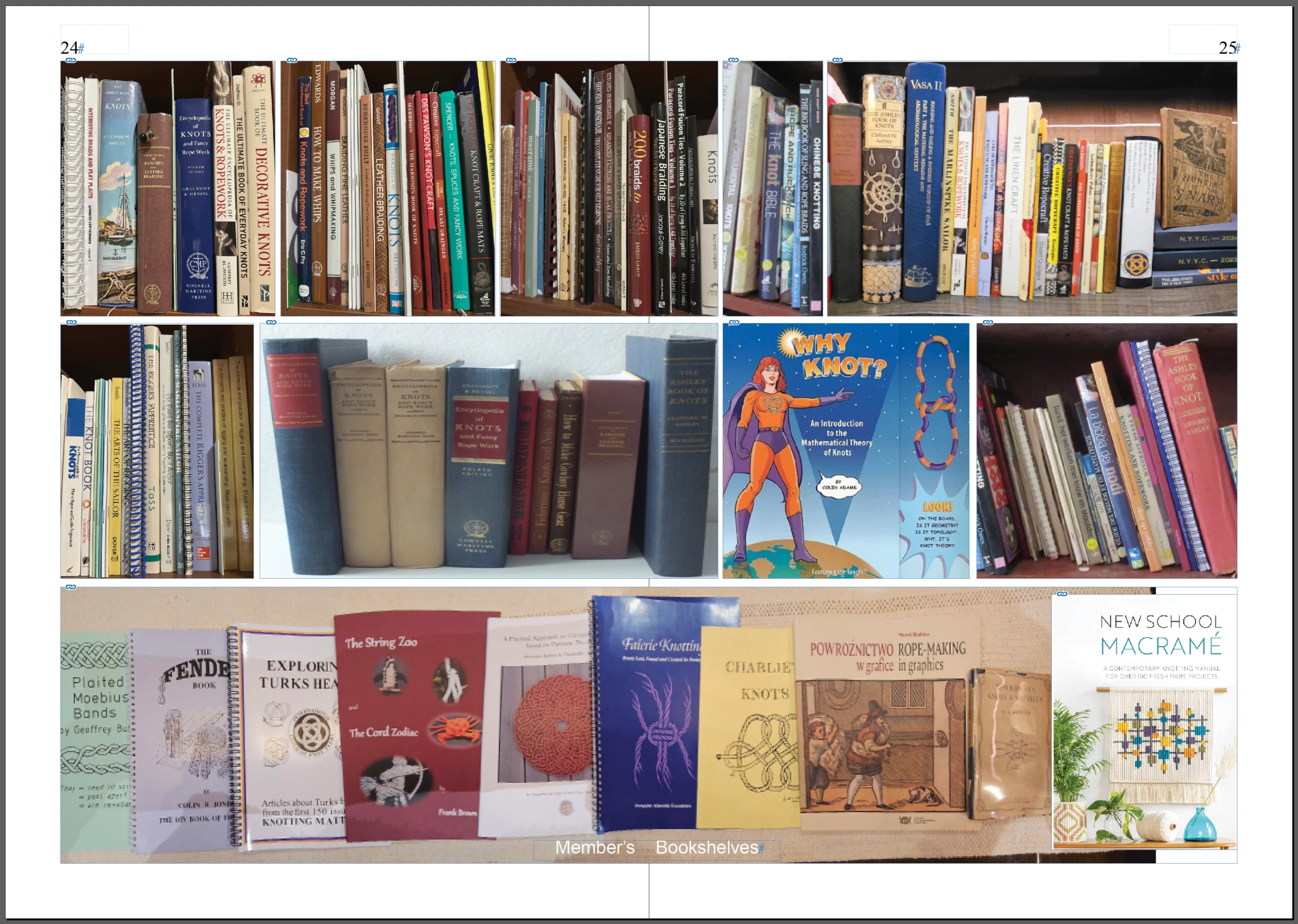
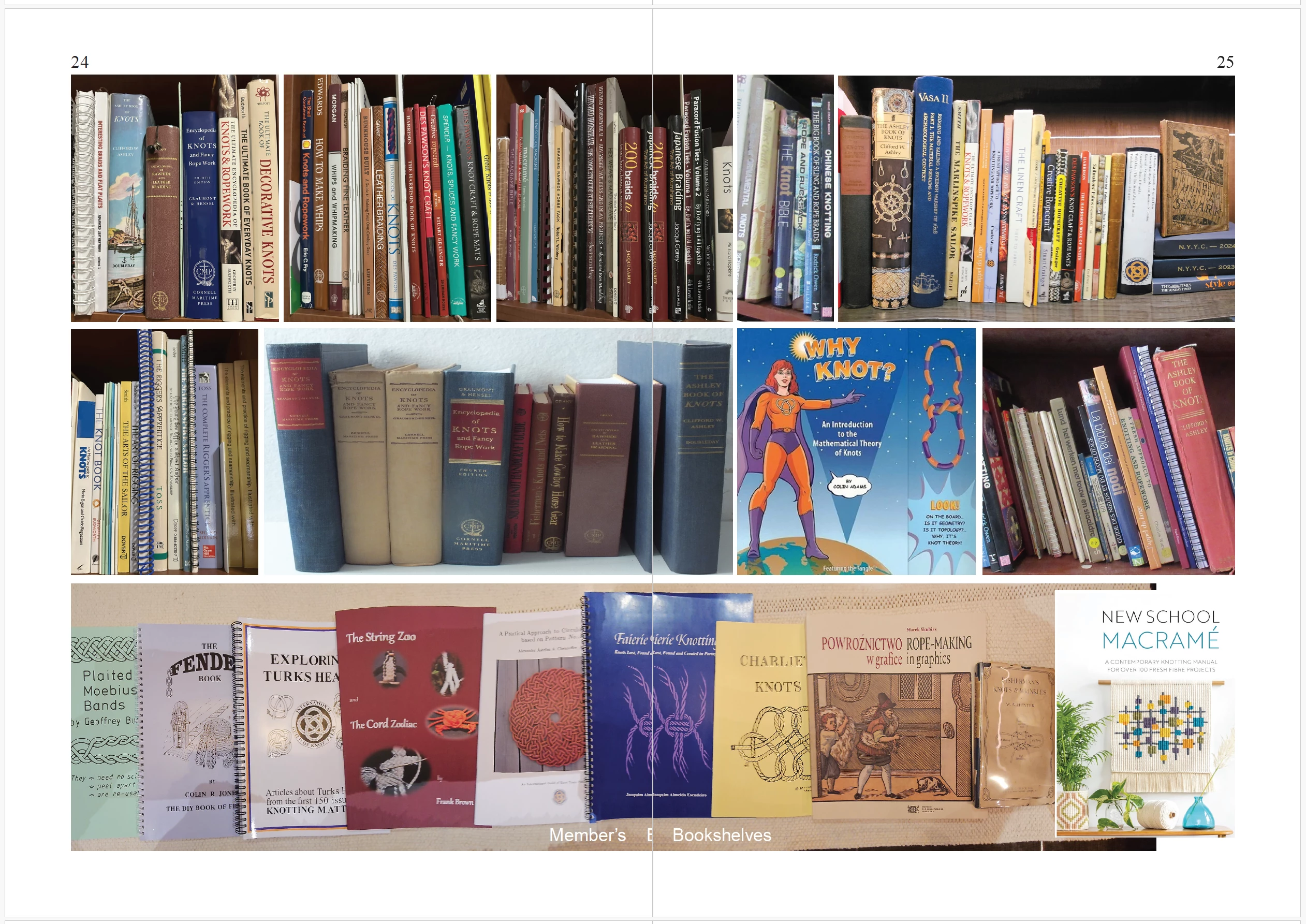
See what I see in Indesign versus what I see in the Exported PDF.
What do I do to make the Centerfold of the pdf match the spread in InDesign?

InDesign on top, Exported PDF below.
Correct answer Eugene Tyson

Do you have inner bleed added? And is bleed included in the PDF output?


Inner bleed is useful in production as it means the prepress imposition can be shifted and trimmed correctly in position so that the images marry up - without it it could be awkward to impose properly. 


If it's for production then you an change your Inner Bleed settings in the PDF output options.

If it's for digital online or not required to print professional you can make the PDF without bleed.


1 reply

Eugene TysonCommunity ExpertCorrect answer
Community Expert
February 13, 2025

Do you have inner bleed added? And is bleed included in the PDF output?


Inner bleed is useful in production as it means the prepress imposition can be shifted and trimmed correctly in position so that the images marry up - without it it could be awkward to impose properly. 


If it's for production then you an change your Inner Bleed settings in the PDF output options.

If it's for digital online or not required to print professional you can make the PDF without bleed.


chonspAuthor
Participant
February 13, 2025

It is for Production and your helpful query, got me to look closer at my Export settings.  I had two problems: I removed the inner bleed as you suggested and I now Export As Spreads versus Pages. 
I now get a 'centerfold' image in my PDF as it appears in InDesign.  Thank you.

Robert at ID-Tasker
Legend
February 13, 2025

Understood and my printer suggested as much.  I think I will go back to the Export as Pages with the inner bleed gone and have the Printer do the imposition.


quote

Understood and my printer suggested as much.  I think I will go back to the Export as Pages with the inner bleed gone and have the Printer do the imposition.


By @chonsp


Again - it depends on how your book will be made - how it will be printed and kind of finishing. 


Inside bleeds - and what you've shown - isn't always a problem - sometimes it's a necessity - but it's just a "bad preview" - imposition will either need it or ignore / remove it.