Answered
Changing the Default Font
I have InDesign open with all files closed and selected Type > Font > Open Sans as my default font, but the default font is still Minion Pro when I use the type tool.
How do I change the default font? Thanks
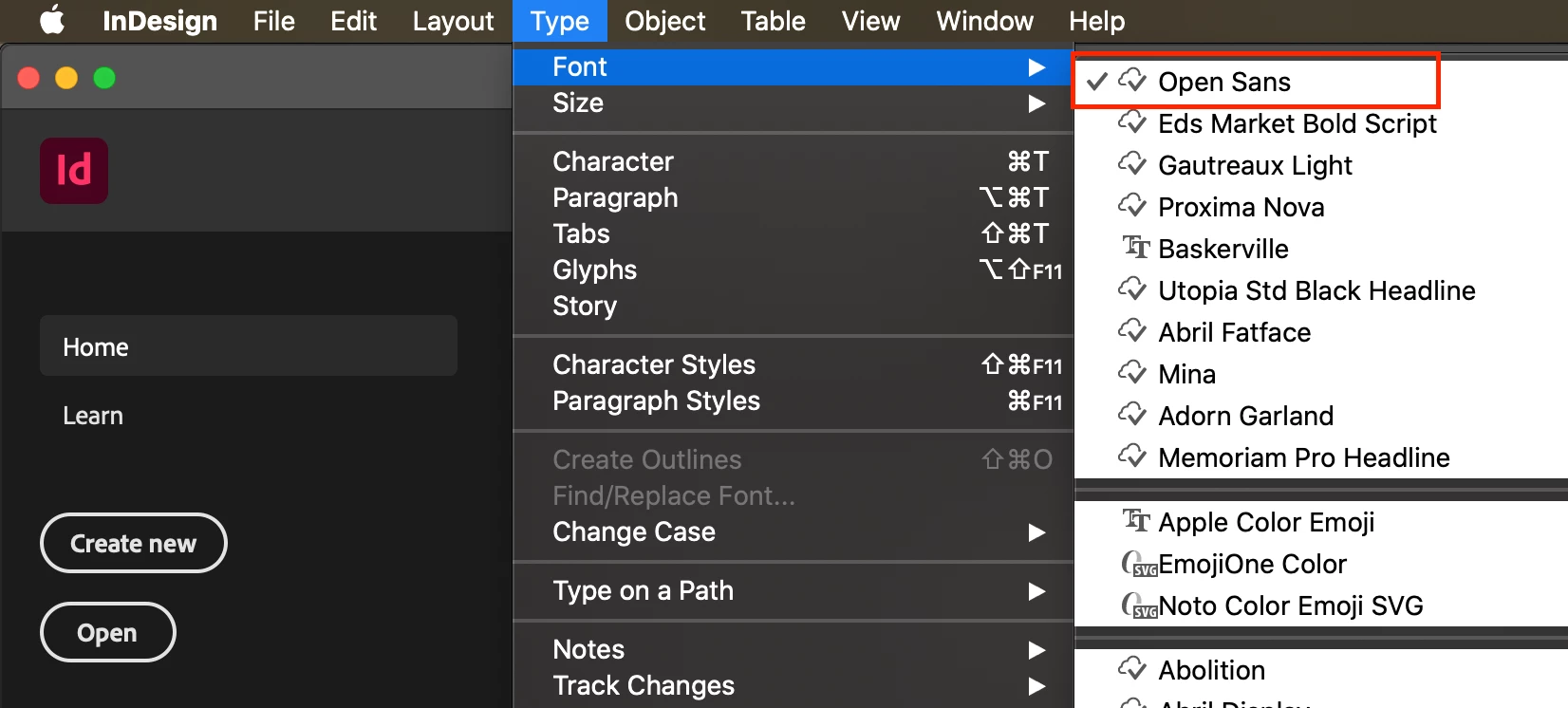

I have InDesign open with all files closed and selected Type > Font > Open Sans as my default font, but the default font is still Minion Pro when I use the type tool.
How do I change the default font? Thanks
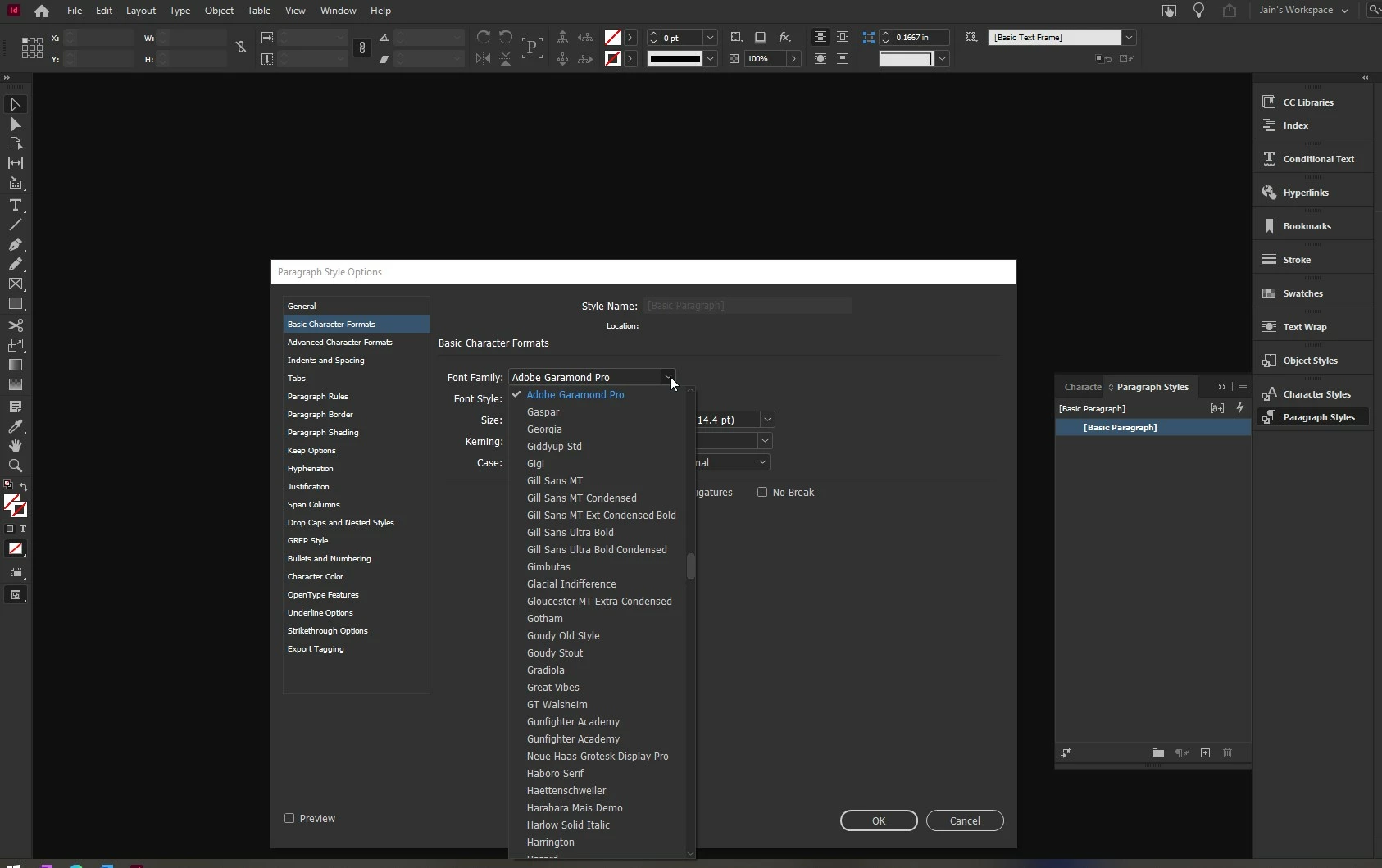
Without any documents open, change the font in the Basic Paragraph style to what you desire for default. Exit InDesign. Launch the program, create a new document and the default font is what you changed it to.
Already have an account? Login
Enter your E-mail address. We'll send you an e-mail with instructions to reset your password.
 AdChoices