SouZ
Participant
May 26, 2019
Answered

Character Style changing the font

  • May 26, 2019
  • 1 reply
  • 777 views

Hi.
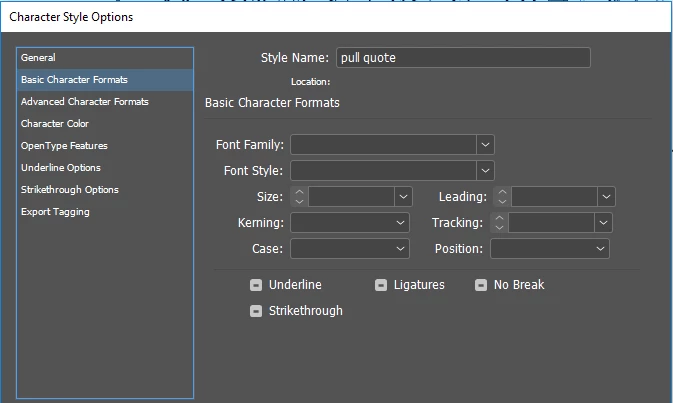
I have set up a character style changing text color to red, so i can highlight things that need my attention while working.
I used it with no issue for a couple of hours, but now it is changing the font to something different (Adobe Hebrew).
All options for the character style are untouched except color fill to red.
How can i fix this??

thank you
    This topic has been closed for replies.
    Correct answer rob day

    thank you, but there is no override. No plus sign near the character style name when text is selected.

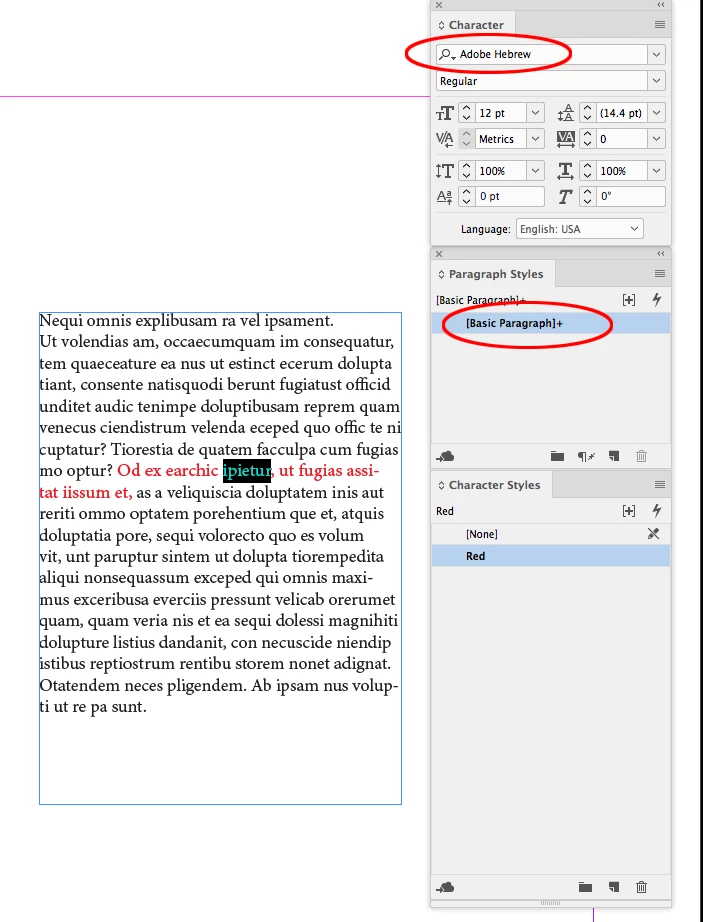
    The override could be in the Paragraph Style that contains the text with your Character Style. Some thing like this:

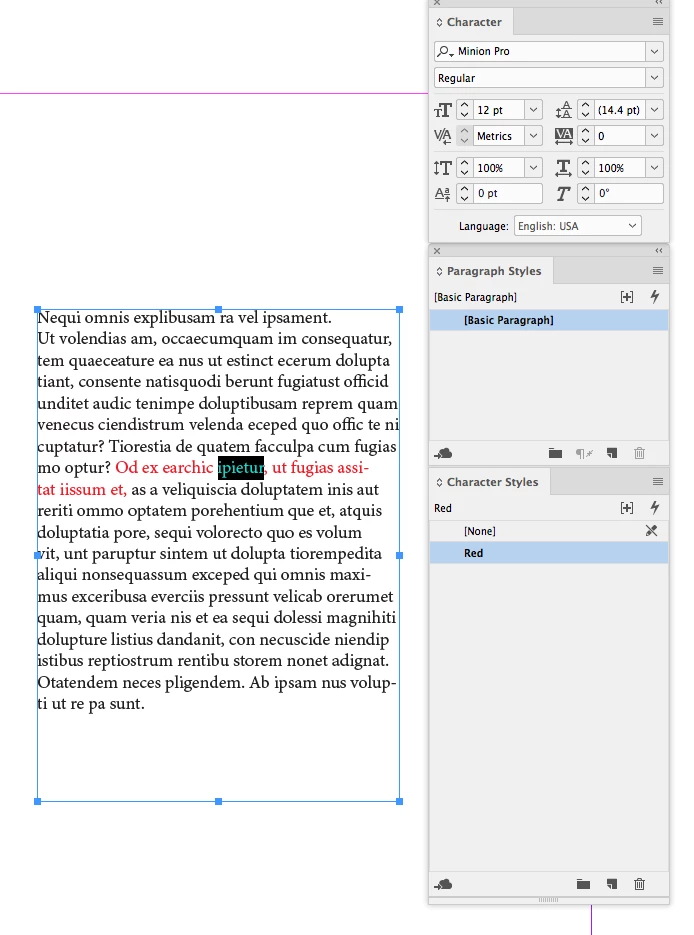
    If I select the entire paragraph and remove the override from [Basic Paragraph] then the styles work as expected—the text with the Red Character Style applied has the same font has the [Basic Paragraph], MinionPro:

    1 reply

    Steve Werner
    Community Expert
    Community Expert
    May 26, 2019
    SouZ
    SouZAuthor
    Participant
    May 26, 2019

    thank you, but there is no override. No plus sign near the character style name when text is selected.
    Simply cliking on the character style is changing the font, which is very visible since it is a different language.
    no where else did i use adobe hebrew, but i guess it is a default in middle east version of cc.
    I just tried it again after making sure the language of the text box is set to arabic, and it still changed it to hebrew.
    I do not understand where to look for a glitch.

    rob day
    Community Expert
    rob dayCommunity ExpertCorrect answer
    Community Expert
    May 26, 2019

    thank you, but there is no override. No plus sign near the character style name when text is selected.

    The override could be in the Paragraph Style that contains the text with your Character Style. Some thing like this:

    If I select the entire paragraph and remove the override from [Basic Paragraph] then the styles work as expected—the text with the Red Character Style applied has the same font has the [Basic Paragraph], MinionPro: