Exit
  • Global community
    • Language:
      • Deutsch
      • English
      • Español
      • Français
      • Português
  • 日本語コミュニティ
  • 한국 커뮤니티
0

Characters with Diacritics using Script

Engaged ,
Jul 07, 2022 Jul 07, 2022

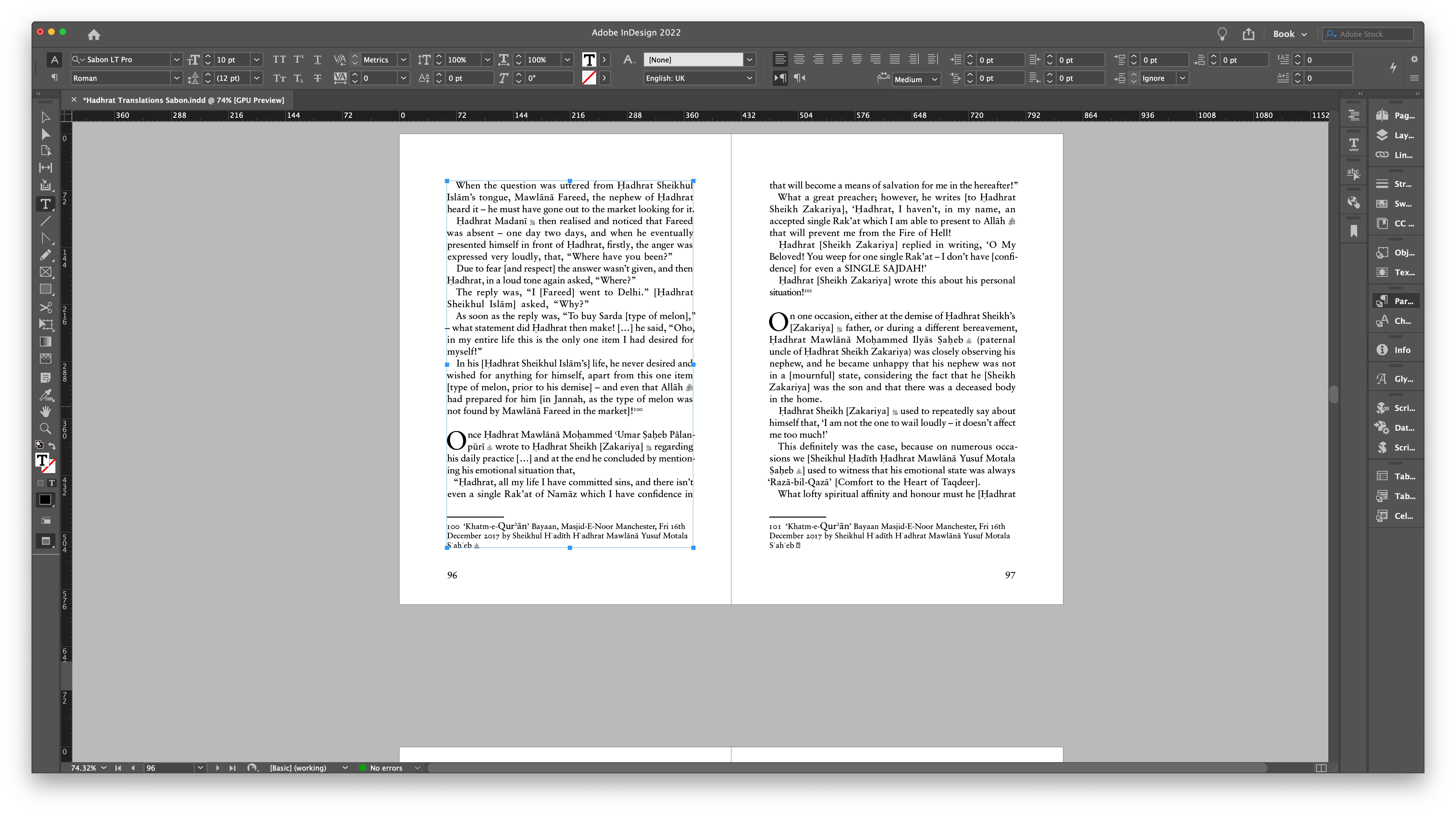
I am using a script to create characters with a dot below them.

It is working for the body style but it isn't working for the footnote style.

Do i have to edit this script so it works for the footnote style?

The script is available here - https://creativepro.com/files/kahrel/indesign/compose.html 
Screenshot 2022-07-07 at 10.18.31.png

TOPICS
How to , Scripting
310
Translate
Report
Community guidelines
Be kind and respectful, give credit to the original source of content, and search for duplicates before posting. Learn more
community guidelines

correct answers 1 Correct answer

Community Expert , Jul 11, 2022 Jul 11, 2022

I can confirm that this doesn't work in footnotes. For now the easiest workaround is to create the character in normal text (i.e. not in a footnote), using the footnote style, and copy the character into the footnote.


If you use this feature a lot then maybe you should add the character. The easiest and least intrusive way is to use IndyFont (https://www.indiscripts.com/post/2015/07/indyfont-quick-demo-add-diacritics-to-an-existing-font).


P.

Translate
Community Expert ,
Jul 11, 2022 Jul 11, 2022
LATEST

I can confirm that this doesn't work in footnotes. For now the easiest workaround is to create the character in normal text (i.e. not in a footnote), using the footnote style, and copy the character into the footnote.


If you use this feature a lot then maybe you should add the character. The easiest and least intrusive way is to use IndyFont (https://www.indiscripts.com/post/2015/07/indyfont-quick-demo-add-diacritics-to-an-existing-font).


P.

Translate
Report
Community guidelines
Be kind and respectful, give credit to the original source of content, and search for duplicates before posting. Learn more
community guidelines