Participant
September 9, 2017
Answered

Clear Dry Ink set up in InDesign

  • September 9, 2017
  • 4 replies
  • 812 views

Hi hoping someone can help me out. I have a few questions.

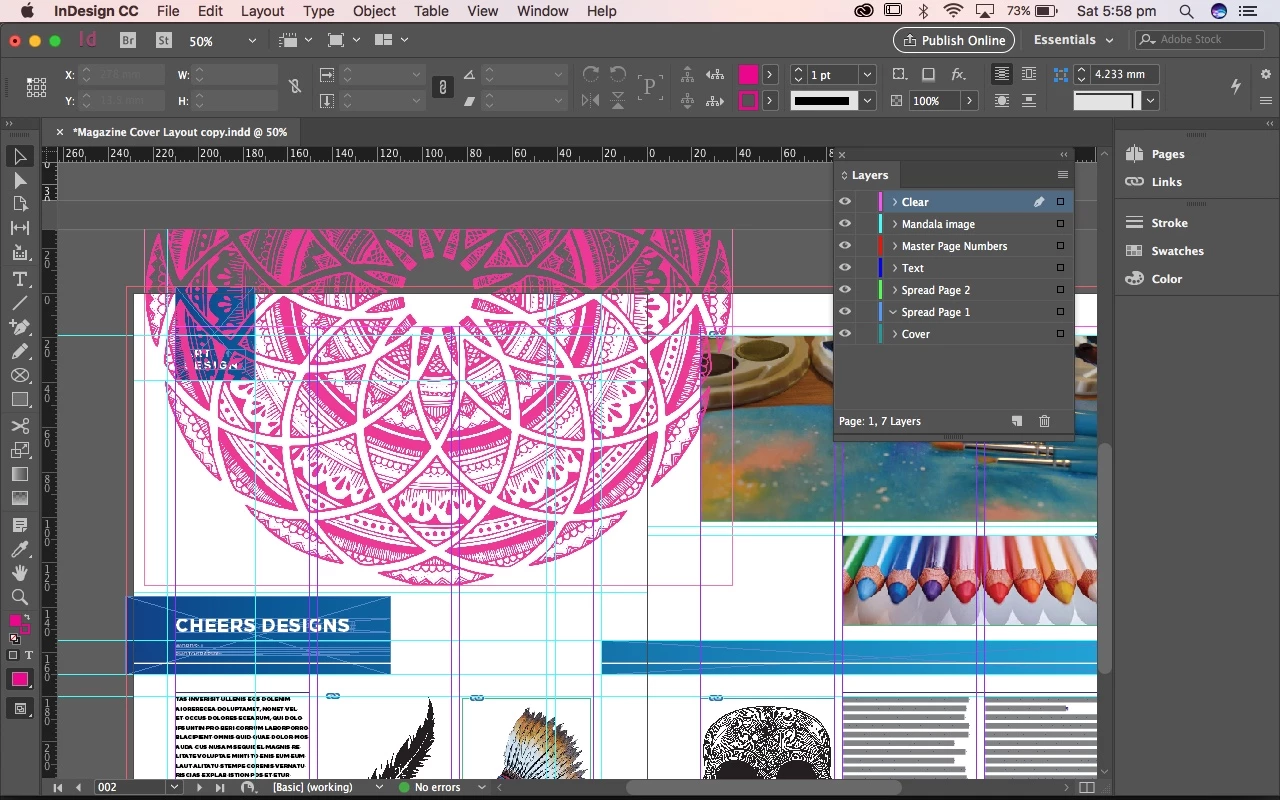
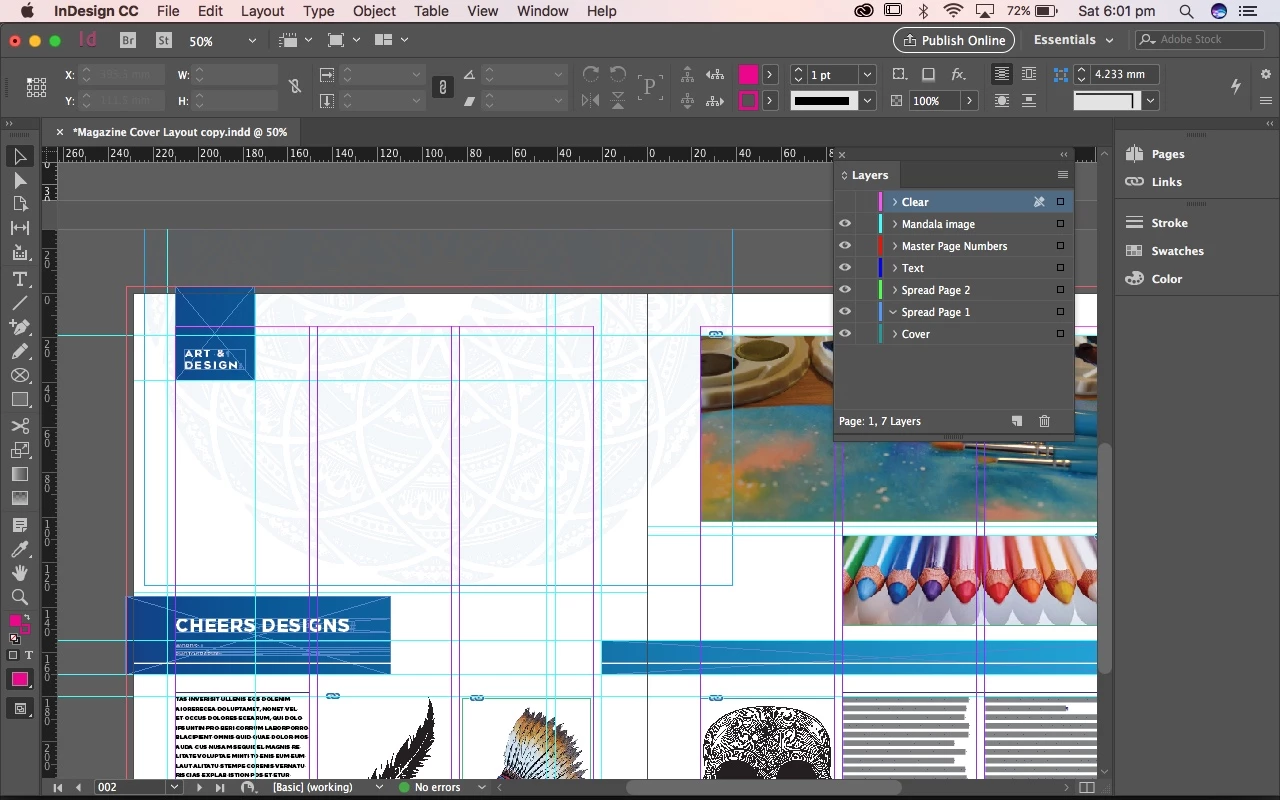
So i am currently trying for the first time to set up a design to print with clear dry ink. I vector i wanted to print in clear dry ink is too complicated so i have had to bring it into InDesign from Photoshop instead of Illustrator. My design is coloured blue with a 5% opacity on it. What i want to happen is that the clear ink will have a tinted effect when printed. I have my design on the layer "Mandala Image" and the clear ink design on the layer "Clear".

My questions are; have i set this up correctly? there is another step which says to change the effects to multiply at 100%. i am not sure if it means the design below or the clear ink design on top or even if i am meant to do this step.

Does the clear ink design have to be on the top layer? there are parts of my design that are meant to be above the mandala design (the blue square in the corner and the photograph on the right)

thanks hoping i explained this ok.
This topic has been closed for replies.
Correct answer JonathanArias

What did your printer tells you about how they would like this?. I have done something simila, I had a metallic smopt color and wanted to do a us coating, they asked me to make a .pdf with just the shape in the same layout so they could make a plate for just that which fits flush with the res.

i personally would recommend for you to talk to printer, and ask them how they would you to put together the final file for them. Make your printer your best friend. 

4 replies

rob day
Community Expert
Community Expert
September 9, 2017

A varnish or clear ink would have to be specified as an extra ink color (spot). To illustrate Stephen's post:

You need the clear swatch color to be specified as Spot not Process. Spot colors will show in the Separations panel as extra plates. Because you are using an image you wont be able to use overprint, so Multiply will force an image to overprint

If I hide the ClearVarnish spot color in Sep Preview the CMYK color underneath is revealed

Hiding the CMYK plates shows the solid color varnish plate

JonathanArias
Legend
September 9, 2017

Also, nice layout.

JonathanArias
JonathanAriasCorrect answer
Legend
September 9, 2017

What did your printer tells you about how they would like this?. I have done something simila, I had a metallic smopt color and wanted to do a us coating, they asked me to make a .pdf with just the shape in the same layout so they could make a plate for just that which fits flush with the res.

i personally would recommend for you to talk to printer, and ask them how they would you to put together the final file for them. Make your printer your best friend. 

Participant
September 9, 2017

thanks for your help i will talk to the printers about it

Stephen Marsh
Community Expert
Community Expert
September 9, 2017

I am guessing that you will need to setup a spot colour for the clear dry ink.

The objects with this spot colour applied to them will need to be stacked/layered above the objects that will print with other inks. In order for the underlying colours to be visible, you will either need to overprint or apply multiply blending to the objects in the clear dry ink spot colour.