
Color looks washed out in InDesign
Hello everyone,
I'm working on my portfolio and I'm having an annoyingly unsolvable issue...
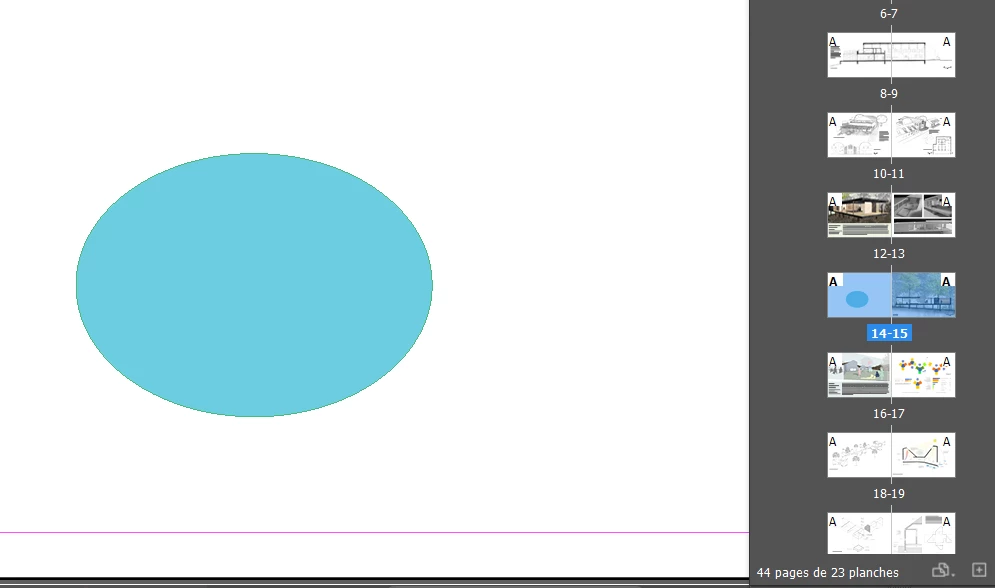
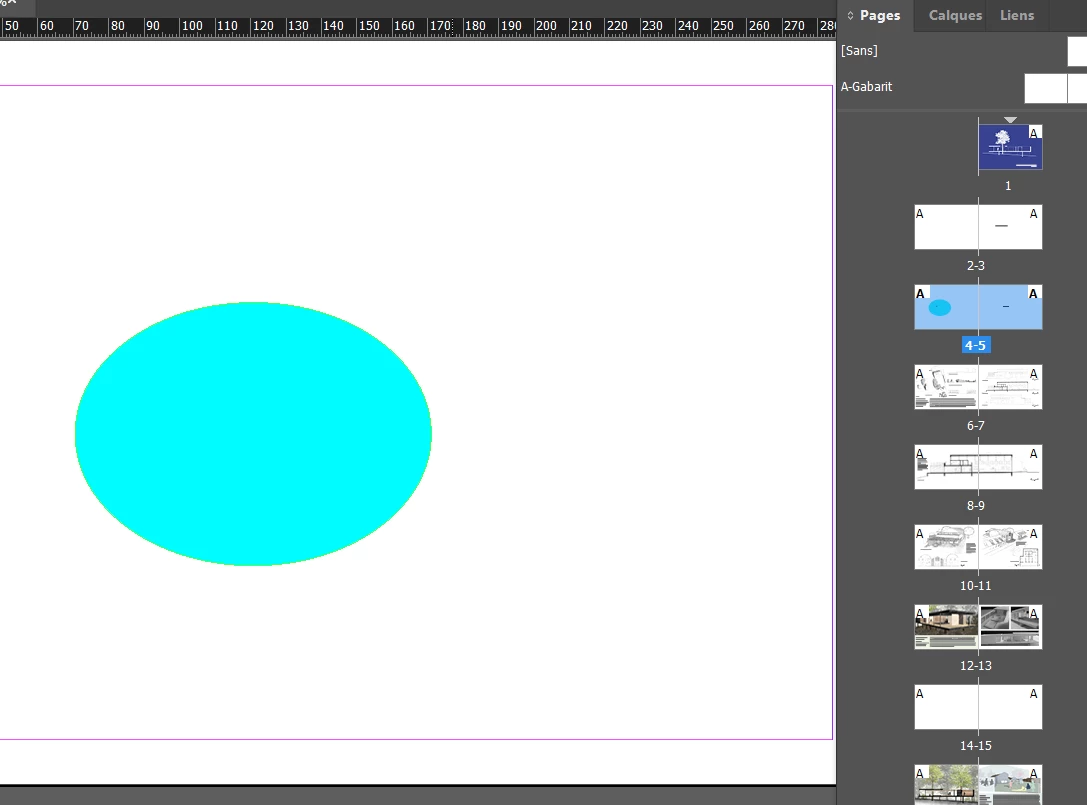
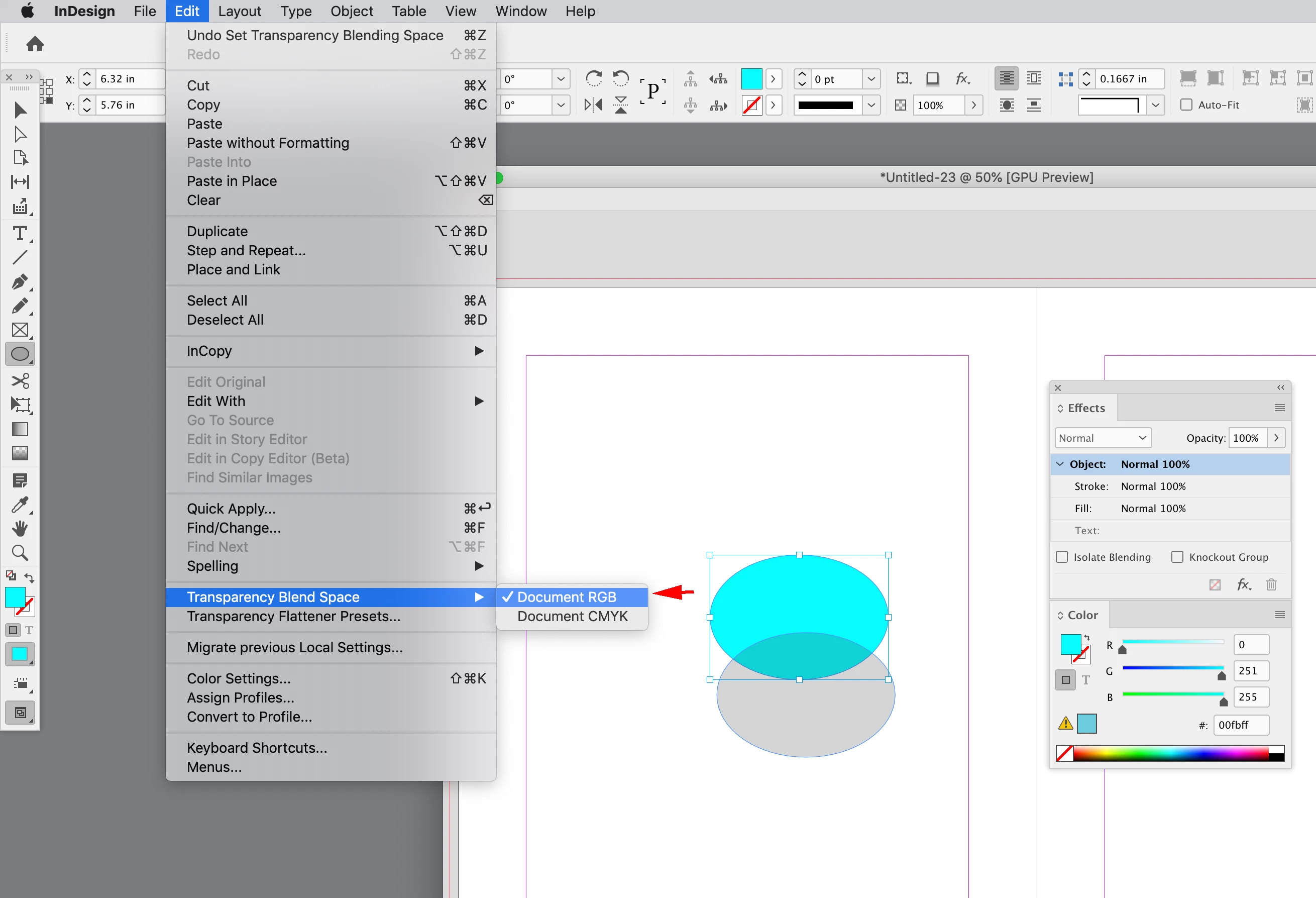
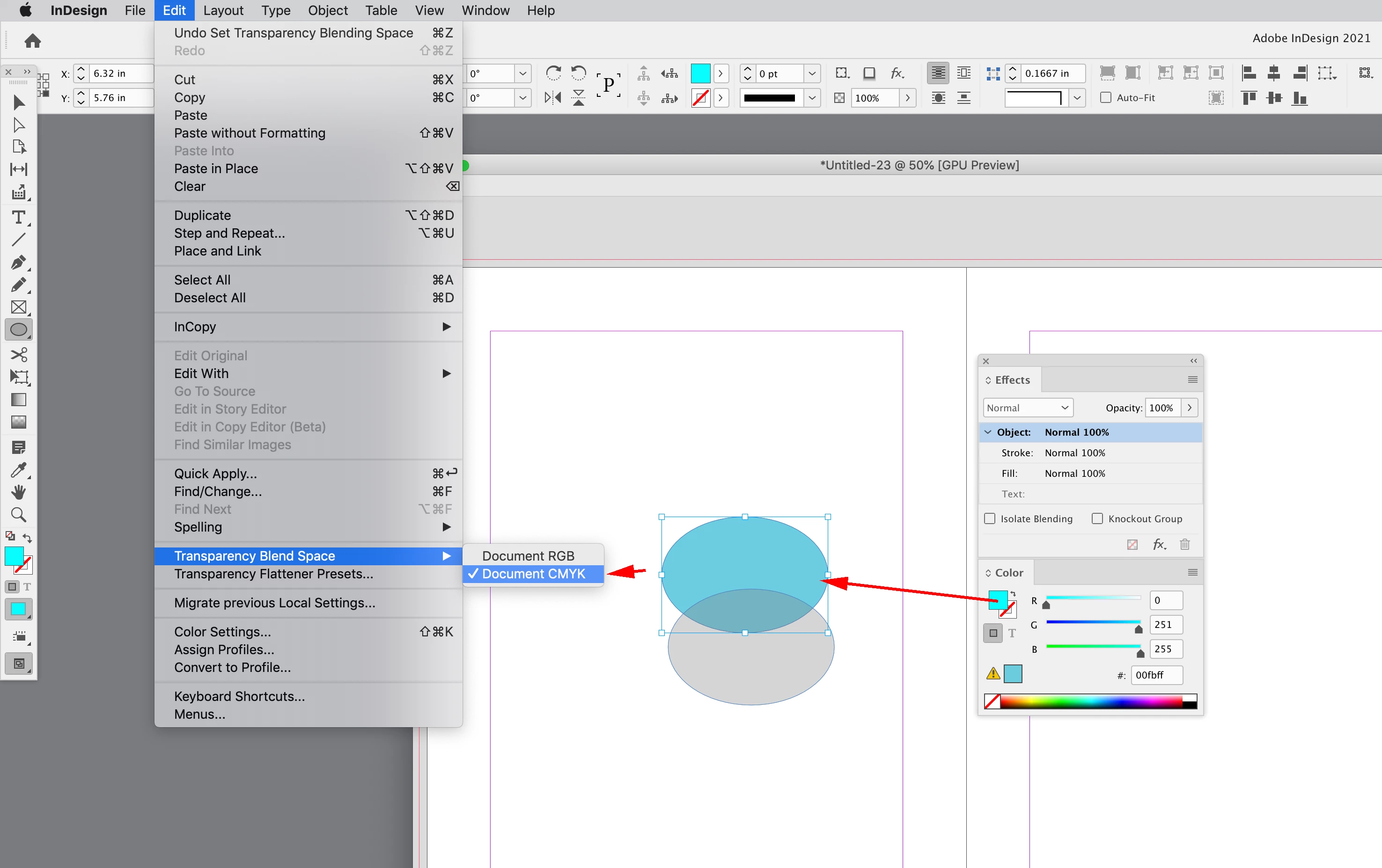
My portfolio is composed of drawings exported either as JPEGs or PNGs from Illustrator and Photoshop. All the colors of the drawings seem fine on InDesign, except for one page only and I don't understand why. What's odd is that when I move the JPEG drawing to another page, the color looks exactly as I want. But when I move it back (it's page 14), the color becomes washed out again. What's maddening is that this happens nowhere else on the rest of the pages of InDesign, except for 14. I've tried to play arround with the color management after reading some forums, but it still doesn't work. Can I get some help with this please? Thank you very much!! By the way, I believe I have InDesign 2022.
 AdChoices