
Colors from Color Picker Appear Duller
Hey guys,
I've suddenly got a problem with Indesign all my Adobe applications.
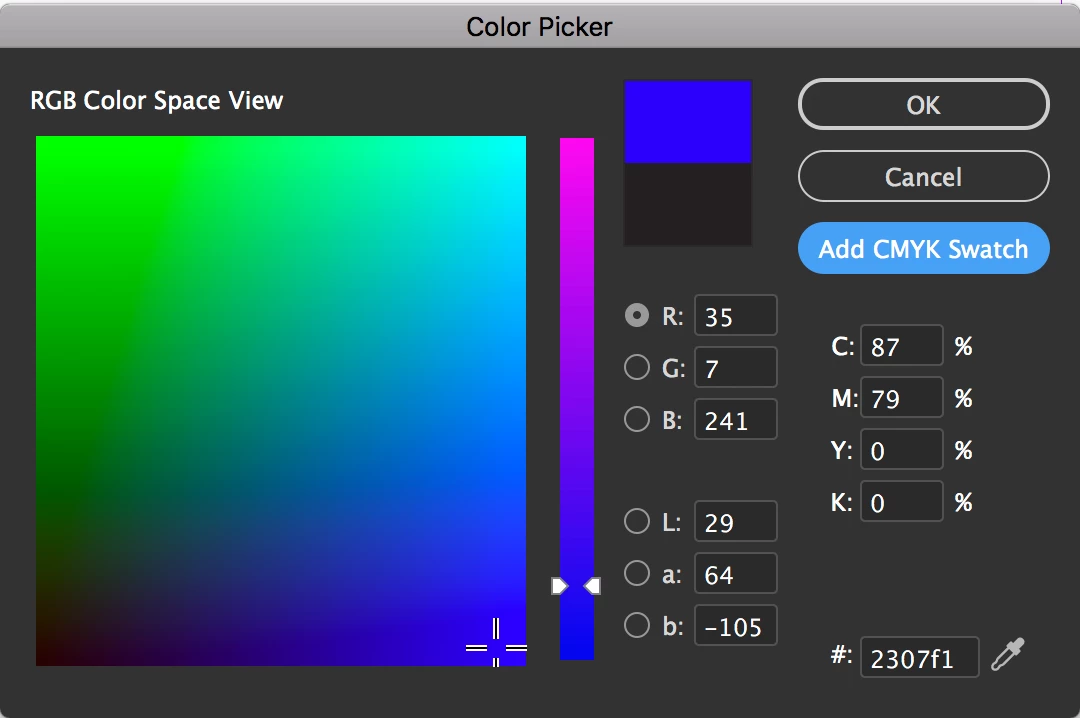
Whenever I select a color in the color picker, it switches to a 'greyer' version of that color after pressing ok.
Pure white and black work fine, but it does this for every other pure color.
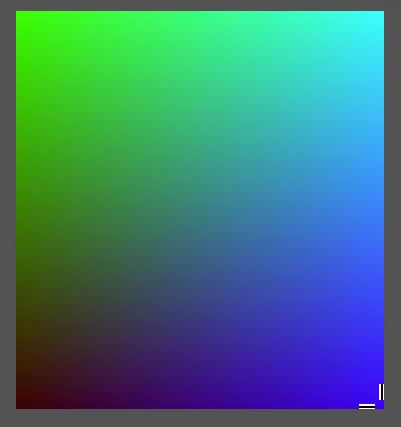
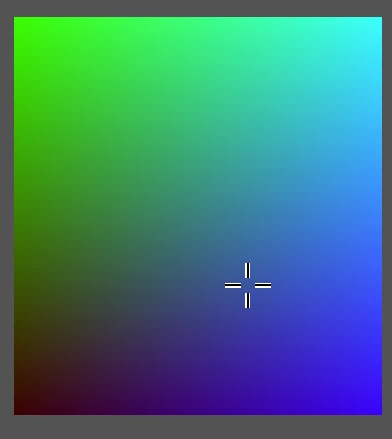
When selecting a shape I applied the color to, the color selector in the toolbar does show the original / pure color. When deseleting the shape it shows the greyed one.
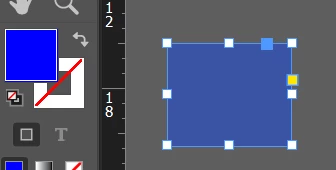
Any idea how to solve this?
It worked perfect untill yesterday and my laptop is as good as they get. No problems with my screen or anything like that. I checked other other applications like video's and even MS paint, those display colors fine. Also tried restarting Indesign and making new documents. I have absolutely no clue what else I can do to fix this.
Thanks in advance!
 AdChoices