Participant
June 5, 2024
Answered

Colours becoming washed out when saving as PDF on Photoshop

  • June 5, 2024
  • 2 replies
  • 1630 views

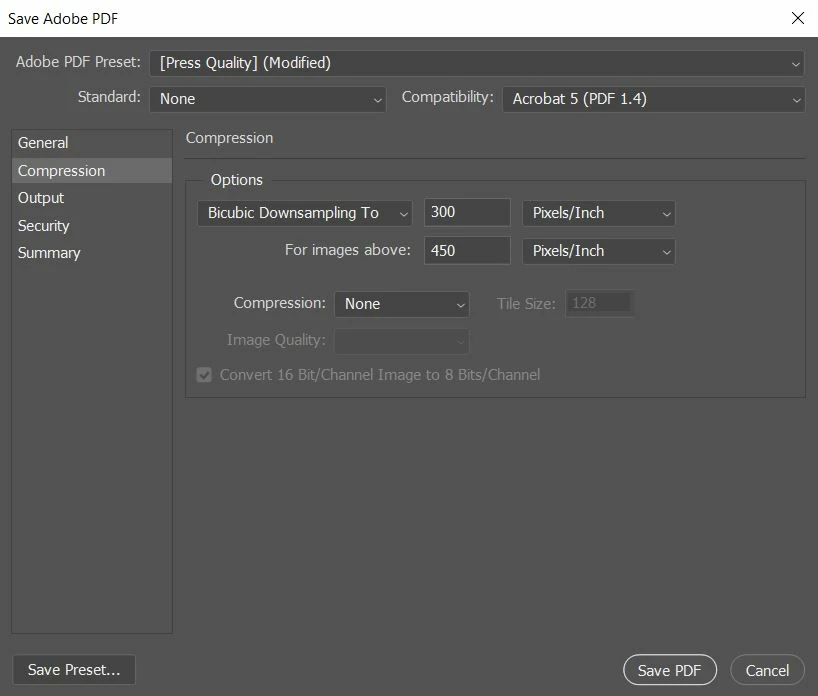
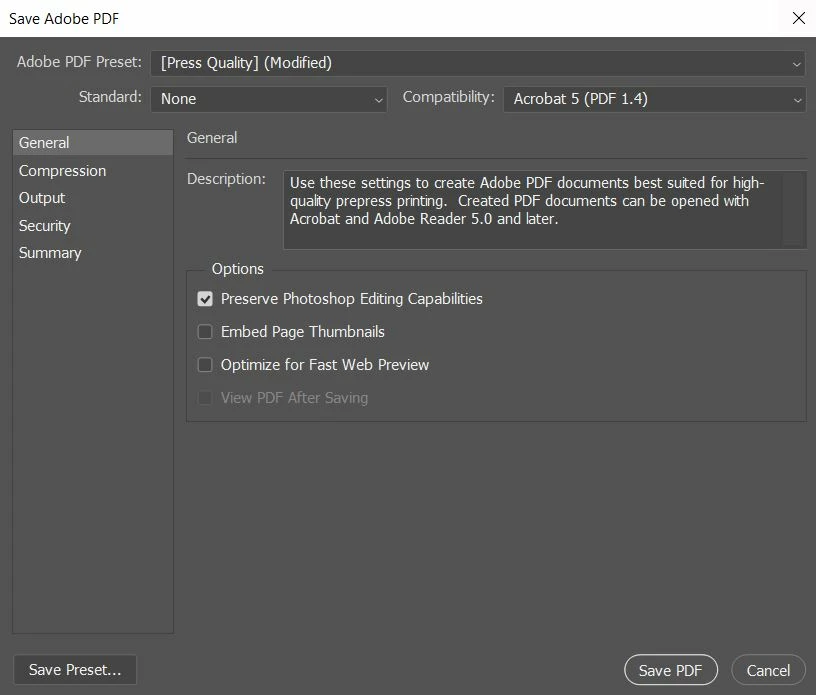
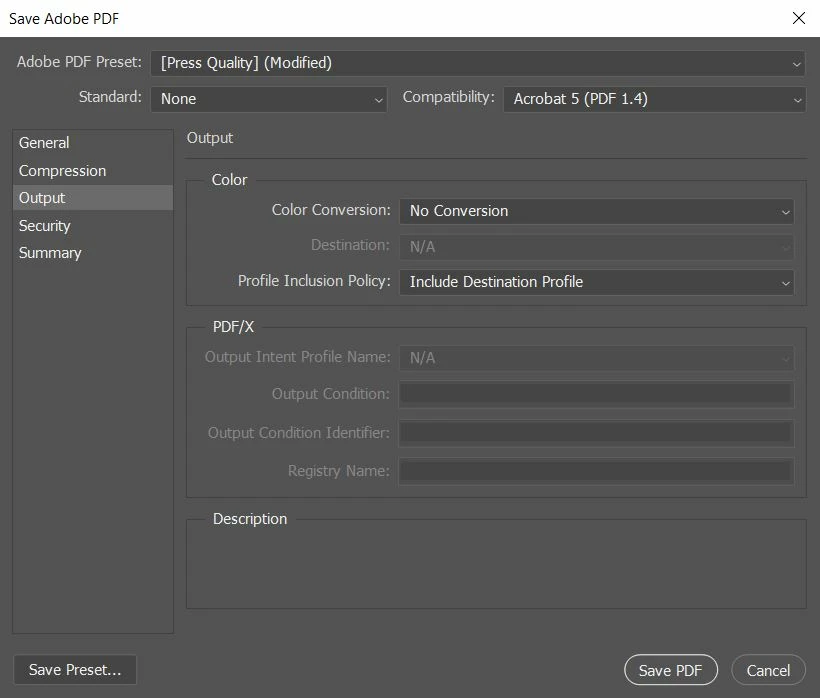
I have a few images that are in RGB that I need to save as PDFs before printing, but the colours are seemingly changing and becoming "dull" when I save as PDF. This doesn't happen with JPG, PNG, or SVG. I have tried to stop the problem by saving setting the colour conversion to "No conversion" but that hasn't seemed to change anything.

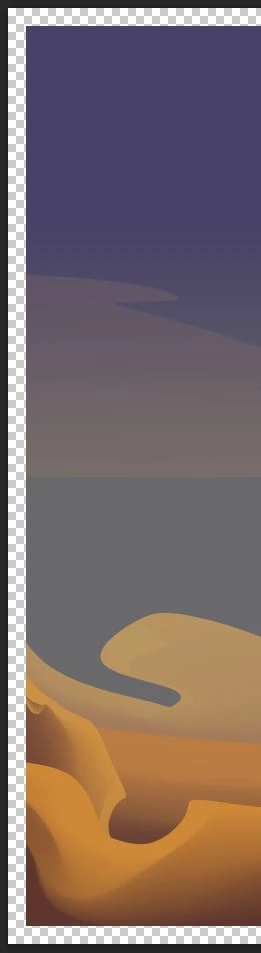


Additonally I heard that it could be an issue to do with the PDF reader I am using so I installed Adobe Acrobat Reader but that is showing the colours in the same washed-out way.

I have attached screenshots of the save as PDF settings that I have used, as well as screenshots of the colours as they appear in photoshop vs. PDF.
This topic has been closed for replies.
Correct answer rob day

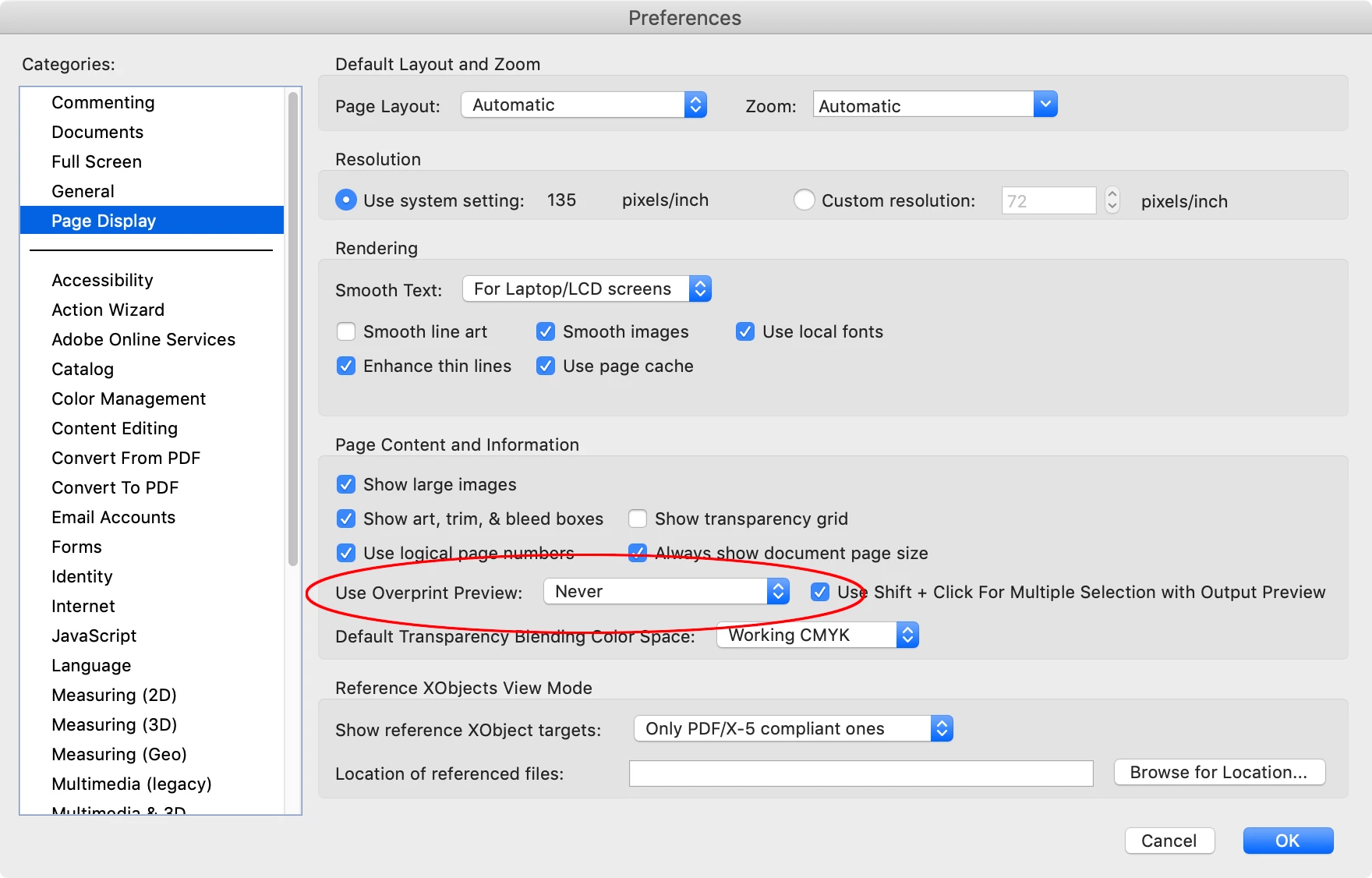
Hi @Simon37488132gmvl , Also check your Acrobat Page Display Preferences are not set to Use Overprint Preview. If that doesn’t work can you attach the Photoshop PDF?


2 replies

rob day
Community Expert
rob dayCommunity ExpertCorrect answer
Community Expert
June 5, 2024

Hi @Simon37488132gmvl , Also check your Acrobat Page Display Preferences are not set to Use Overprint Preview. If that doesn’t work can you attach the Photoshop PDF?


Participant
June 6, 2024

Hi Rob,

That hasn't fixed the issue but when I open the PDF in photoshop the colours are correct so I can tell it's an issue with the PDF reader not the file itself which is all I needed to verify. Thank you for the help though!

BobLevine
Community Expert
Community Expert
June 5, 2024

This is the InDesign forum, but if you want to retain RGB (which you should) use the PDF/X-4 setting.