
Conditional Text or Layers for Workbook answers?
Hi, folks!
I'm responsible for creating workbooks for our learners, and I also supply an instructor's version with all of the answers.
I've used layers for many years, where the student version, with blank lines, is on one layer, and I can turn on the "Answers" layer to show the answers when exporting the instructor's version. Answers might be text, or they can also be images in many cases. When I combine this system with the layers per book script to globally turn the "asnwers layer on/off for an entire book, it's pretty slick. However, the layers system gets annoying when there is a change to a question, since I can't anchor the content in the Answers layer to the blanks they belong with. I need to carefully go through the rest of that document and make sure everything is still in alignment.
Would it be better to use conditional text instead of an Answers Layer? My understanding is that I can't use anything other than inline images for conditional text, but maybe I can work with that restriction...
I'm hoping to lean on you all for for opinions, regrets, past experiencs, foreseeable difficulties, etc!
This is a typical worksheet page, with blanks to be filled in, boxes for letters to be matched to, etc. 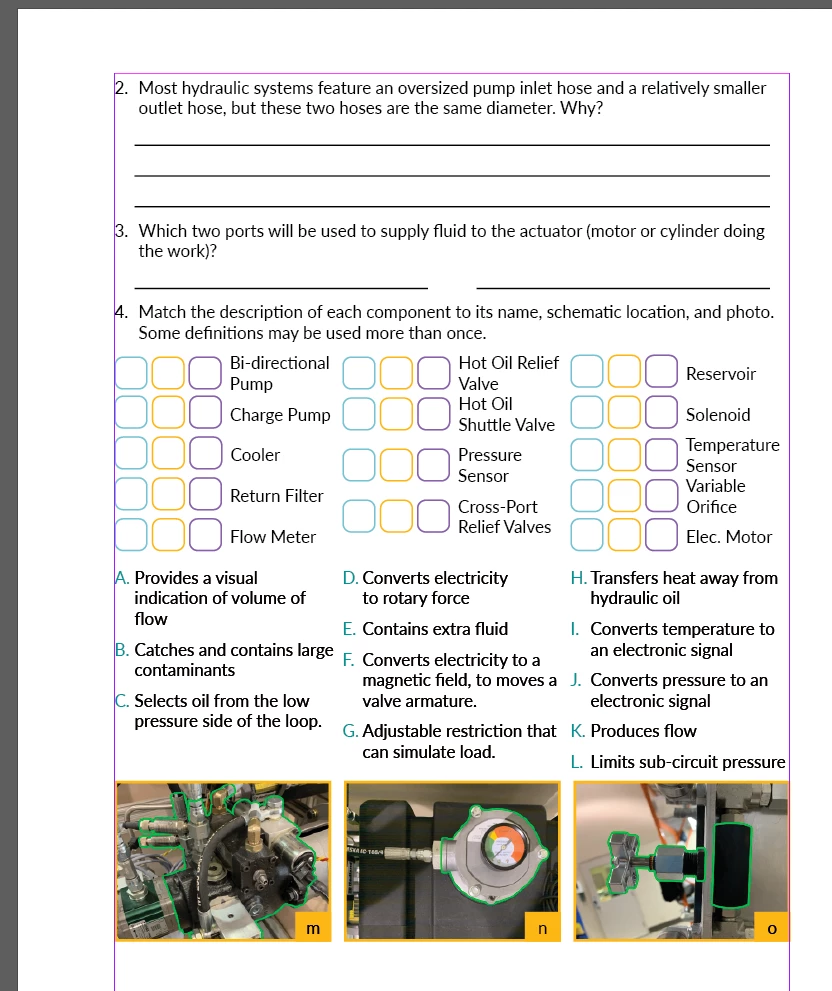
This is a screenshot of the Instructor's version, with answers filled in. (Currently using layers to do this.) As you can imagine, it's annoying if a question is changed and I need to keep up and keep the answers matched.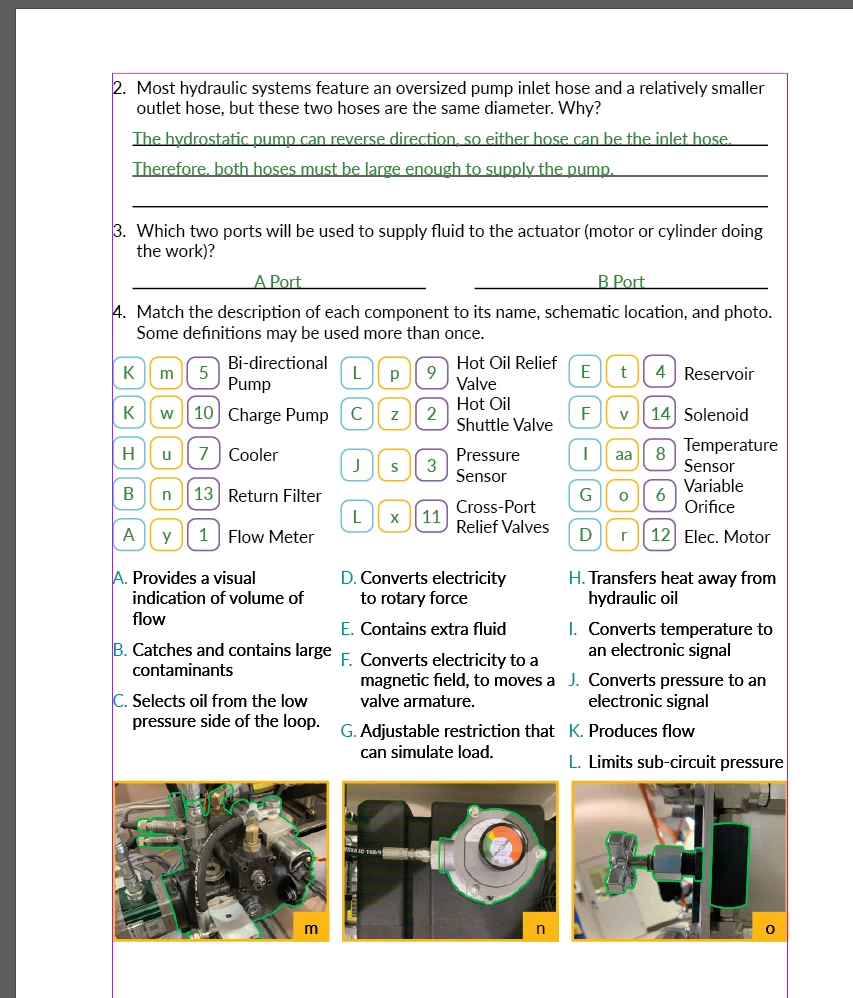
 AdChoices