Answered
Convert to Pantone colors in Indesign
So I have this work for a beer label and my client asked my to set all colores in pantone. How can I change them to pantone?
Thanks

So I have this work for a beer label and my client asked my to set all colores in pantone. How can I change them to pantone?
Thanks
You will need to know what Pantone Book the printers are using
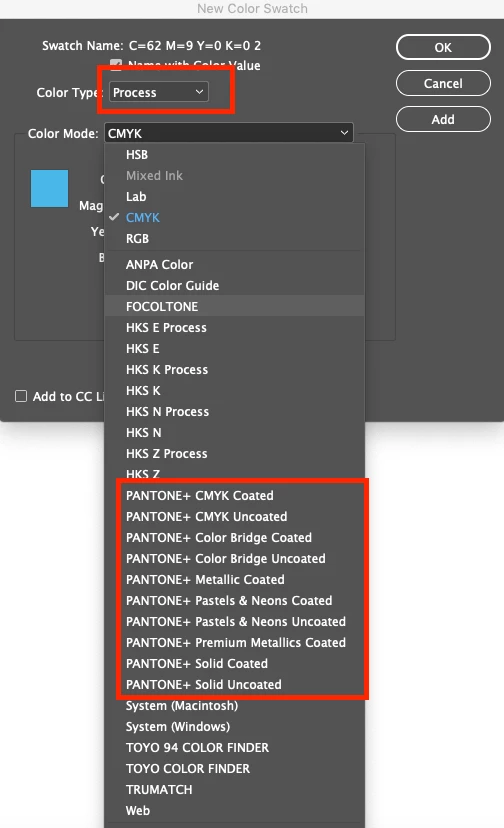
Then you can access the Pantone Libraries via the Create a New Swatch
The first one should be changed from Process to Spot
And the list below - it could be any of these Pantone Books - you need to speak with the printers.
Sorry to be bearer of bad news.
You cannot simply convert - you need the pantone books to visually see them.
Pantone is a different gamut to CMYK - that is - most of the Pantone colours cannot be reproduced in CMYK.
This is why you need a Pantone Book to physically pick out the colours - as what you see on your screen is unreliable.
You'd need to take you CMYK values
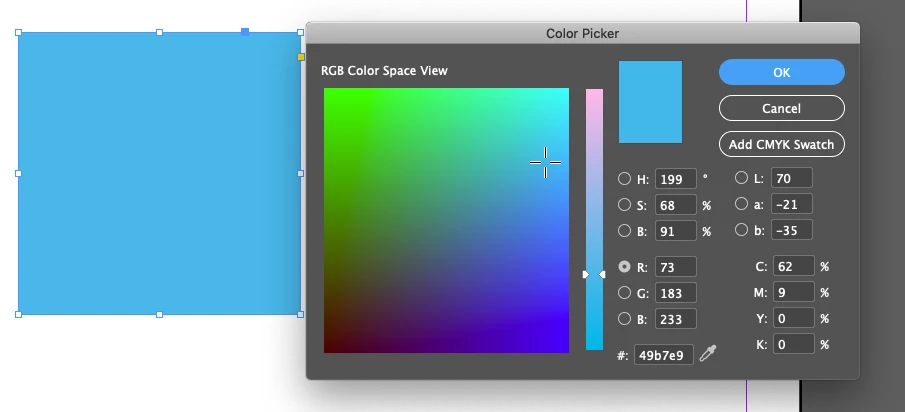
Input the CMYK values here
https://www.pantone.com/eu/en/color-finder
Which actually gives you various Hues of the colour
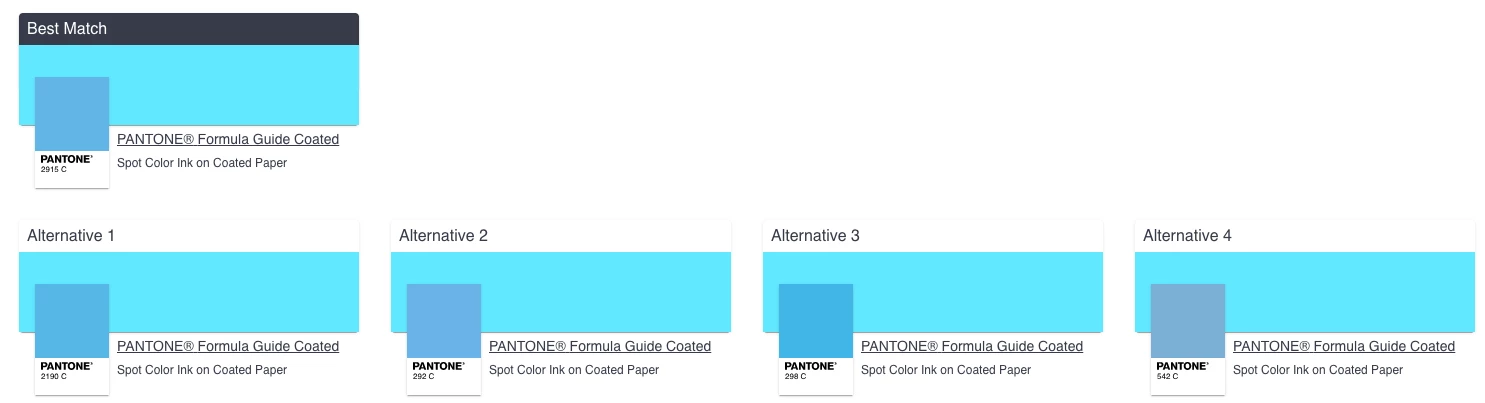
Which gives you results like this
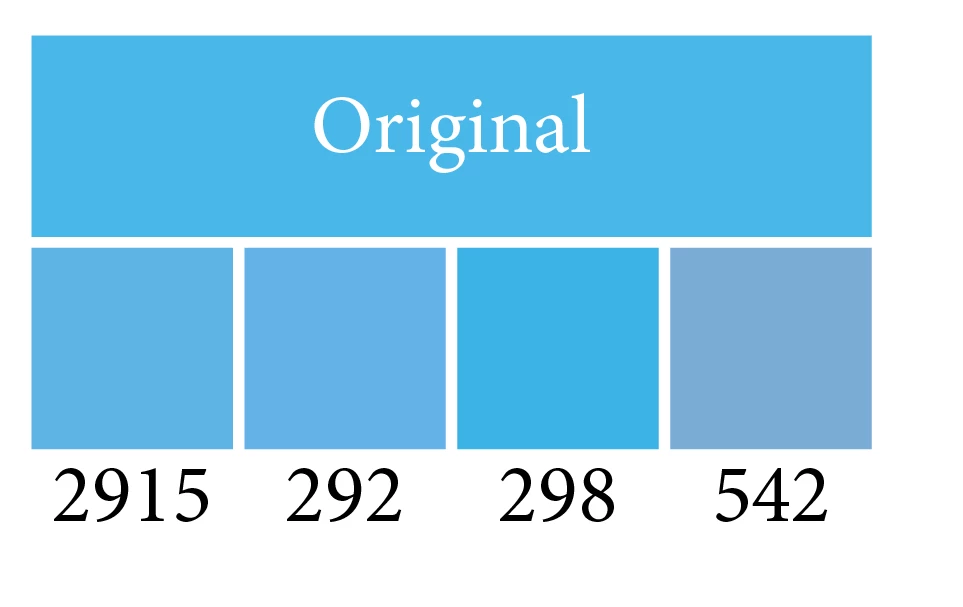
As you can see there are vast differences in the shades.
Already have an account? Login
Enter your E-mail address. We'll send you an e-mail with instructions to reset your password.
 AdChoices