Resuelto
Convert to Pantone colors in Indesign
So I have this work for a beer label and my client asked my to set all colores in pantone. How can I change them to pantone?
Thanks

So I have this work for a beer label and my client asked my to set all colores in pantone. How can I change them to pantone?
Thanks
You will need to know what Pantone Book the printers are using
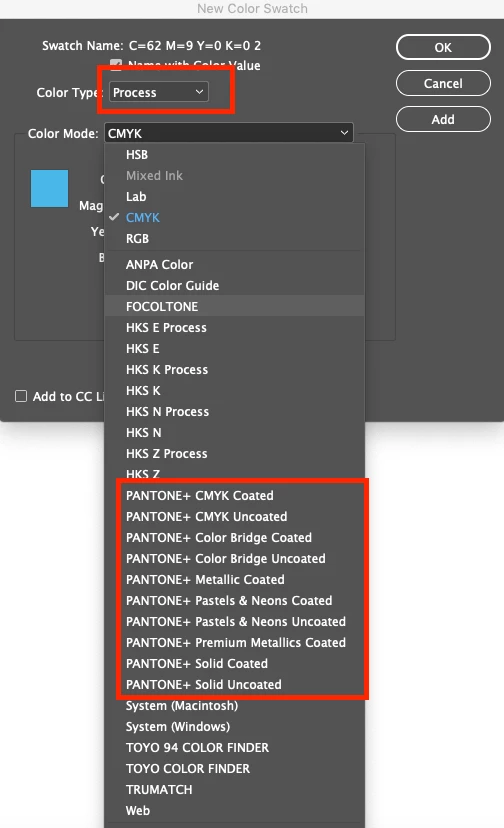
Then you can access the Pantone Libraries via the Create a New Swatch
The first one should be changed from Process to Spot
And the list below - it could be any of these Pantone Books - you need to speak with the printers.
Sorry to be bearer of bad news.
You cannot simply convert - you need the pantone books to visually see them.
Pantone is a different gamut to CMYK - that is - most of the Pantone colours cannot be reproduced in CMYK.
This is why you need a Pantone Book to physically pick out the colours - as what you see on your screen is unreliable.
You'd need to take you CMYK values
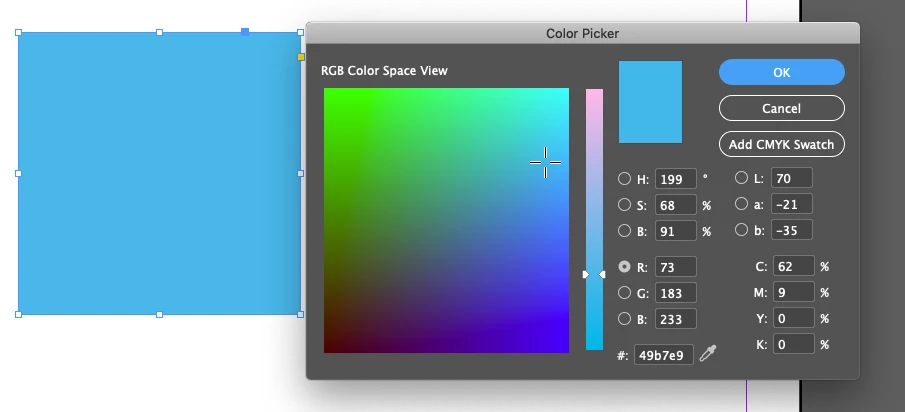
Input the CMYK values here
https://www.pantone.com/eu/en/color-finder
Which actually gives you various Hues of the colour
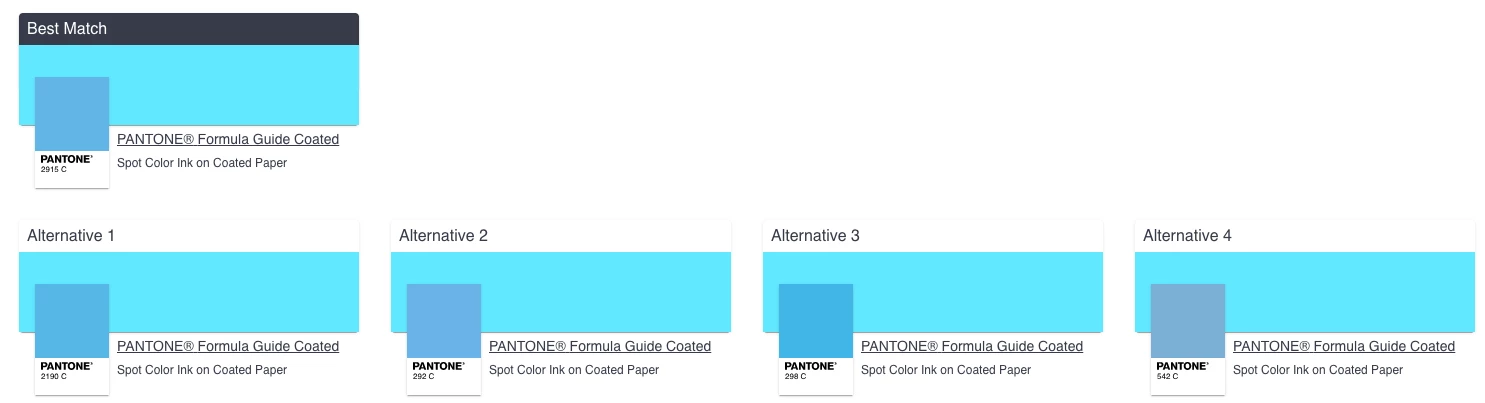
Which gives you results like this
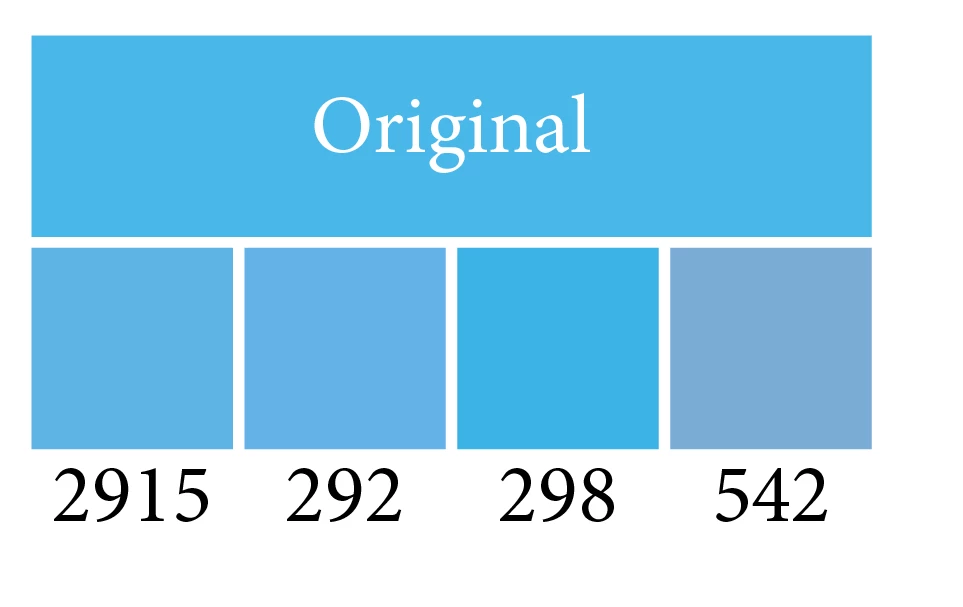
As you can see there are vast differences in the shades.
Enter your E-mail address. We'll send you an e-mail with instructions to reset your password.
 AdChoices