
Known Participant
June 16, 2024
Question

Converting this to a jpeg

  • June 16, 2024
  • 1 reply
  • 540 views

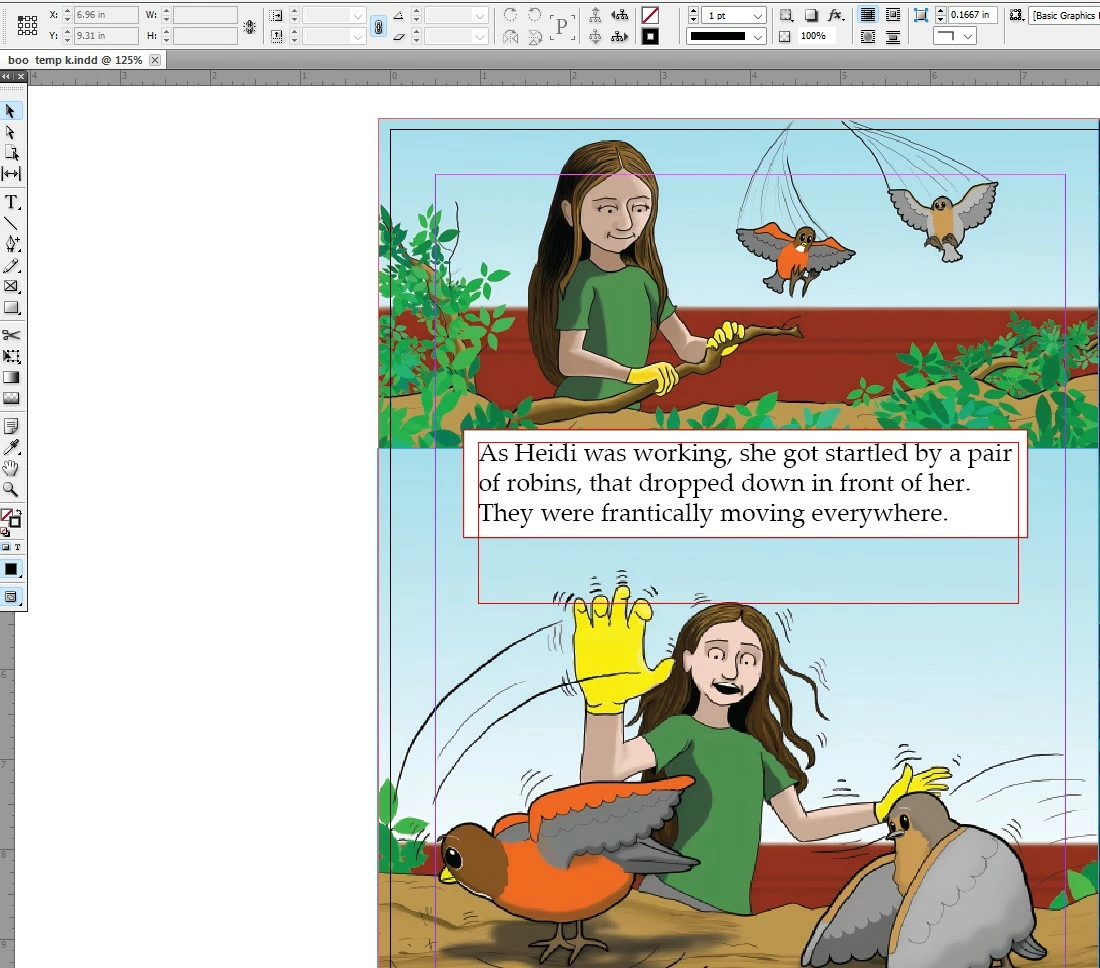
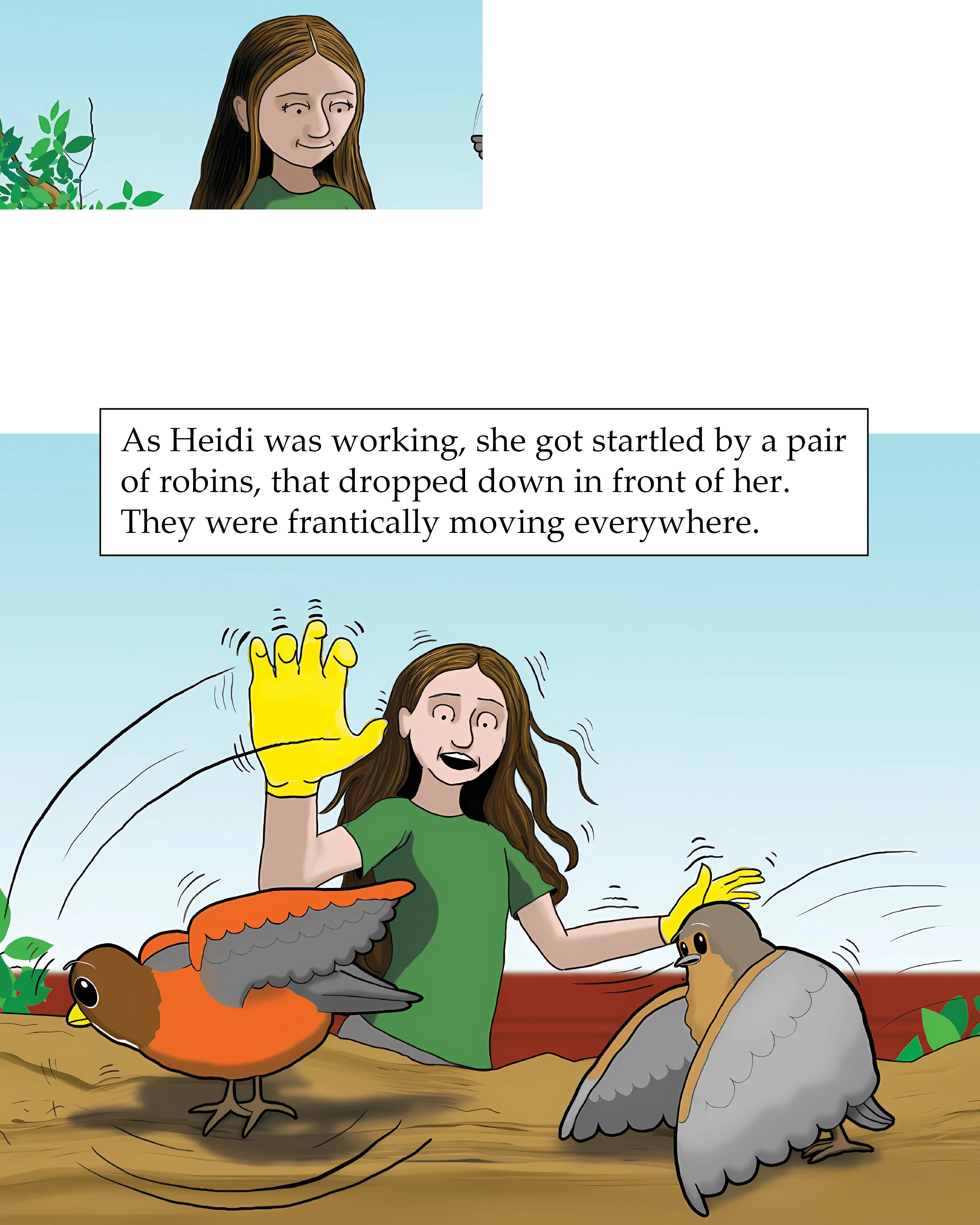
The image on left is how I see this page on my Indesign layout.   But the image on the right shows how the jpeg turns out, Something is covering over  the image with with white rectangle shapes.  What I can I do to fix this?
This topic has been closed for replies.

1 reply

James Gifford—NitroPress
Legend
June 16, 2024

Do you have any random/stray/masking shapes in those areas, perhaps on a different layer? Is thi spage composed of more than one or two images plus the text box?


Have you tried exporting to, say, PDF to see if the content all appears? Or to a different reslolution of JPEG?

Willi Adelberger
Community Expert
Community Expert
June 17, 2024
  • What is the original file type?
  • why do you want to use a jpg?
James Gifford—NitroPress
Legend
June 19, 2024

I used CMYK for converting to physical print copies.  All my images in my Indesign book file are cmyk, but if I have to, I'll just reenter each image with original RGB versions.


I'm still a little unclear on your overall workflow here. However you did a print book, it's completely separate from doing an e-book version using KDP's tool, so you can't really repurpose or reuse much from the print layout.


All you need are composed page images in JPEG format, RGB color space, for each page of the book in the book builder. Don't try to jump through too many hoops getting from the one format to the other; just export each page directly to the JPEG format from InDesign and you should be pretty much done. If you already have page images, use Photoshop to convert them to RGB color space (and/or crop and resize them to whatever optimal size and page ratio the KDP tool wants). No need to go from ths to that to the next format and so forth.