Participant
July 25, 2013
Answered

Copy paste anchored objects in a table

  • July 25, 2013
  • 1 reply
  • 1372 views

Hi all!

I must design very often posters with a lot of brands logos  (events sponsors) distribuited like anchored objects in the cells of a table.

Very frecuently, the list of brands changes after designed the poster, adding or deleting someones, and then i must replace the logos one by one.

I'm programming a script that moves the content of the cells, making space to the new inserts, or filling the space leaved by brands out. I use the "content" property of the object "cell", and it really works with text (its useful for me in others cases, anyway) but it makes absolutly nothing with the anchored objects.

Somebody have any idea that can help me?

Thanks for your help, and sorry for my english!

Jose
This topic has been closed for replies.
Correct answer Laubender

Oh, and what is very helpful:

The parent of an anchored object is a Character Object.

Example 1:

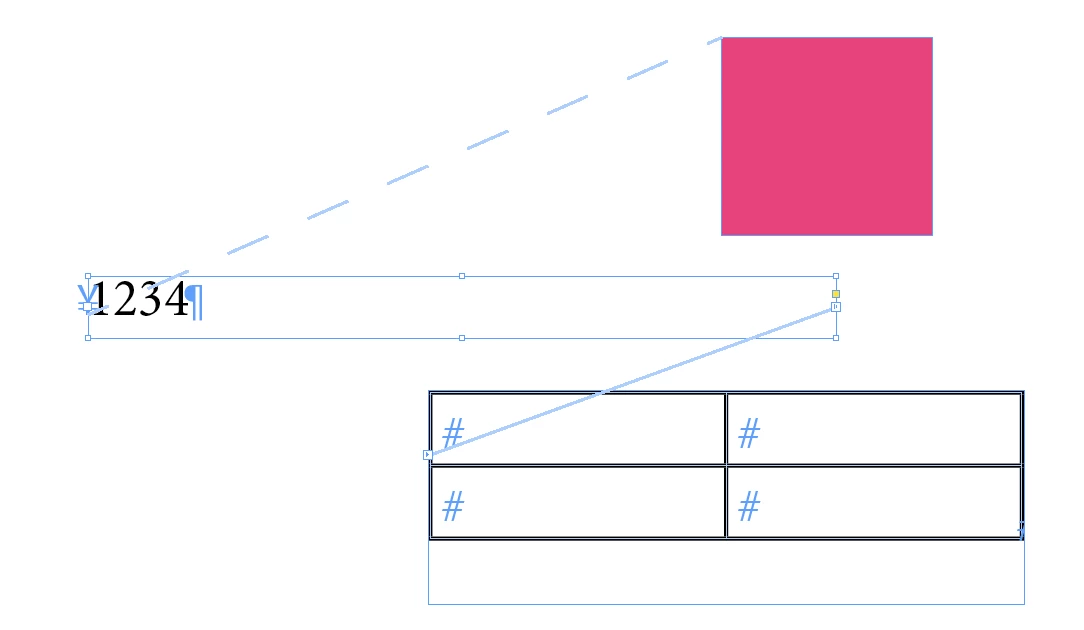
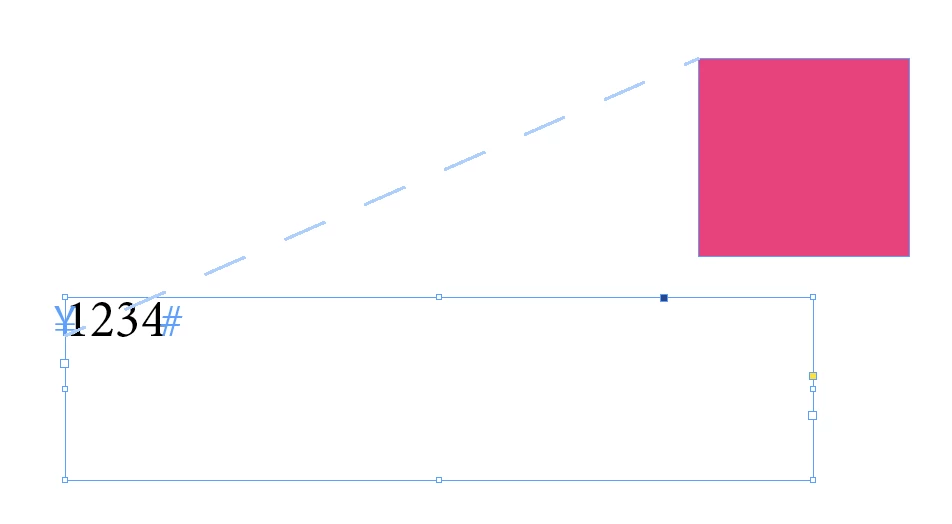
A text frame with an anchored object (the magenta square).
The text frame is selected.

If you ask for the count of characters in the text frame:

app.selection[0].characters.length;

The answer is "5"!
The anchor, that is indeed the anchored rectangle, is treated as a character.

If you select the anchored object and ask for its parent:

app.selection[0].parent;

The answer is "[object Character]".

To move such an anchored object without loosing its anchordness, you have to move the character.

In the above case, the character is characters[0] of the text frame. Or more precise, the characters[0] of texts[0] (all formatted text in the text frame) of the text frame. You also could go a step backward and say: in this case it's the characters[0] of texts[0] of the parentStory of the text frame

To move it somewhere else (e.g. to a cell of a table), you must move it to another Text object.
Every insertion point is a text object (like every character).

Example 2:


A table comes into play:

The text frame is still selected.
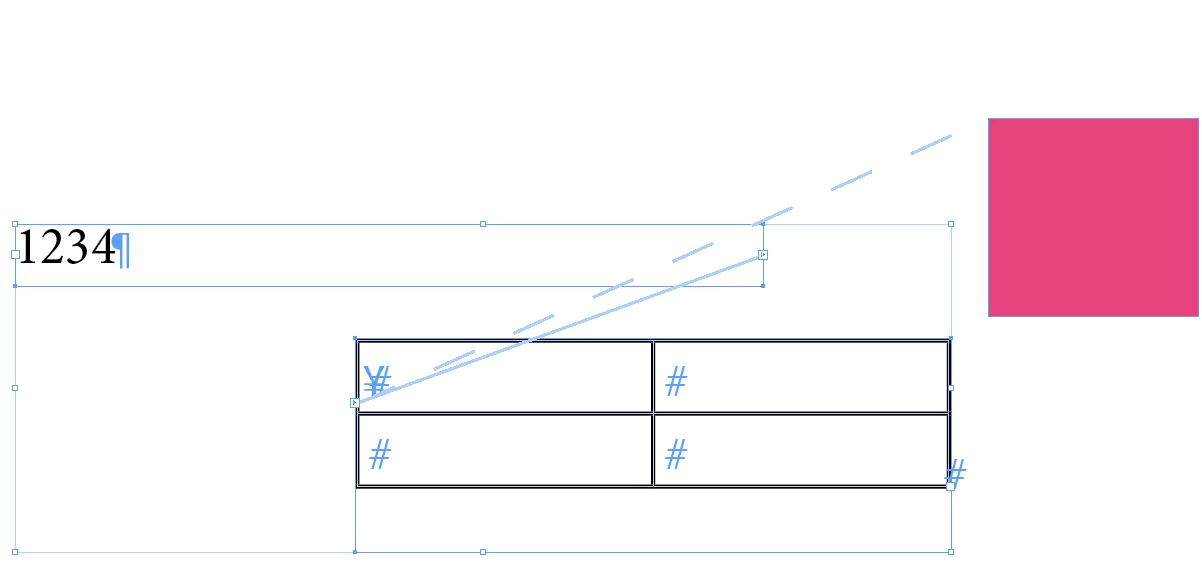
And the following code will move the anchored object (indeed the character) to the table:

var myTextFrame = app.selection[0];

var myTable = myTextFrame.parentStory.tables[0];

myTextFrame.characters[0].move(LocationOptions.AFTER, myTable.cells[0].insertionPoints[0]);

Situation after executing the snippet:

Hope that helps,
Uwe

1 reply

Community Expert
July 25, 2013

Consider using  Texts objects.
An anchored object is nothing but a character in a Texts object.

Uwe

Community Expert
July 25, 2013

Something around:

var myFormattedText = myTable.cells[0].texts[0];

myFormattedText.move(LocationOptions.AFTER,myTable.cells[1].texts[0].insertionPoints[0]);

Uwe

Community Expert
July 26, 2013

One more question:

And what if the object (image) was pasted, no anchored, in the cell??? Then it hasnt insertion point,

but the object is anchored, anyway...

Thanks!

Jose


An object pasted like that is an inline anchored object. No big deal…
Also represented as a Character object.


Every single cell as shown in your screen shot should have a

myTable.cells.texts[0].insertionPoints.length

of "2"

Uwe