Inspiring
June 23, 2019
Answered

Crazy bug with index entry

  • June 23, 2019
  • 2 replies
  • 1806 views

Hi,

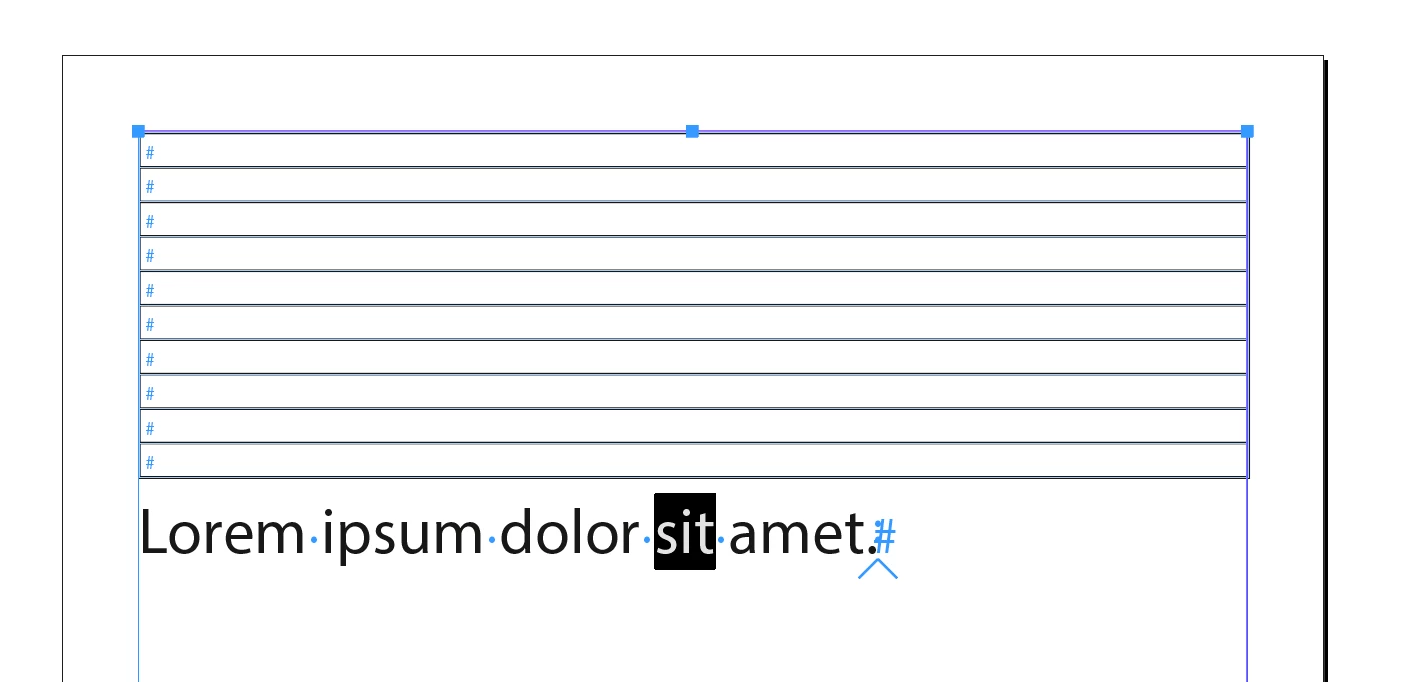
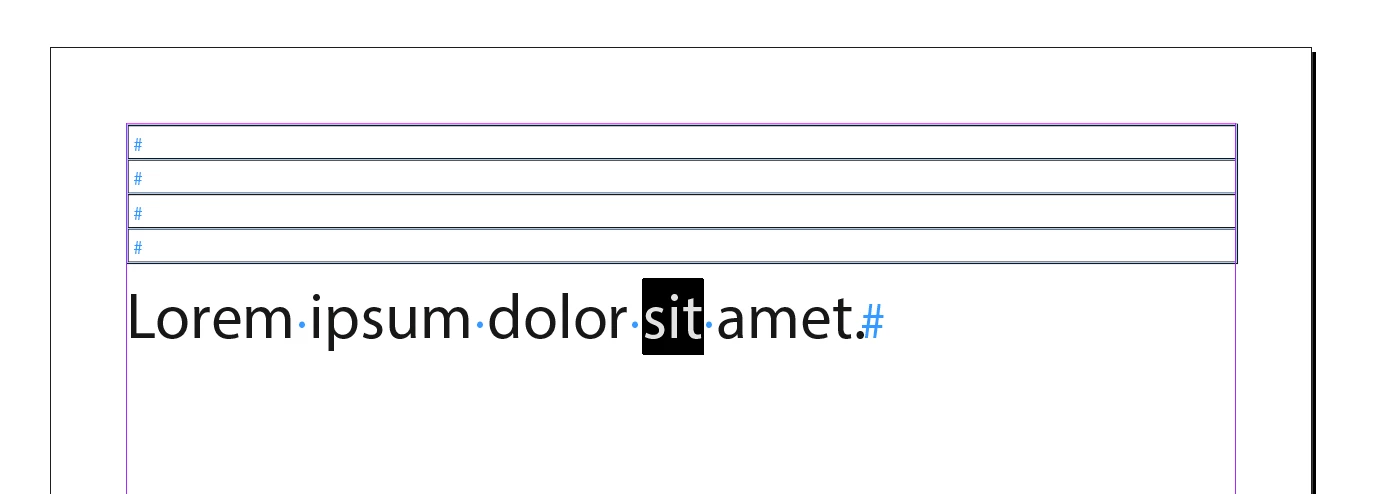
can anyone confirm that? If you select the word »sit« (attached document) and create an index entry using script, the page reference will be created after the word.
var _doc = app.activeDocument;

var _docIndex;

if(_doc.indexes.length === 0) {

    _docIndex = _doc.indexes.add();

} else {

    _docIndex = _doc.indexes.firstItem();

}

var _textObj = app.selection[0];

var _parentTopic = _docIndex.topics.add("Topicname");

var _pageRef = _parentTopic.pageReferences.add(_textObj);
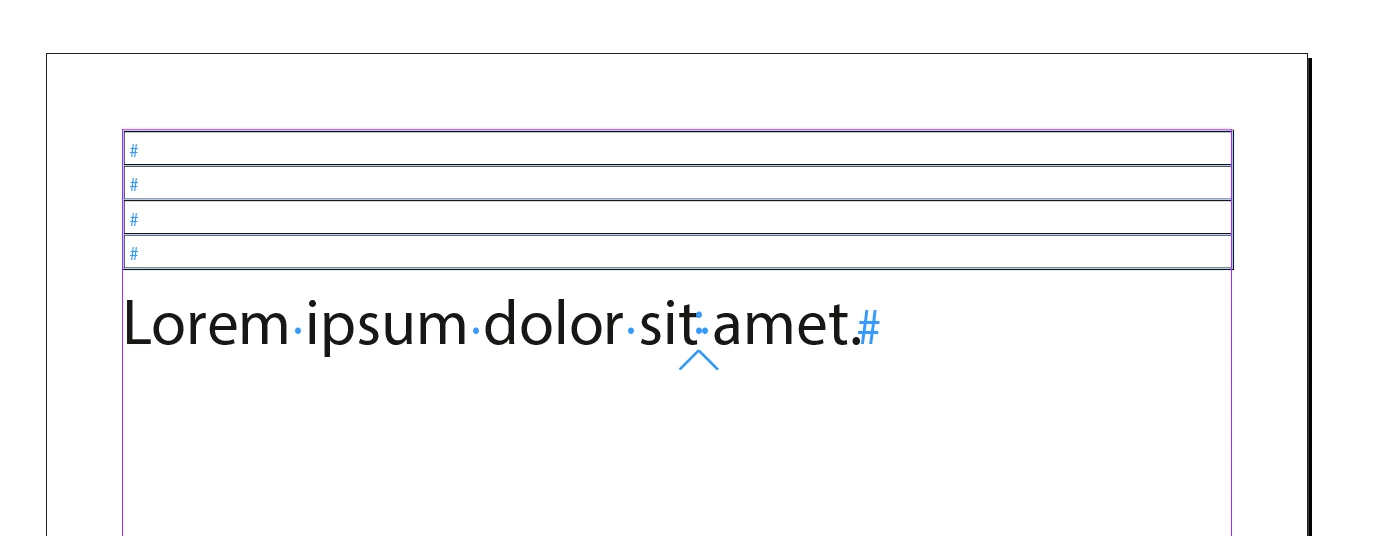
  • word before that, everything's correct
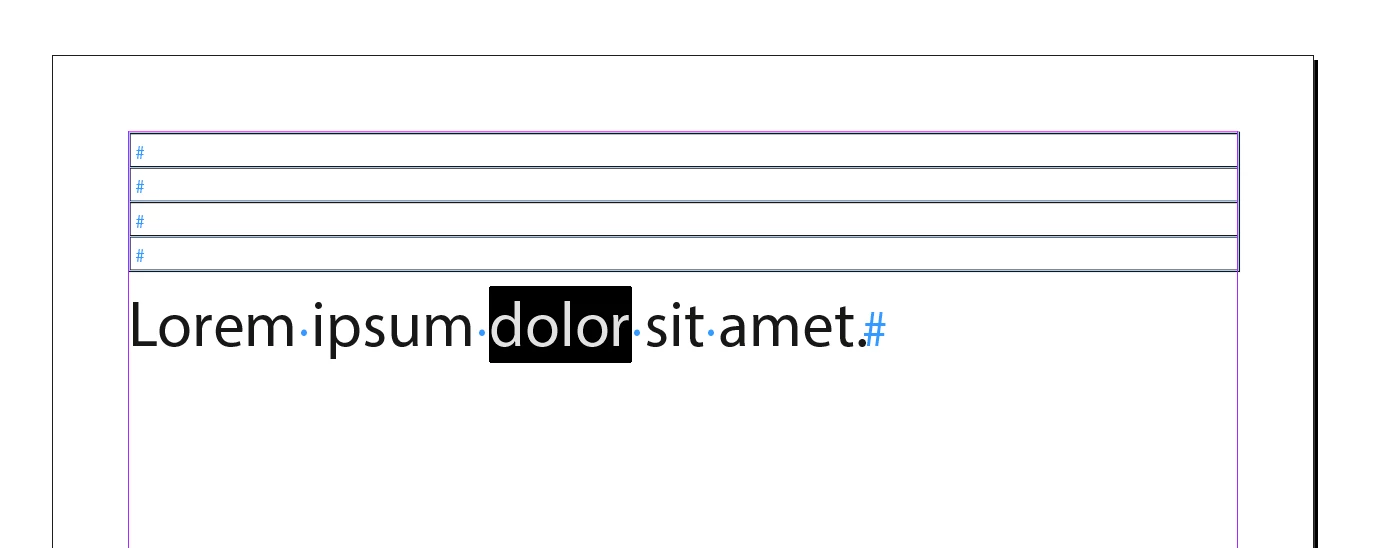
  • tables with 3 or more rows
  • the more table rows the more offset

MacOS and InDesign CC2019 14.0.1

Roland

This topic has been closed for replies.
Correct answer Jongware

Yes, that is a bug. Report ASAP at Adobe InDesign: SDK/Scripting Bugs and Features: Top (27 ideas) – Adobe InDesign Feedback as it seems only related to scripts (using the same selection and the Index panel works as expected).

I find inconsistent results (offsets of one or two characters after the selected word) when the table above is 3 or more rows – but there is more to this, because the problem seems to shift or disappear when the word is more than 4 characters!

Tested in CS4, so it seems a long-running bug.

2 replies

Robert at ID-Tasker
Legend
November 24, 2024

It works fine in the UI - but ONLY if one item is added at a time - if a word / phrase is selected and ADD ALL is clicked in the dialog - it will produce the same error as if each found result is added through scripting.


Robert at ID-Tasker
Legend
November 24, 2024

But there is a workaround:


(order of the Tasks is wrong - 2nd should be executed first, then 1st in BatchMode, on all checkboxed results on the list)


You have to use INVOKE:


Name Title Area ID
Add new index entry Add new index entry Panel Menus:Index 78098


Jongware
Community Expert
JongwareCommunity ExpertCorrect answer
Community Expert
June 23, 2019

Yes, that is a bug. Report ASAP at Adobe InDesign: SDK/Scripting Bugs and Features: Top (27 ideas) – Adobe InDesign Feedback as it seems only related to scripts (using the same selection and the Index panel works as expected).

I find inconsistent results (offsets of one or two characters after the selected word) when the table above is 3 or more rows – but there is more to this, because the problem seems to shift or disappear when the word is more than 4 characters!

Tested in CS4, so it seems a long-running bug.

Inspiring
June 23, 2019

Thanks Jongware! Reported.

Community Expert
June 24, 2019

Hi Roland,

I can confirm the bug.

Thanks for reporting this.

Hm. Just trying to make out the "rules" of this misbehavior.

The scope of the bug seems to be the story.

Numbers of table rows before the text selection and numbers of characters selected are a factor.

Regards,
Uwe