Copy link to clipboard
Copied
I have an often used script that I would like to create a button or droplet for. What would be the best way to do this? Applescript or is there some other method? Any tips would be greatly appreciated!
Hi @michaelr26894937 , Also, to create an AppleScript droplet for ID, wrap the code in on open ... end open statements, use the Finder to get a list of dropped files, and a repeat loop to call the code you want to run in ID. Here’s a template that opens the dropped ID file, and displays its name
on open
tell application "Finder"
activate
set the sel to the selection
repeat with x in sel
set thePath to (x as Unicode text)
tell application id "com.adobe.indesign"
--InDesign co...
Copy link to clipboard
Copied
Applescript for sure. You can indeed save your applescript script as a droplet. It's too old since I last done sth like that but it's surely doable.
then the InDesign code is nothing special.
Copy link to clipboard
Copied
Hi @michaelr26894937 , Also, to create an AppleScript droplet for ID, wrap the code in on open ... end open statements, use the Finder to get a list of dropped files, and a repeat loop to call the code you want to run in ID. Here’s a template that opens the dropped ID file, and displays its name
on open
tell application "Finder"
activate
set the sel to the selection
repeat with x in sel
set thePath to (x as Unicode text)
tell application id "com.adobe.indesign"
--InDesign code here
activate
open thePath
display dialog "Name: " & name of active document
end tell
end repeat
end tell
end open
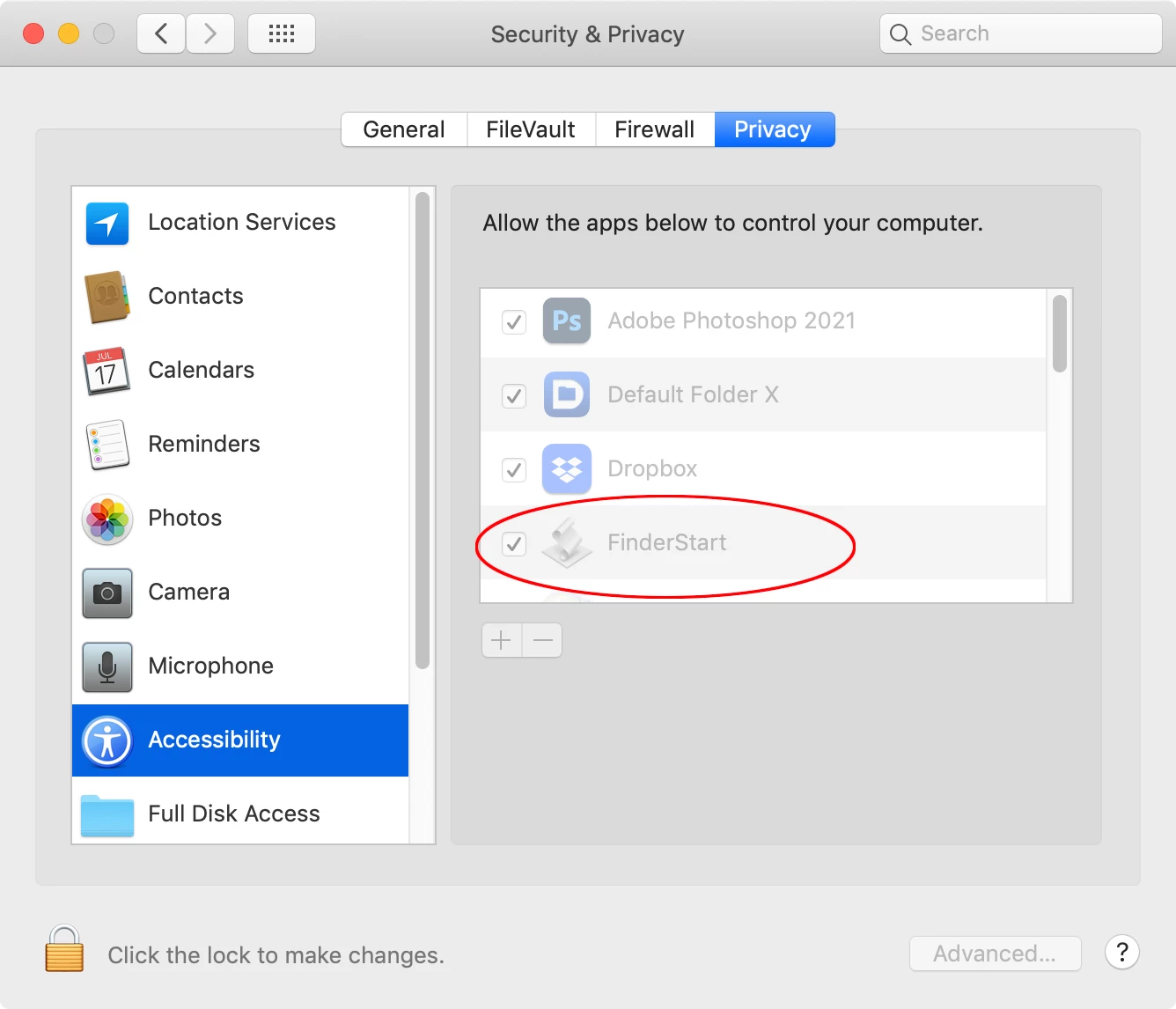
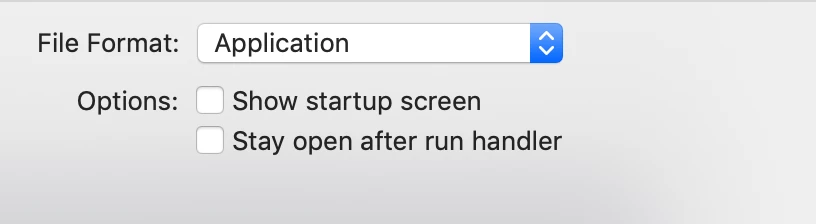
You have to compile and save the code as an app and then give the app permission to run, either through the dialog that will pop up on the first run or via the OS Security and Privacy Accessibility preferences:
Copy link to clipboard
Copied
Thanks! By "--InDesign code here", do you mean I place the contents of the jsx file there?
Copy link to clipboard
Copied
No I meant AppleScript code. There is a AppleScript do script command that will run or open JavaScript code. How complex is the JavaScript?
Get ready! An upgraded Adobe Community experience is coming in January.
Learn more