Participant
June 14, 2022
Answered

Crop and bleed marks in indesign

  • June 14, 2022
  • 2 replies
  • 517 views

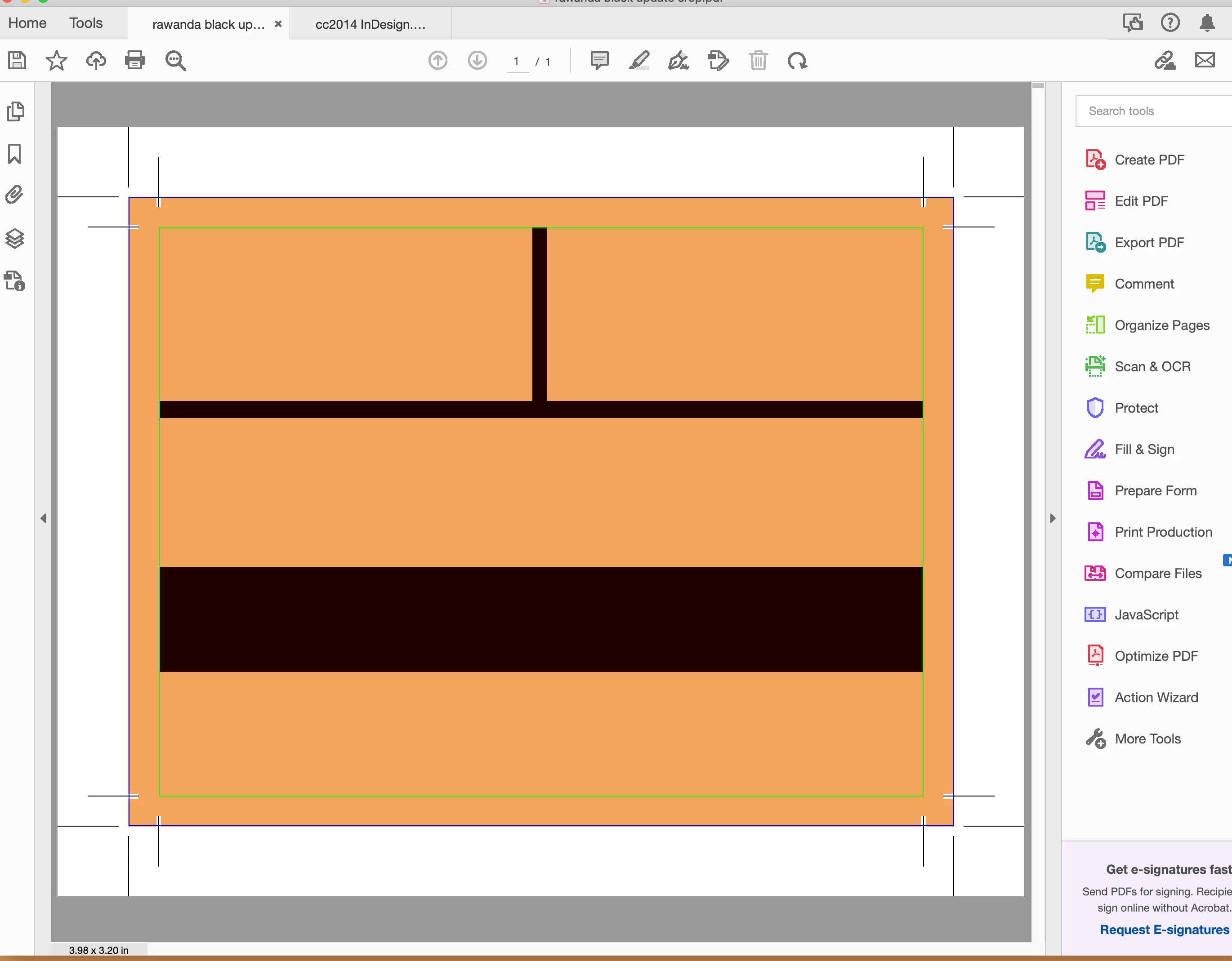
I am using indesign cc2014, when I save a document as print ready pdf, I have a problem with crop and bleed marks. I need them to extend into the background.

I uploaded an image that shows what I did.

I uploaded an indesign document, can anyone help me and edit It and tell me how I can fix It. 
This topic has been closed for replies.
Correct answer rob day

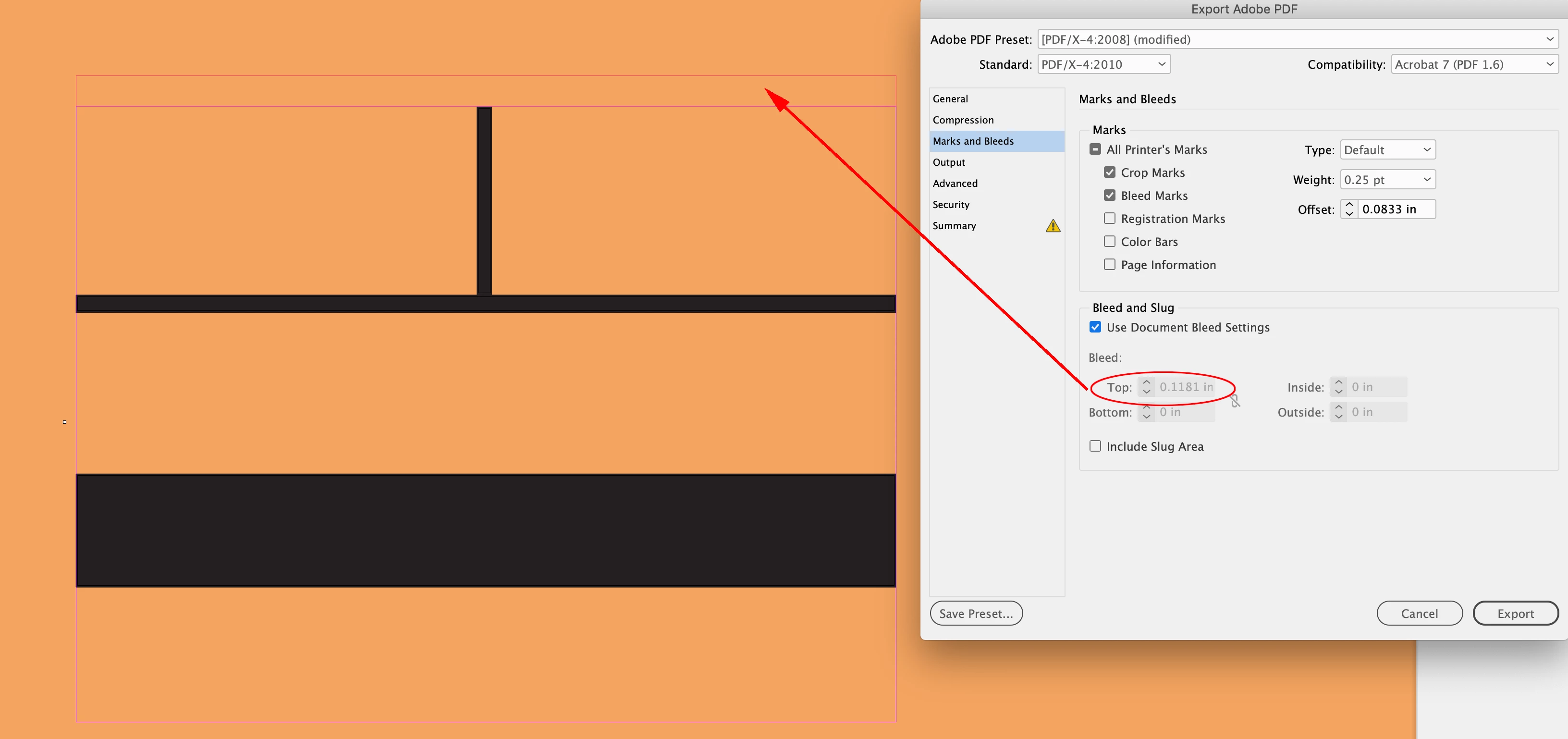
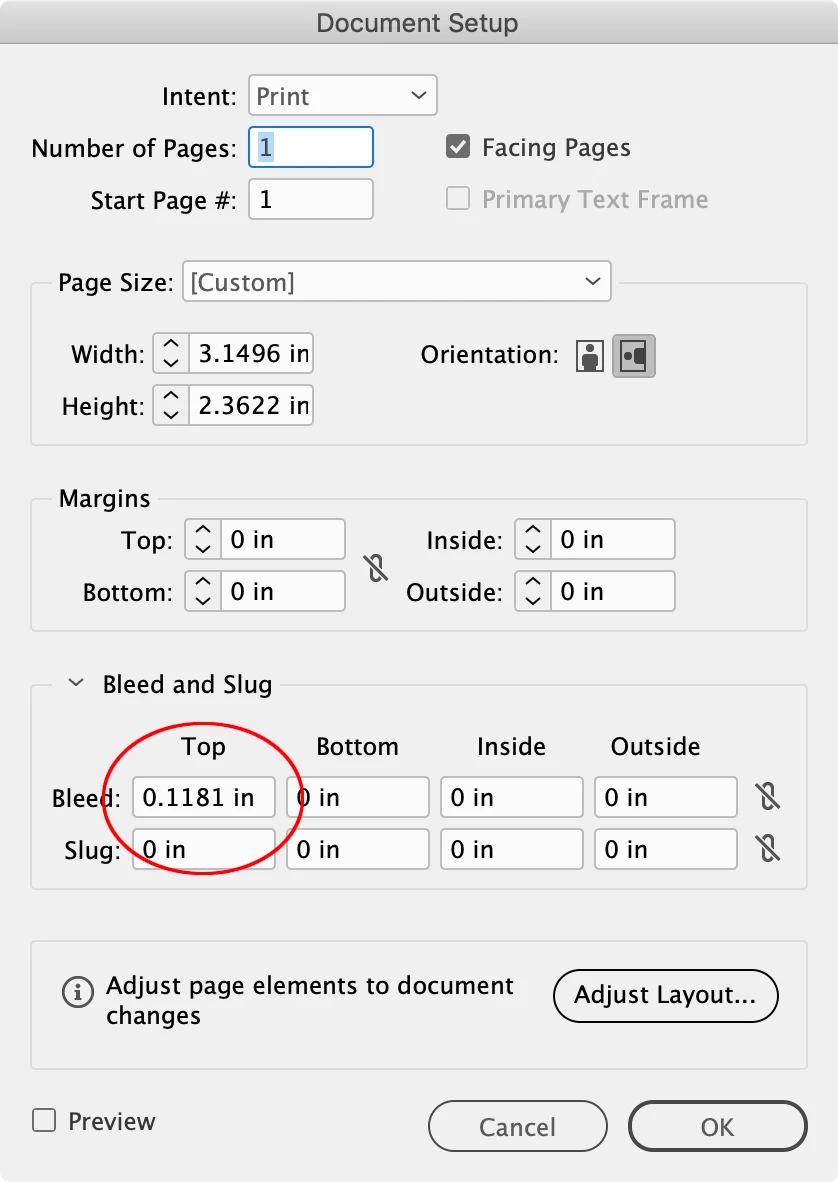
Hi @Pop24801432prm6 , Your InDesign document only has a top bleed, so the crop and bleed marks in your sample PDF are correct.


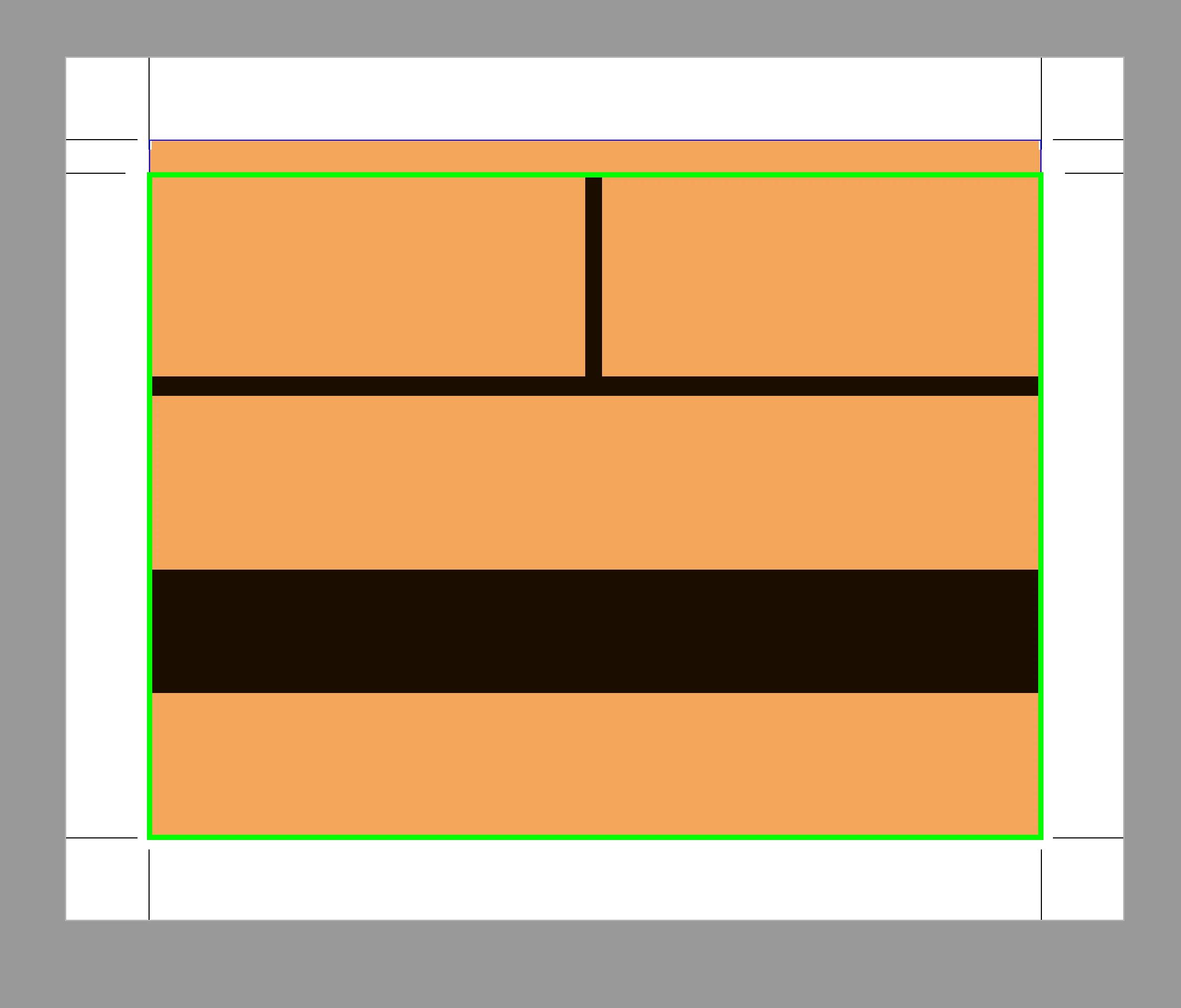
Green box would be the cropped trim—no left, right, or bottom bleed:


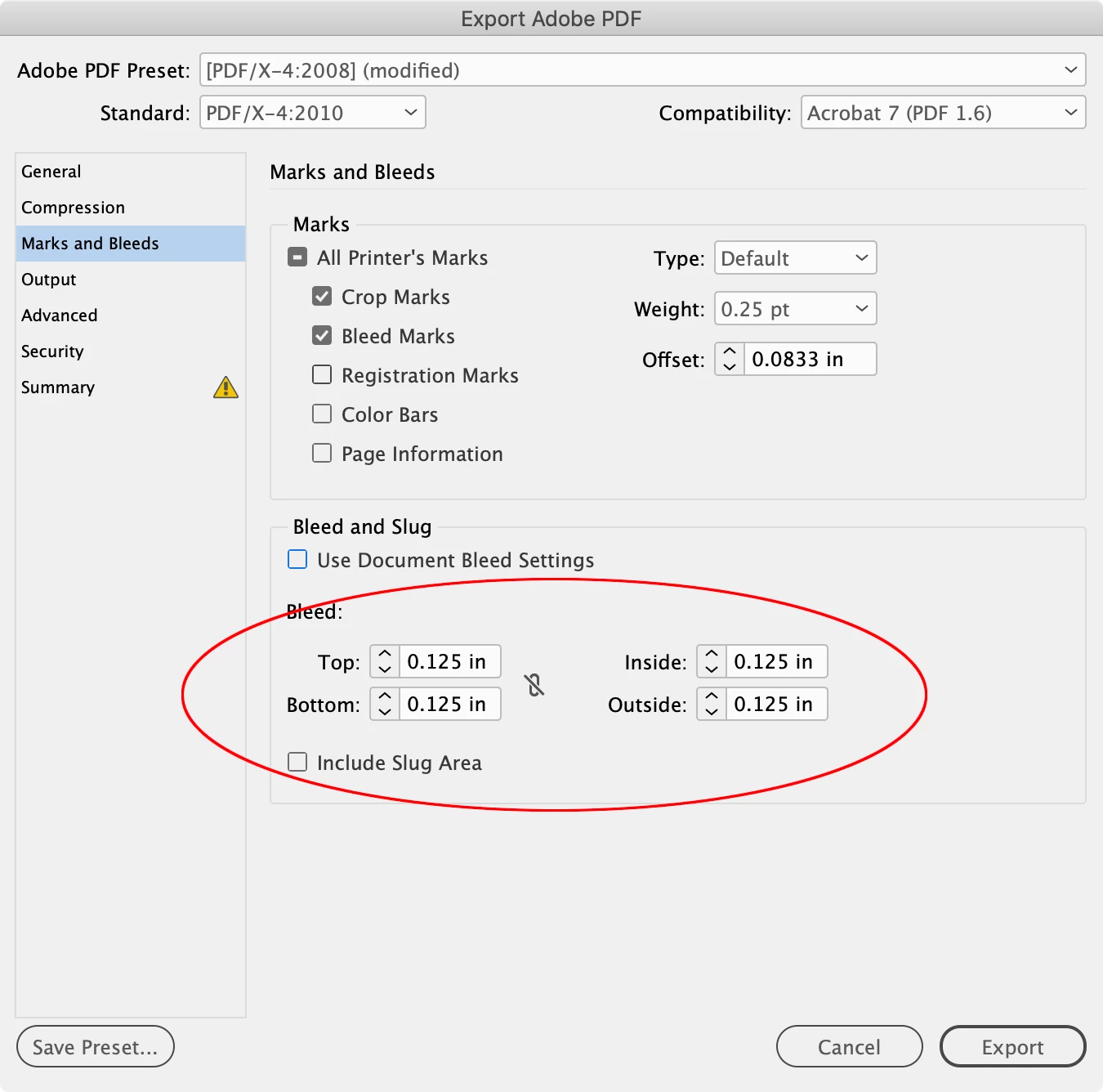
Seems like you need a bleed on all 4 sides:


2 replies

rob day
Community Expert
rob dayCommunity ExpertCorrect answer
Community Expert
June 14, 2022

Hi @Pop24801432prm6 , Your InDesign document only has a top bleed, so the crop and bleed marks in your sample PDF are correct.


Green box would be the cropped trim—no left, right, or bottom bleed:


Seems like you need a bleed on all 4 sides:


Peru Bob
Community Expert
Community Expert
June 14, 2022

I've moved this from the Using the Community forum (which is the forum for issues using the forums) to the InDesign forum so that proper help can be offered.