
zanners3
Participant
January 10, 2024
Answered

Ctrol+D not working in Indesign

  • January 10, 2024
  • 2 replies
  • 358 views

tried all suggestions on this community chat. had 3 different adobe techs work on this for about 3.5 hours total and each one just ended the chat without warning. Have deleted preferences. removed photoshop and illustrator. updated windows. tried different keys. installed an earlier version(s). this all happened after the last update and it still doesn't work.
This topic has been closed for replies.
Correct answer rob day

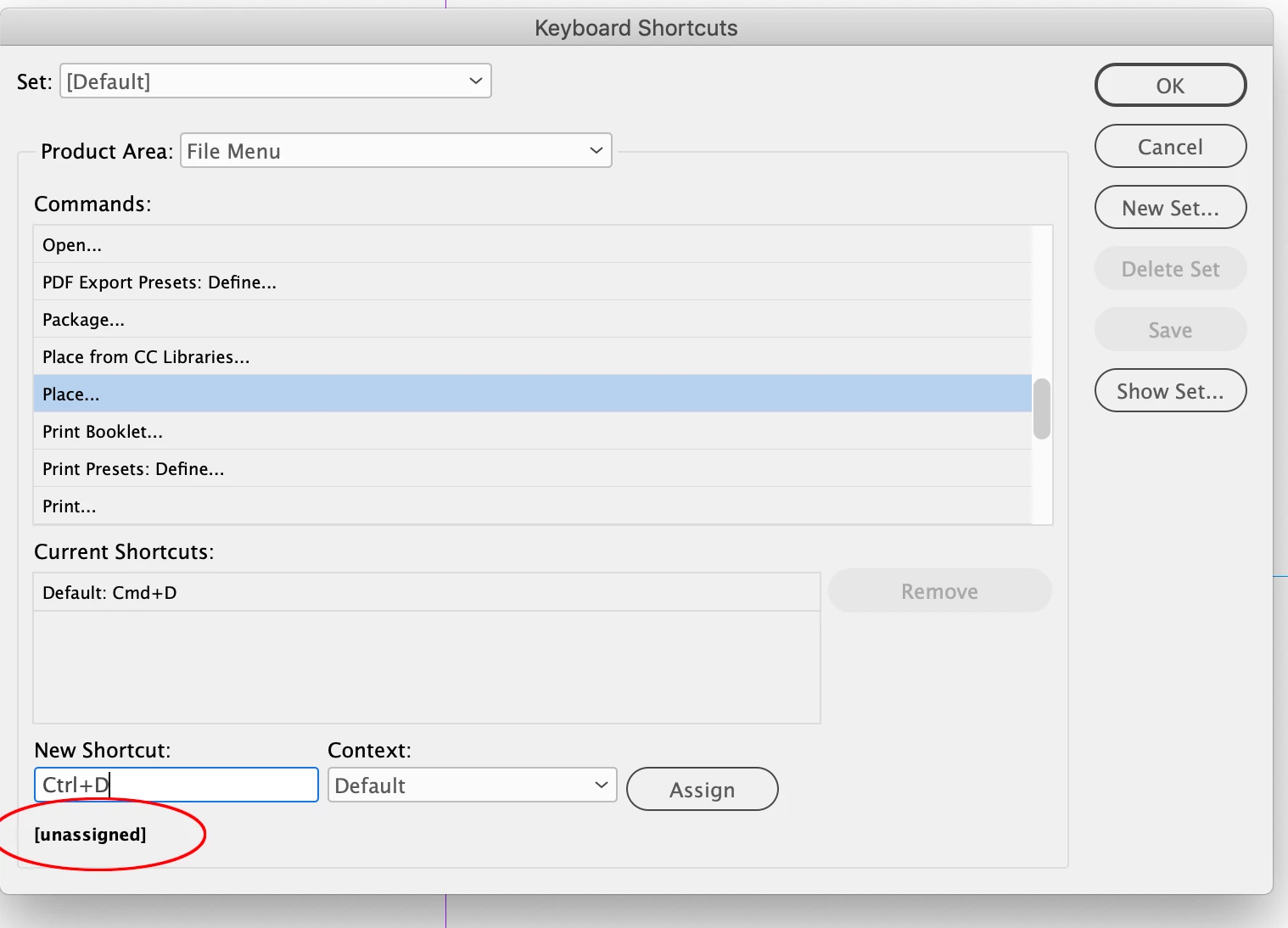
Hi @zanners3 , Just to clarify —are you using the [Default]  Set or a custom set, and what are you expecting Control+D to do? The [Default] Shortcut Set doesn’t appear to have anything assigned to Control + D. Command (Alt) + D is the default shortcut for Place—my [Default] Set on OSX:


2 replies

rob day
Community Expert
rob dayCommunity ExpertCorrect answer
Community Expert
January 10, 2024

Hi @zanners3 , Just to clarify —are you using the [Default]  Set or a custom set, and what are you expecting Control+D to do? The [Default] Shortcut Set doesn’t appear to have anything assigned to Control + D. Command (Alt) + D is the default shortcut for Place—my [Default] Set on OSX:


zanners3
zanners3Author
Participant
January 10, 2024

Control+D is place and was showing in my default but wasn't working. deleted EVERY folder with indesign preferences then made a new default set and reassigned a different key. it is now working.

Rishabh_Tiwari
Legend
January 10, 2024

Hi,


Sorry to hear about the trouble. Please try the suggestions shared in this article and let us know if this helps or if you need further assistance.


Thanks

Rishabh

zanners3
zanners3Author
Participant
January 10, 2024

I saw those and tried everything listed that related. Still doesn't work. Have chatted with 4 different adobe techs and each one just ended the chat with no fix.