Participating Frequently
August 15, 2012
Answered

Data Merge Shifting Records off the page...?

  • August 15, 2012
  • 12 replies
  • 31004 views

I am trying to do a data merge to create a member directory, finished size 5.5x8.5

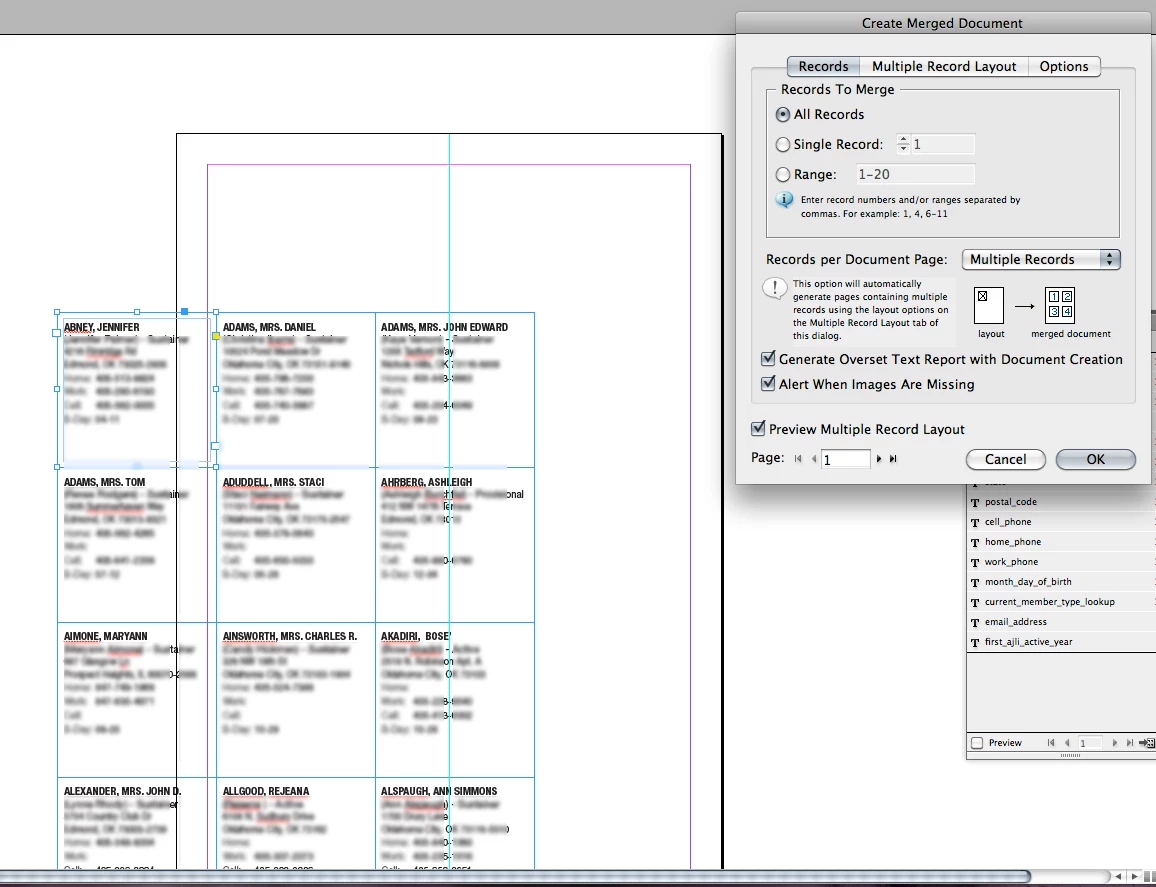
I am doing multiple records (each sized 1.5x.1.5 inches) per document page, and when I  Preview the multiple record layout, it shifts all of the records down about 1 inch, and over to the left about 2. It does not seem to be lining up with anything. My margins for the data merge are set to .3 all around.

I have tried using a data source that is a CSV (comma delinated) and also a Text (tab delinated) file.

I have tried creating a new file and reseting the needed info from scratch, to help ensure there wasn't any possible file corruption.

Here's a picture of what's happening. Can anyone give me a clue why this shift is happening?

I am using CS6, and have never had this happen to me before with any previous work.
This topic has been closed for replies.
Correct answer SJRiegel

It seems to be connected to the preview, so that if it was previewed even once it didn't run correctly. The only way I was able to get correct behavior out of the file was to create a brand new file, copy the text block into it, set up a new data-merge info and run without preview.

Any attempts to create a new file and preview before running resulted in offset records.

12 replies

Peter Spier
Community Expert
Community Expert
August 15, 2012

I haven't look at your posted file, but a number of users of CS5 and CS5.5 have reported oddities after running the preview.

What happens if you either take a leap of faith and DON'T run the preview, or Undo after running it so it's as if it never happened, then run the merge?

Daniel Flavin
Inspiring
August 15, 2012

After two InDesign lockups, it appears a custom page size has been applied to the live page, although I don't use the feature enough. Using the page tool informs me that the page size is 8.5 x 5.5; identicle to the document setup size...

It being a end product multiple page, I added a second page to the master spread, applied the masters to the live page, where abouts ID informed of the custom page size. I applied the Master Page size, 8.5 x 5.5 to the live page and corrected the offset merge...I think.

SJRiegelCorrect answer
Legend
August 15, 2012

It seems to be connected to the preview, so that if it was previewed even once it didn't run correctly. The only way I was able to get correct behavior out of the file was to create a brand new file, copy the text block into it, set up a new data-merge info and run without preview.

Any attempts to create a new file and preview before running resulted in offset records.

Legend
August 15, 2012

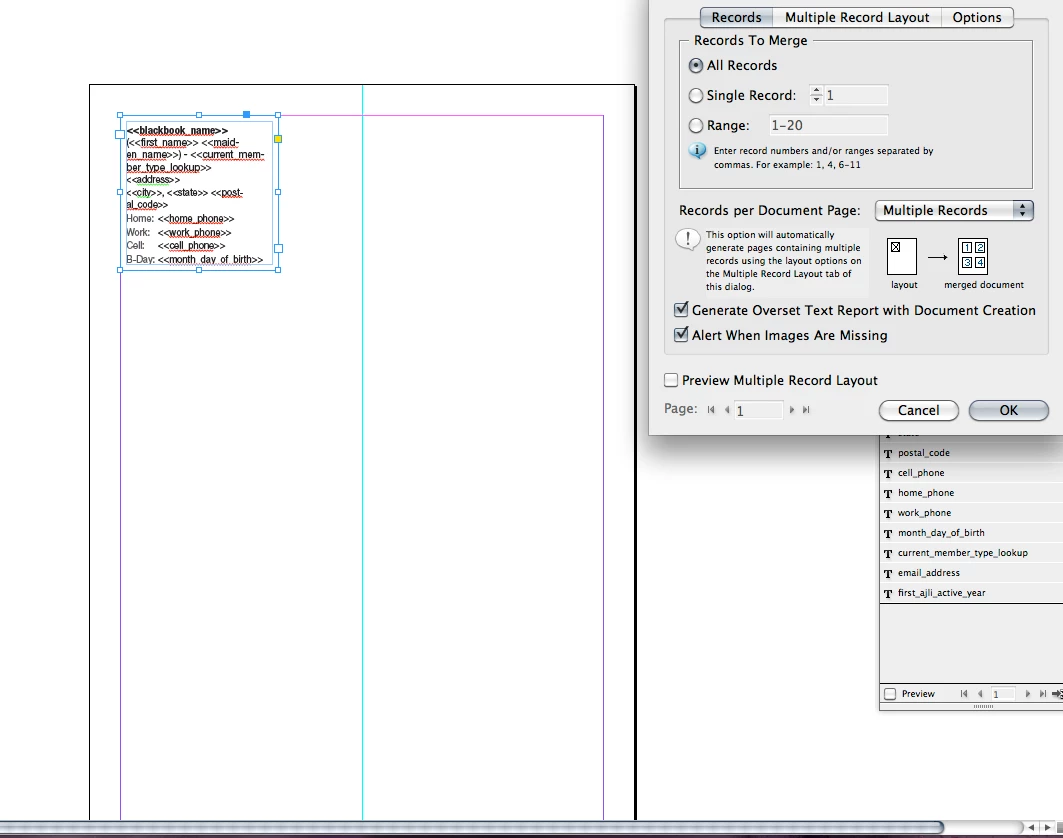
Can you include a screen shot of the Multiple Record Layout tab, and the Options tab? The key to the problem may be in one of those.

qpokcAuthor
Participating Frequently
August 15, 2012

That WOULD make sense.... here we go!

Legend
August 15, 2012

Everything looks fine there, so my best guess would be a stray item on the page could be throwing things off. If you could post a link to the InDesign file, I could take a look at it. (I will create a dummy data file to test with)