Participant
December 4, 2023
Question

Die Lines Erasing Artwork

  • December 4, 2023
  • 1 reply
  • 679 views

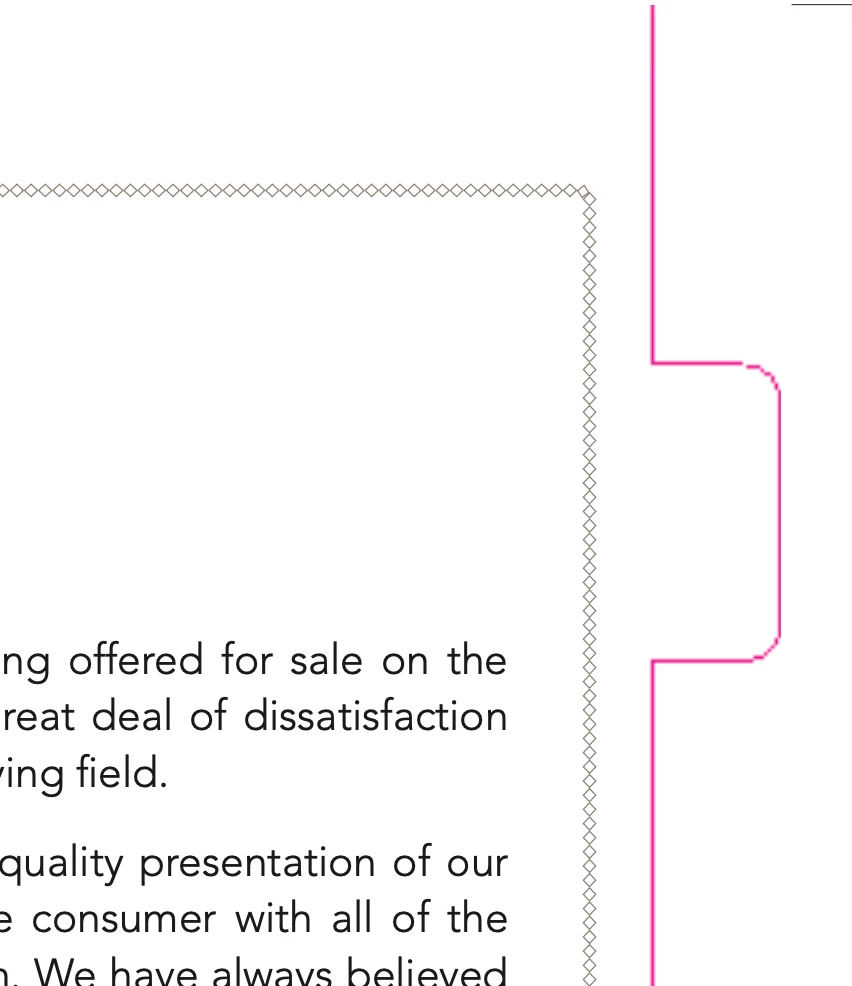
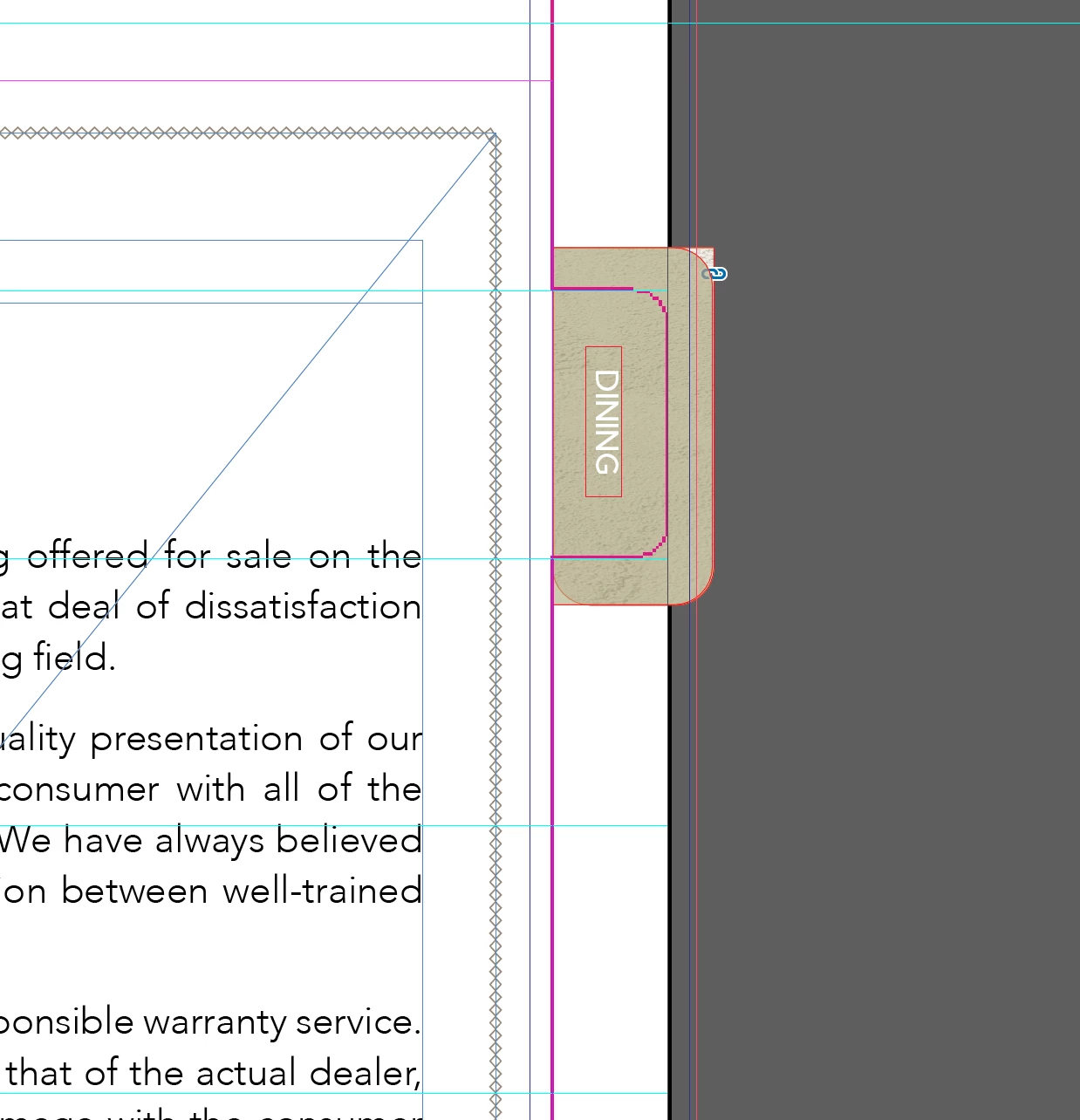
I must have a setting wrong when exporting because I am using a file that was set up correctly from a printer but when I export it to a pdf the die lines remove artwork where there should be some. Including pictures to explain more. 
This topic has been closed for replies.

1 reply

Robert at ID-Tasker
Legend
December 4, 2023

Do you mean "DINING" word?


Participant
December 4, 2023

Yes... the "Dining" and the green color should be on that tab - when I export they both go away

Luke Jennings3
Community Expert
Community Expert
December 4, 2023

they never sent me the ai file. I'll just have to make a new one - think that was the issue!


How are you viewing your pdf? Use Acrobat or Reader with the page display preference for overprint set to "Always".

Ask them to send you a packaged file. Did they also send you a pdf? if so, and there is a dieline layer, you could place that and use object layer options so you would not need to create the tabs from scratch, or open the pdf in Illustrator and remove everything but the dieline, and confirm it is a spot color and set to overprint. The printer likely has existing dies for the tabs, so be sure to match what they sent.