
Answered
Disable overprint, exporting PDF for web use
I have been trying to export a PDF intended for web purposes with the colours it displays in InDesign without overprint. I have been tearing my hair out for the last six hours googling how to disable overprinting and preserve proof colours while exporting to PDF. I have already done the following with to avail:
- uncheck overprint black swatch at 100% in preferences
- turn off overprint stroke and fill in atributes
- tried dozens and dozens of various exporting setttings with transparency flattener, different pdf types, etc. etc.
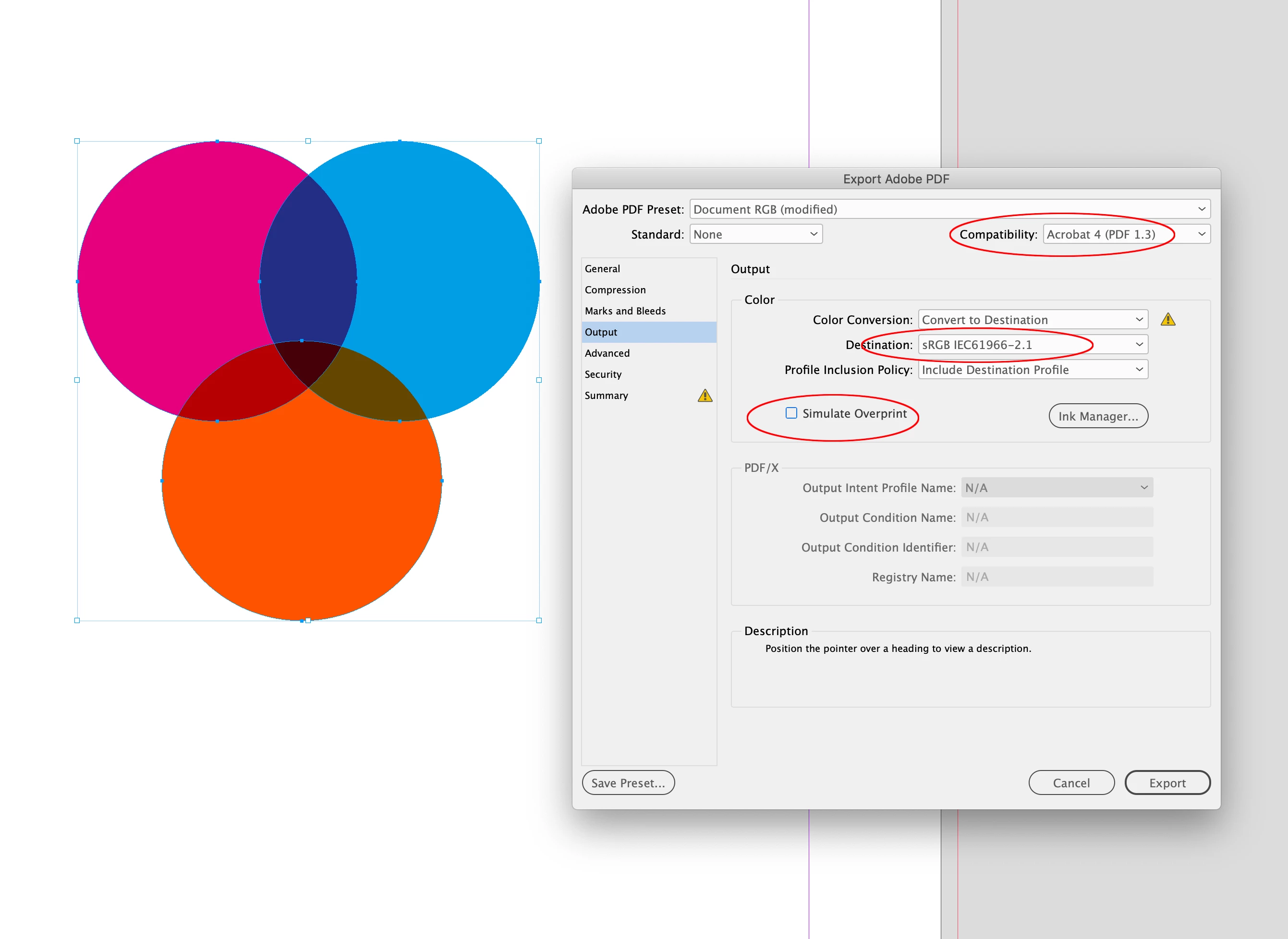
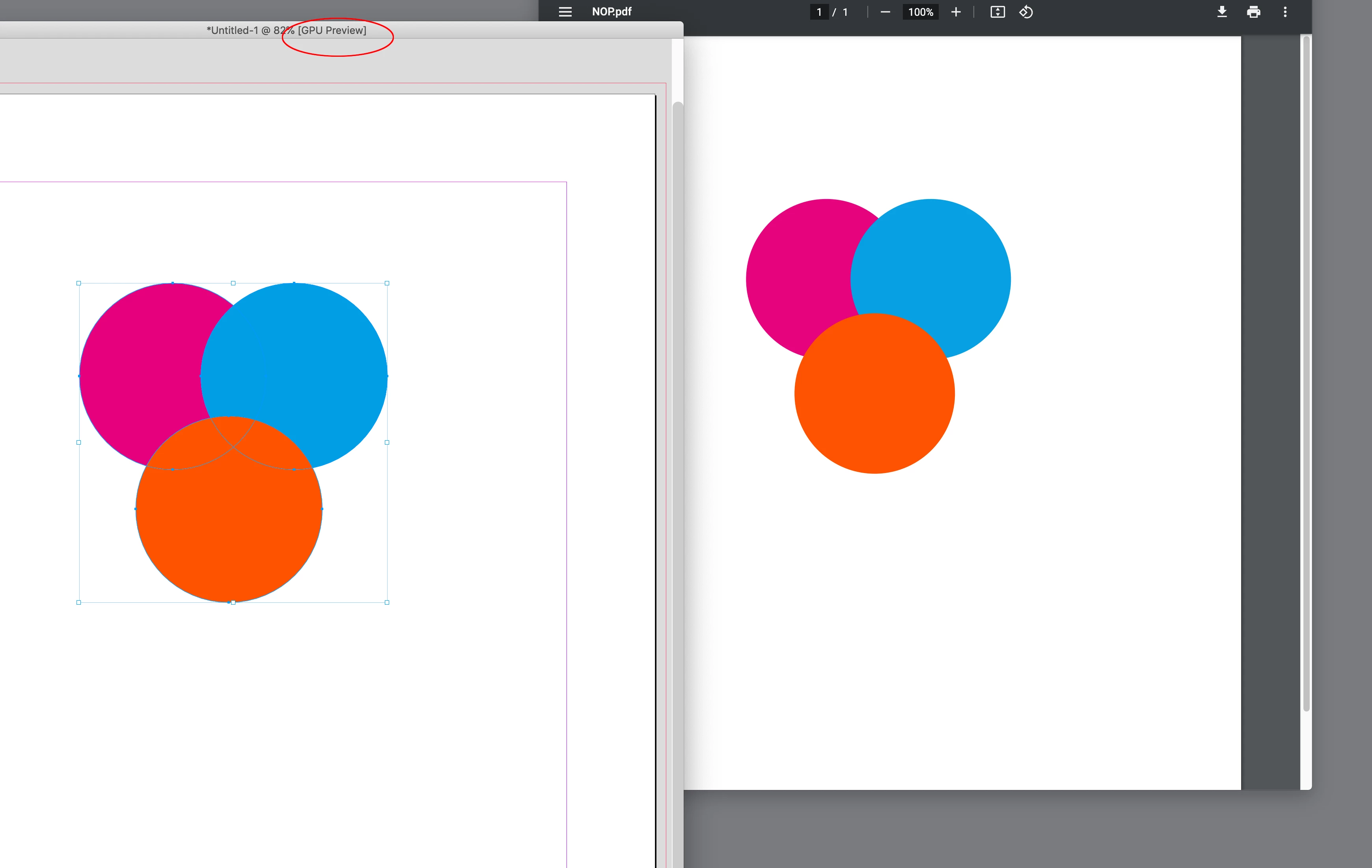
Exported PDF always looks like this, with overprint:

I want it to look like this, without overprint:

Any help is greatly appreciated.


 AdChoices