but I don't see a way to adjust the spacing between the dots. |
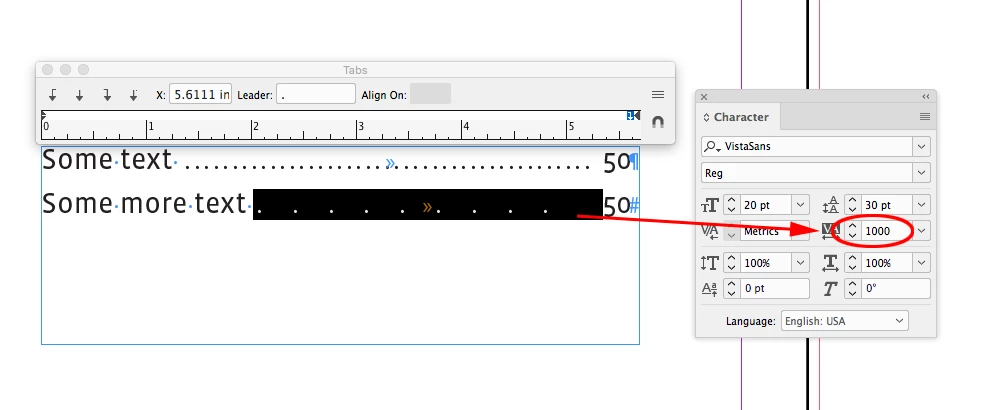
If you are using a tab leader the leader spacing will respond to tracking. Select the tab in the text (not the icon in the panel) and change its Tracking in the character panel:
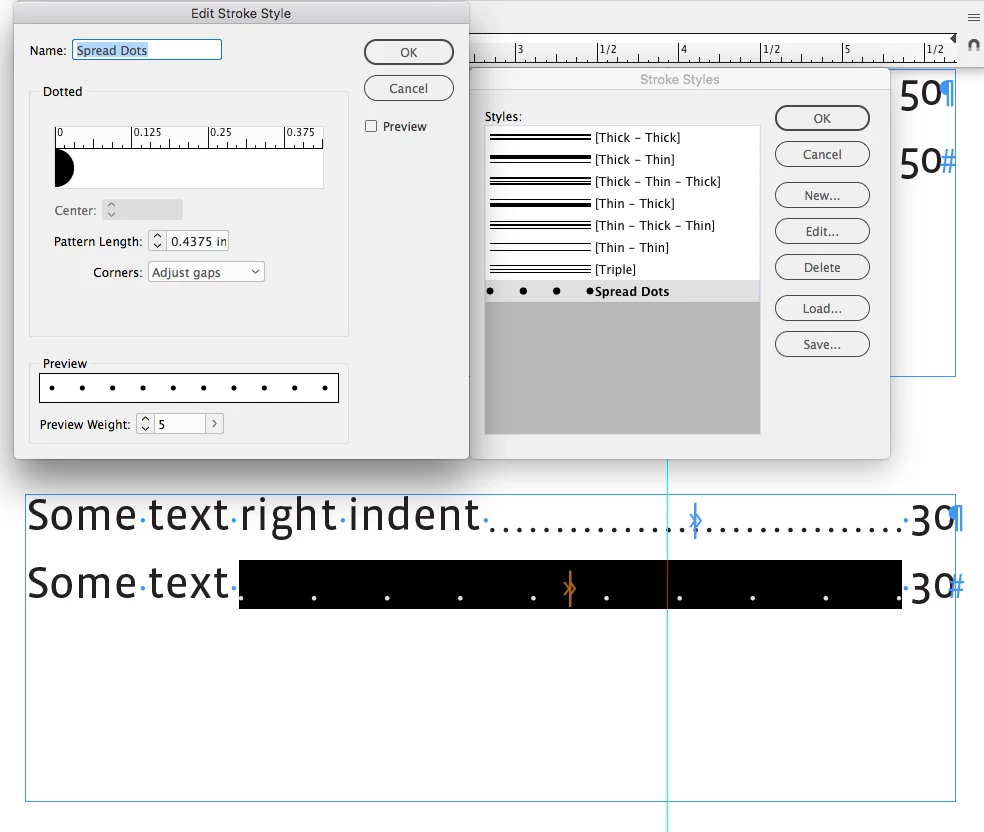
If you choose to apply a dotted underline to the tab character, you can make a custom stroke style that adjusts the spacing. Here I've made a new dotted stroke style named Spread Dots with the Pattern Length increased and used that style in the Underline Options for the tab:
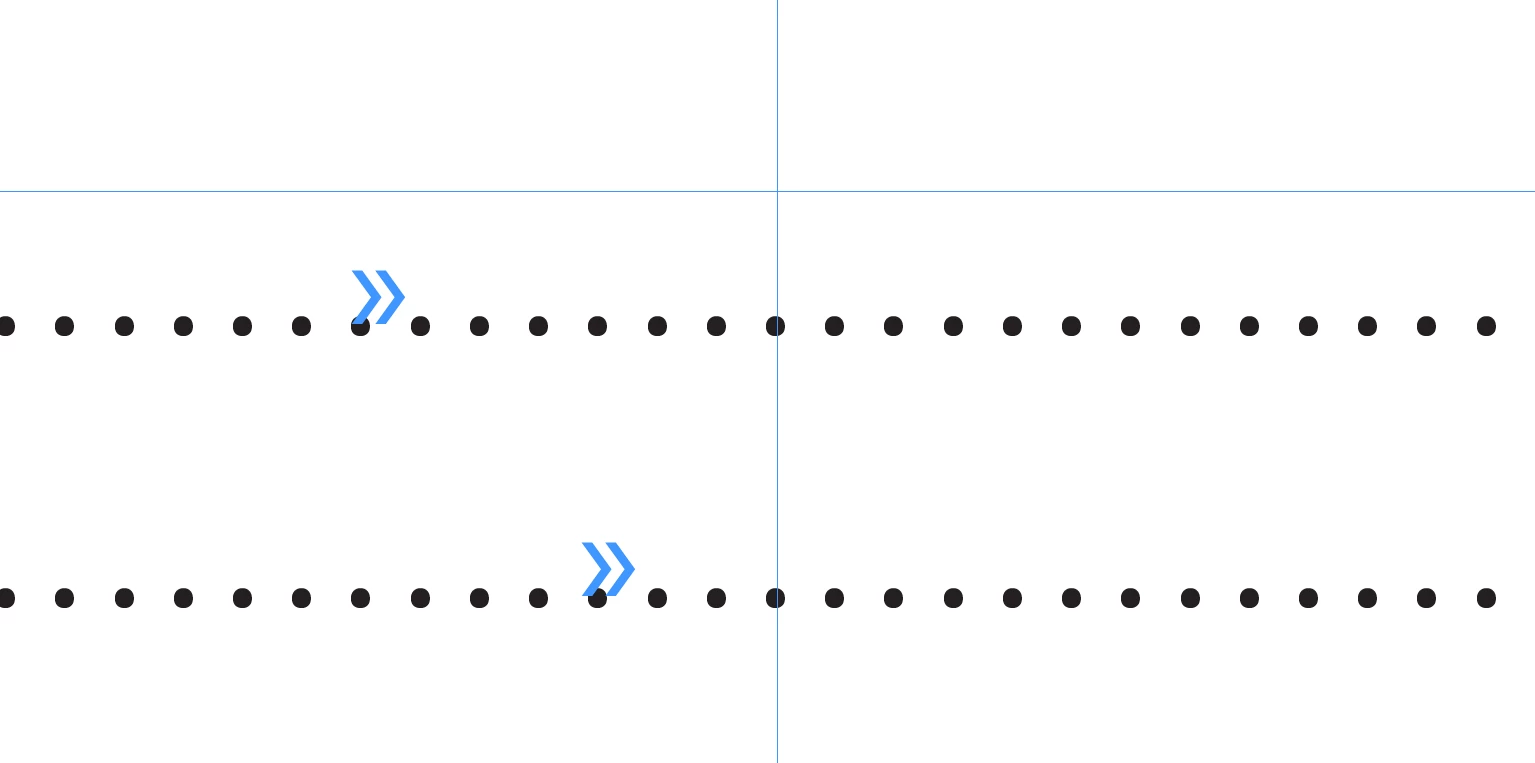
Also there is a subtle difference in tab leaders vs. dotted underlines. Assuming the tracking is consistent, tab leaders align vertically and there can be some variance in the space before and after the tab leaders. With underlines you can make the space before and after uniform, but the dots wont line up vertically:


 AdChoices