
Double color management issue when printing in InDesign
Hello Community,
I'm using indesign to print a small book of color photography. Typically when I print with Photoshop, I first select "Photoshop manages colors" then I select the .icc profile of the paper I'm using, in this case Canson Rag Duo. I open my print dialogue to select my media type, The color matching section is usually grayed out, like this screenshot: 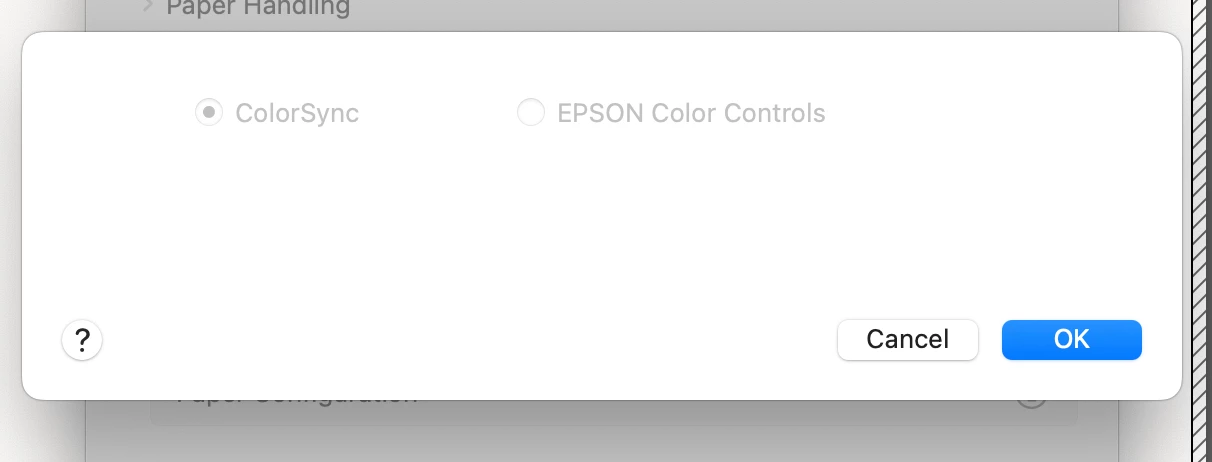
However, in Indesign, when I go to the same dialogue box in InDesign, I'm able to select the .icc profile inside here as well.
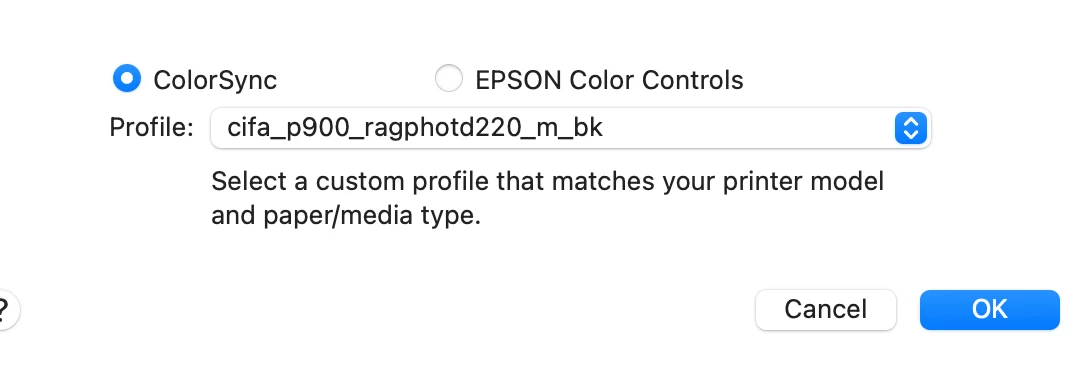
That wouldn't seem to be a problem, except when go to Print > Print Settings > Color Management, I'm prompted to choose the .icc profile again 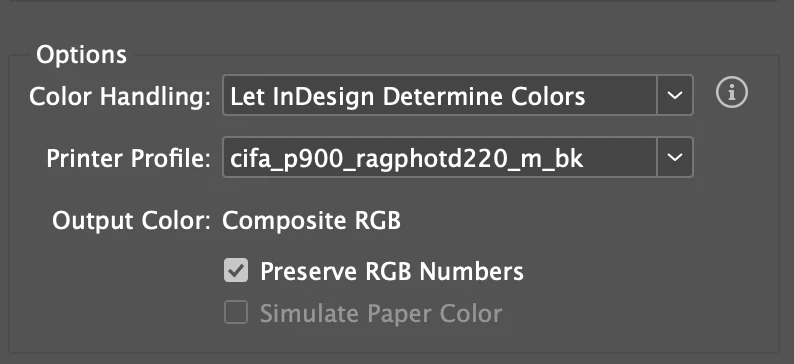 So i think what is happening is that the profile might be getting applied twice? Maybe I'm wrong and it's a redundancy that does nothing to the color, but my color is off. Can anyone advise if I can (or should) turn off one of the two .icc profiles? Thank you for your help
 AdChoices