Hosun
Inspiring
November 29, 2023
Answered

Empty Space on EPUB

  • November 29, 2023
  • 1 reply
  • 345 views

Hi,


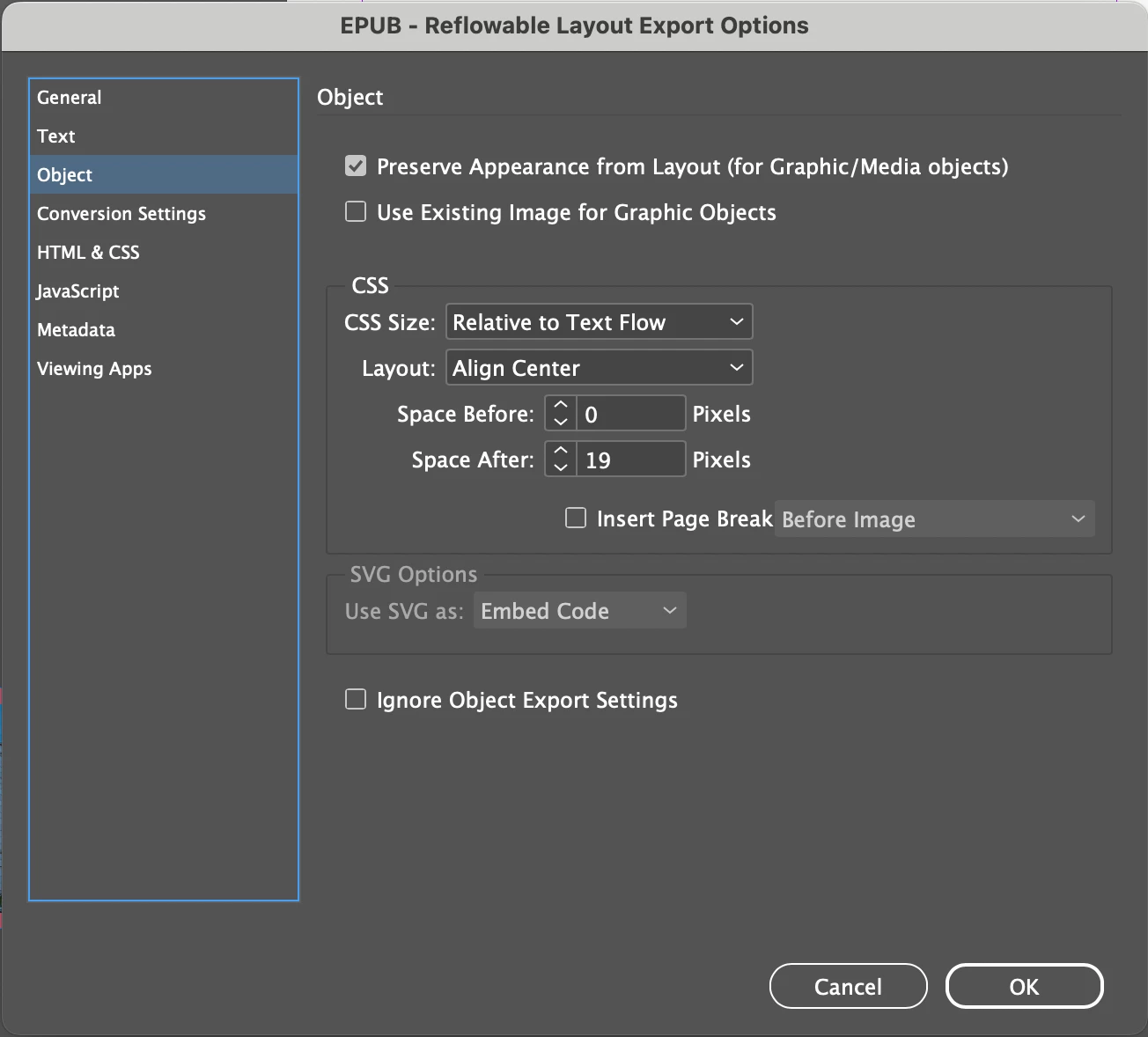
I process png with the local and global settings (Screentshots 1, 2).


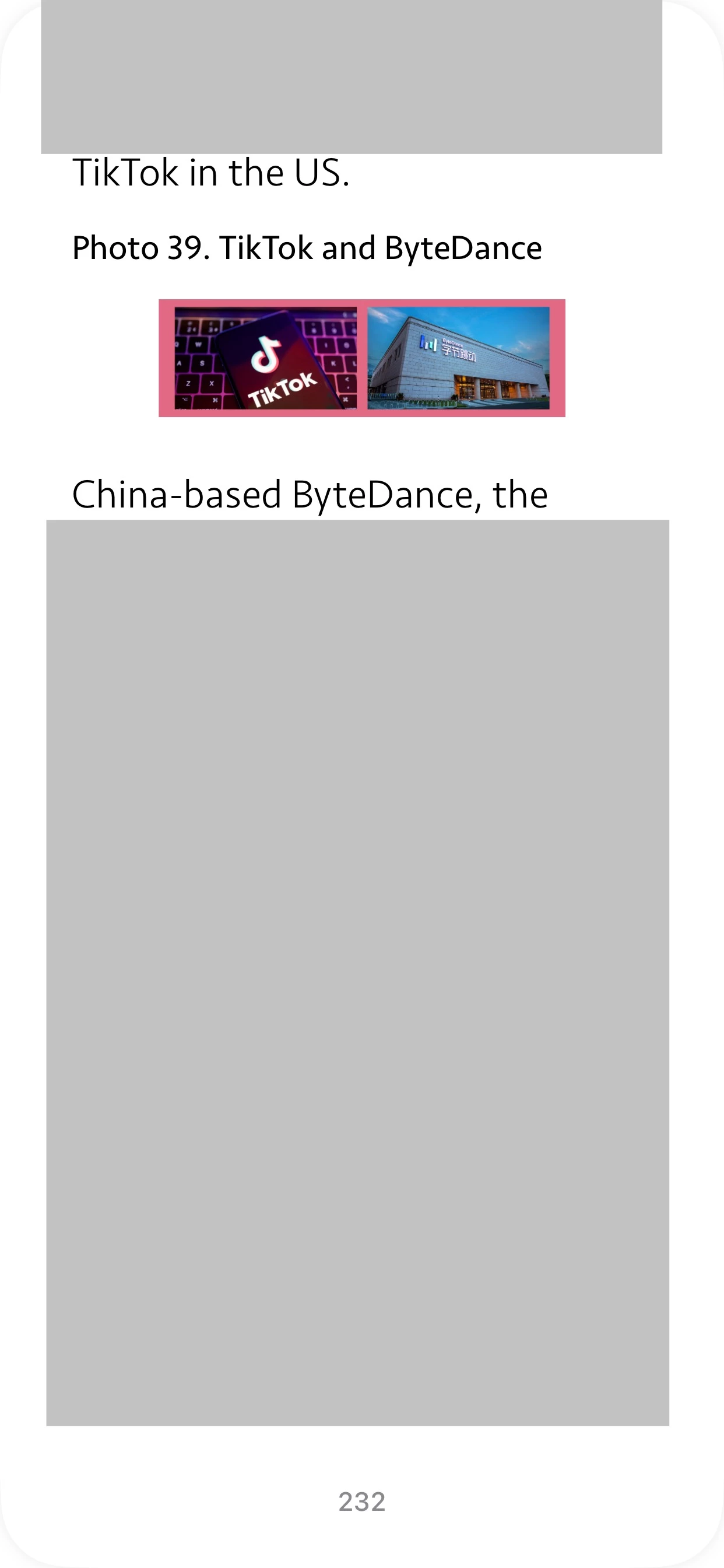
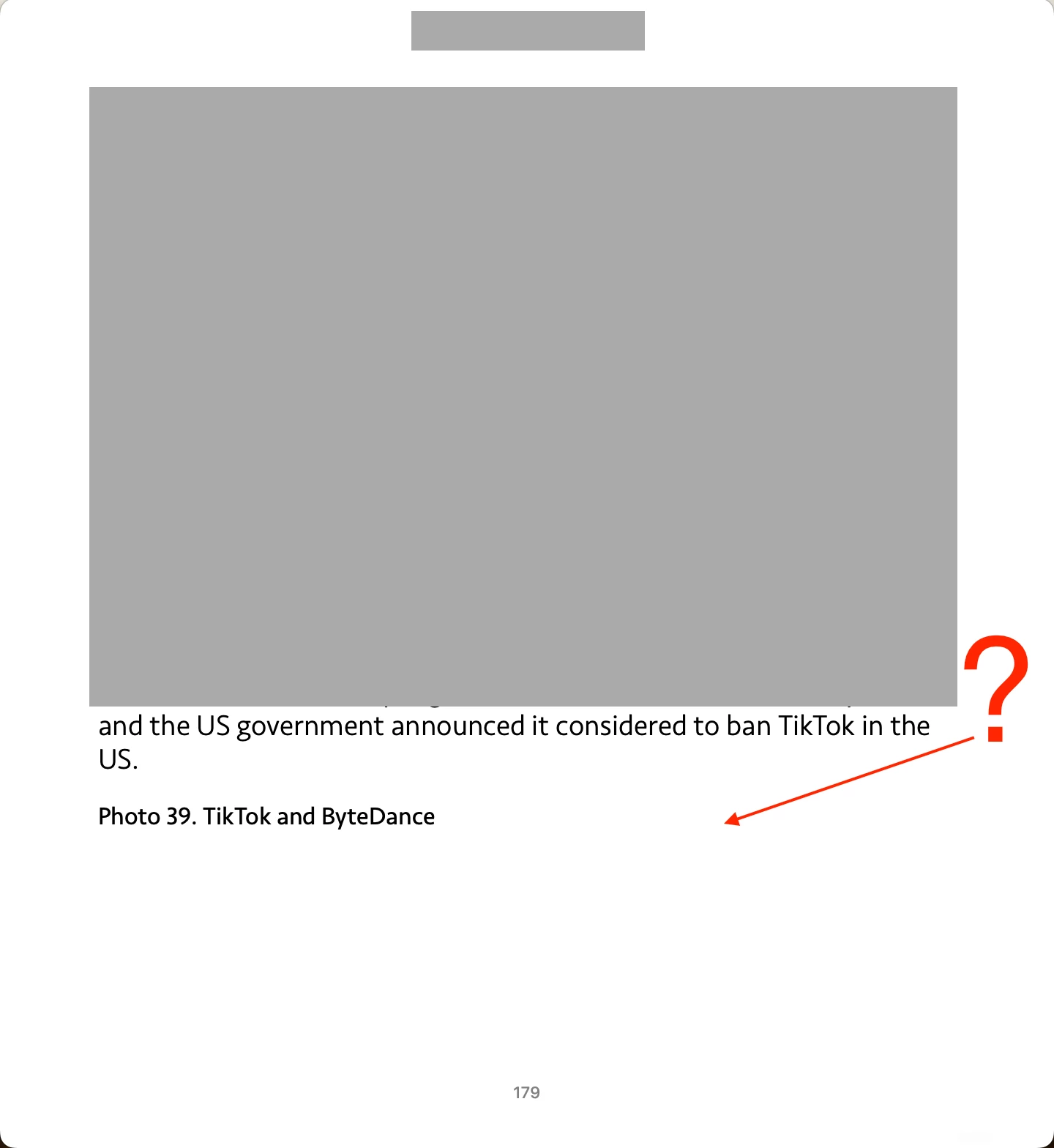
And EPUB is presented in windows (iPhone, 1024*768, 1261*874) (Screenshots 3, 4, 5).


Screenshot 6 is a window of 720*784.

Is there any way to make EPUB manage the empty space?

or

Is it a matter of the choice of each person who reads the EPUB?


Hosun


Screenshot 1
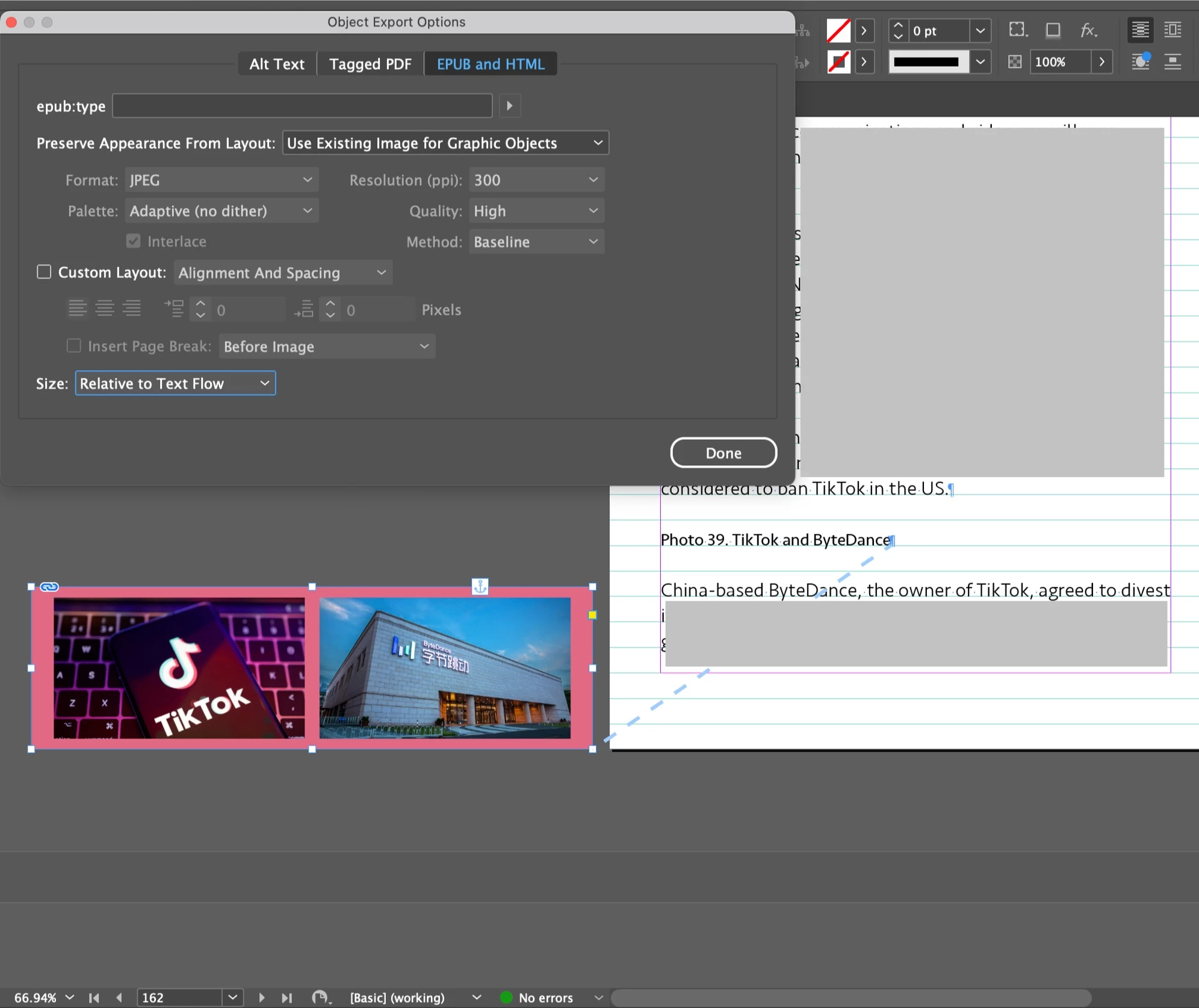
Screenshot 2
Screenshot 3 (EPUB, iPhone)
Screenshot 4 (EPUB, 1024*768)

Screenshot 5 (EPUB, 1261*874)
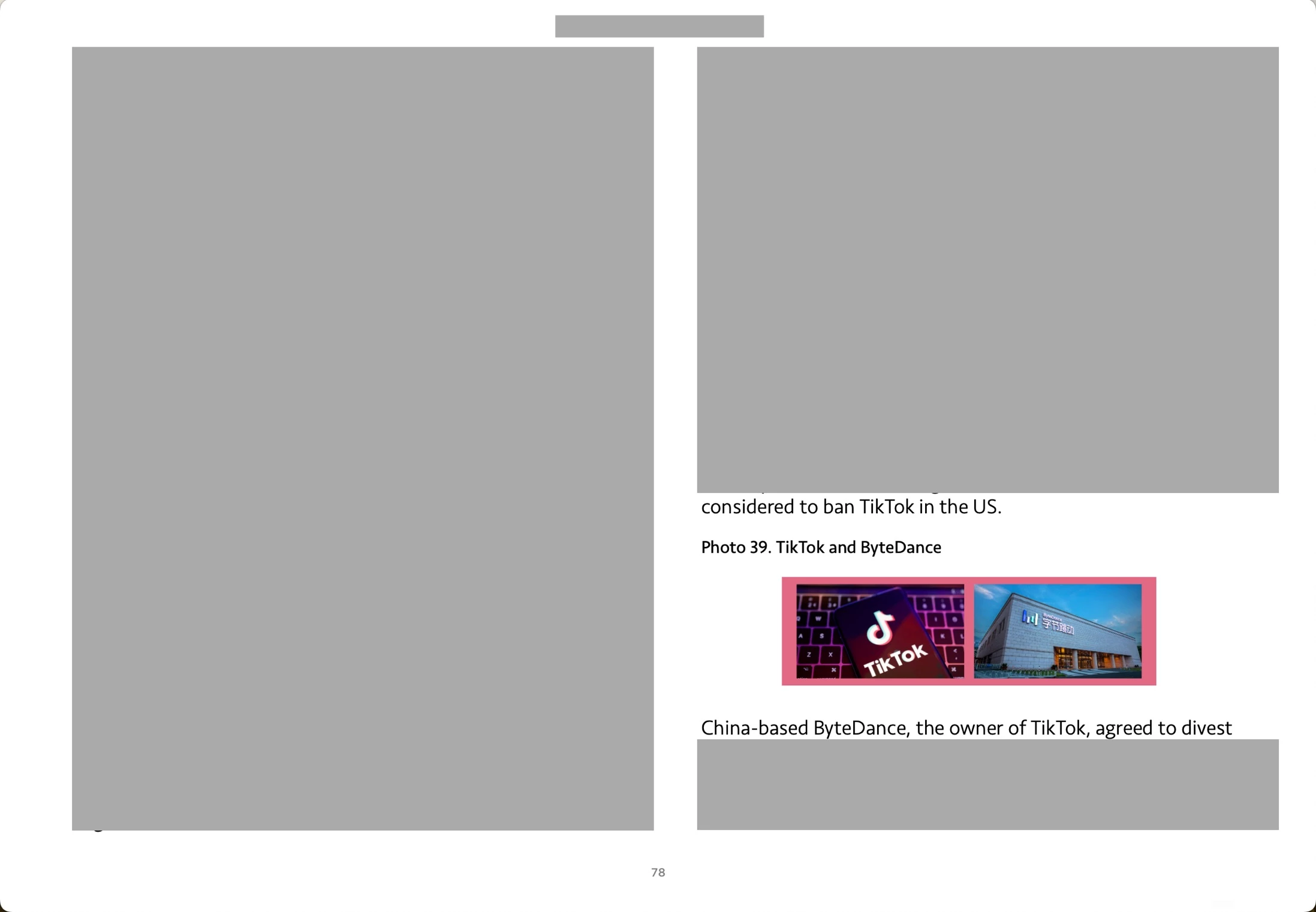
Screenshot 6 (EPUB, 720*784)
This topic has been closed for replies.
Correct answer James Gifford—NitroPress

Without reviewing all the content around that image to see if something might be affecting the flow, the first thing I'd suggest is to uncheck and de-select "Use Existing Image." Let ID scale the image as part of the export. I'm also not sure "Preserve Appearance" is adding anything here.


There isn't much reason to apply high-quality image settings on a two-inch resulting image. Standard rendering to 150ppi is probably adequate. Anything else is likely to make the EPUB reader try to hard too follow all the quality directives, and moving images to a next page is one "solution" it might try.

1 reply

James Gifford—NitroPress
Legend
November 29, 2023

Without reviewing all the content around that image to see if something might be affecting the flow, the first thing I'd suggest is to uncheck and de-select "Use Existing Image." Let ID scale the image as part of the export. I'm also not sure "Preserve Appearance" is adding anything here.


There isn't much reason to apply high-quality image settings on a two-inch resulting image. Standard rendering to 150ppi is probably adequate. Anything else is likely to make the EPUB reader try to hard too follow all the quality directives, and moving images to a next page is one "solution" it might try.

Hosun
HosunAuthor
Inspiring
November 30, 2023

I deselect Preserve Appearance from Layout (Screenshot 1).


I set Preserve Appearance From Layout to "Default" (Screenshot 2). (With "Use Existing Image for Graphic Objects", there was a larger space after the png. I guess it interrupted EPUB in presenting png.)


I got Screenshot 3 (720*784).

I have another question. 

In Screenshot 4, I set Preserve Appearance From Layout to "Use Existing Image for Graphic Objects". It gives a better quality to png on EPUB. 

Is my understanding and approach OK?


Hosun


Screenshot 1

Screenshot 2

Screenshot 3

Screenshot 4