
Participant
July 9, 2024
Question

Epub footnotes links formatting

  • July 9, 2024
  • 1 reply
  • 1788 views

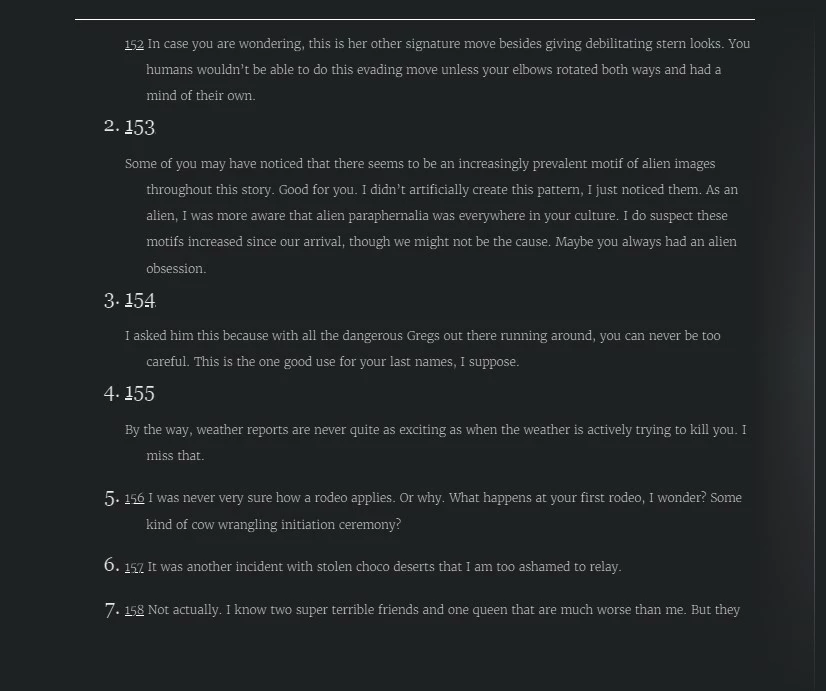
It is possible this has been answered elsewhere, but I'm not even sure how to search for it. When I exported my epub, I was happy to see that my footnotes at the end of every chapter already included a link to return to the main text where the footnote was---it has duplicate numbering, but I'm not as concerned about that as I am about an issue with the formatting of these links back to the text. I don't know why, but some of them are showing up as bigger text with a paragraph return after them. I honestly can't see any difference in the way those footnotes were formatted. Do you think this is a styles issue? A footnote settings issue? Any thoughts?


This formatting issue shows up in every one of the readers I'm using, by the way.
1 reply

James Gifford—NitroPress
Legend
July 9, 2024

Export of notes to EPUB is a fragile and fussy step. Without knowing the nuts and bolts of what you've done to create this numbering system, I can't address any simple specifics. As footnotes (should) inherently be bidirectionally linked in EPUB, try removing all your extra numbering and formatting and see if the basic model works for you (and exports properly).


I largely dislike how footnotes work in EPUB/Kindle readers and place them inline, but that may not work for your project.

Participant
July 10, 2024

Yeah, I wasn't prepared for how fiddly it might be. I actually haven't created any extra numbering, these are just the basic model, basic functionality already. But maybe it is because I set it to restart for each chapter (section)? It is strange that the linked footnote numbers are not restarting in each chapter, but going continuously.

Participant
September 14, 2024

I solved my own problem--sorta??  In my InDesign EPUB export dialog box in the Text section, I UNchecked the "Remove Forced Line Breaks" checkbox and my endnotes are all fine now. 6 hours of my life I can't get back due to this non-sensical "feature." that somehow INSERTS a line break between some endnotes and triples the font size. Sigh.


Thank you! I had the same problem and that worked for me.