
Answered
Error - Grayed out share for review box.
See screenshot - happens with every document I open.
I updated the software to Indesign 2021.
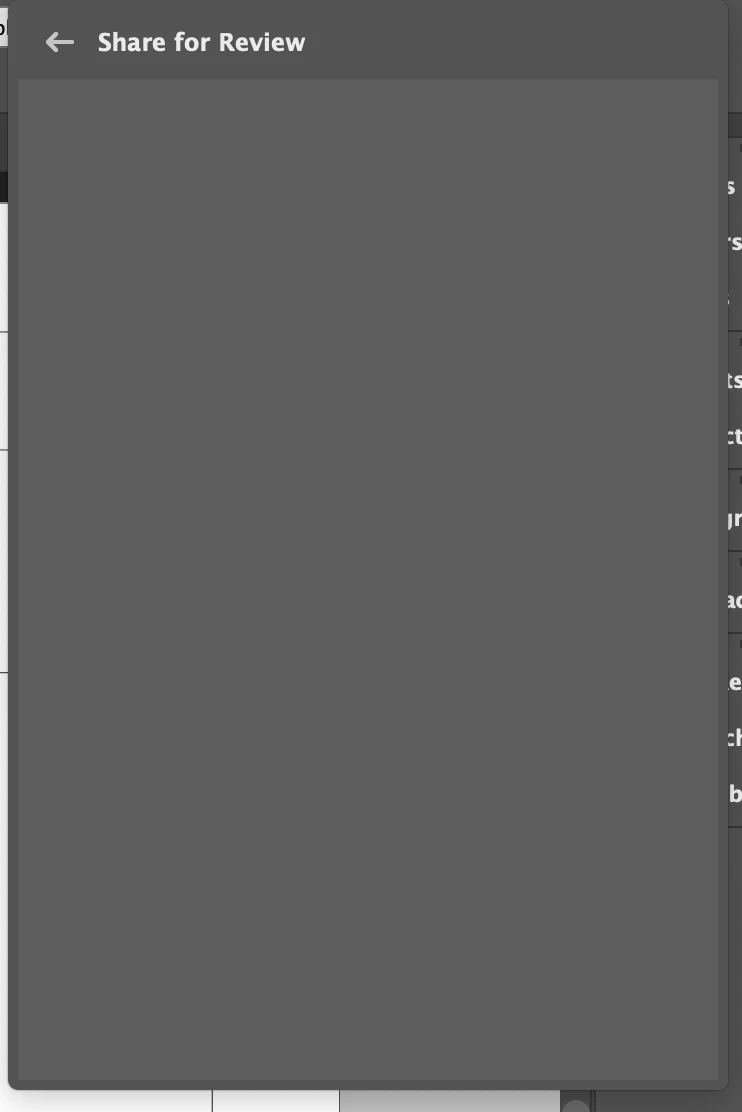

See screenshot - happens with every document I open.
I updated the software to Indesign 2021.
Please tell us what operating system (exactly) you're running.
In order to use the feature, make sure you are logged into your Adobe ID. Go to your Creative Cloud desktop app. Go to the upper right corner (where you should see your avatar (picture), and choose Sign Out, then Sign In again.
Already have an account? Login
Enter your E-mail address. We'll send you an e-mail with instructions to reset your password.
 AdChoices