
Participant
November 12, 2022
Question

Error screen shown up when reading in PDF file

  • November 12, 2022
  • 1 reply
  • 123 views

Hello


Now, I'm doing my book in Indesign. Upon clicking "Publish Online", I downloaded it as PDF. At first, I could read my book in PDF, but once I clicked at the scroll bar on the right and moved it up and down quickly. There was an error screen shown as following picture. So, does anyone know how to fix this problem?
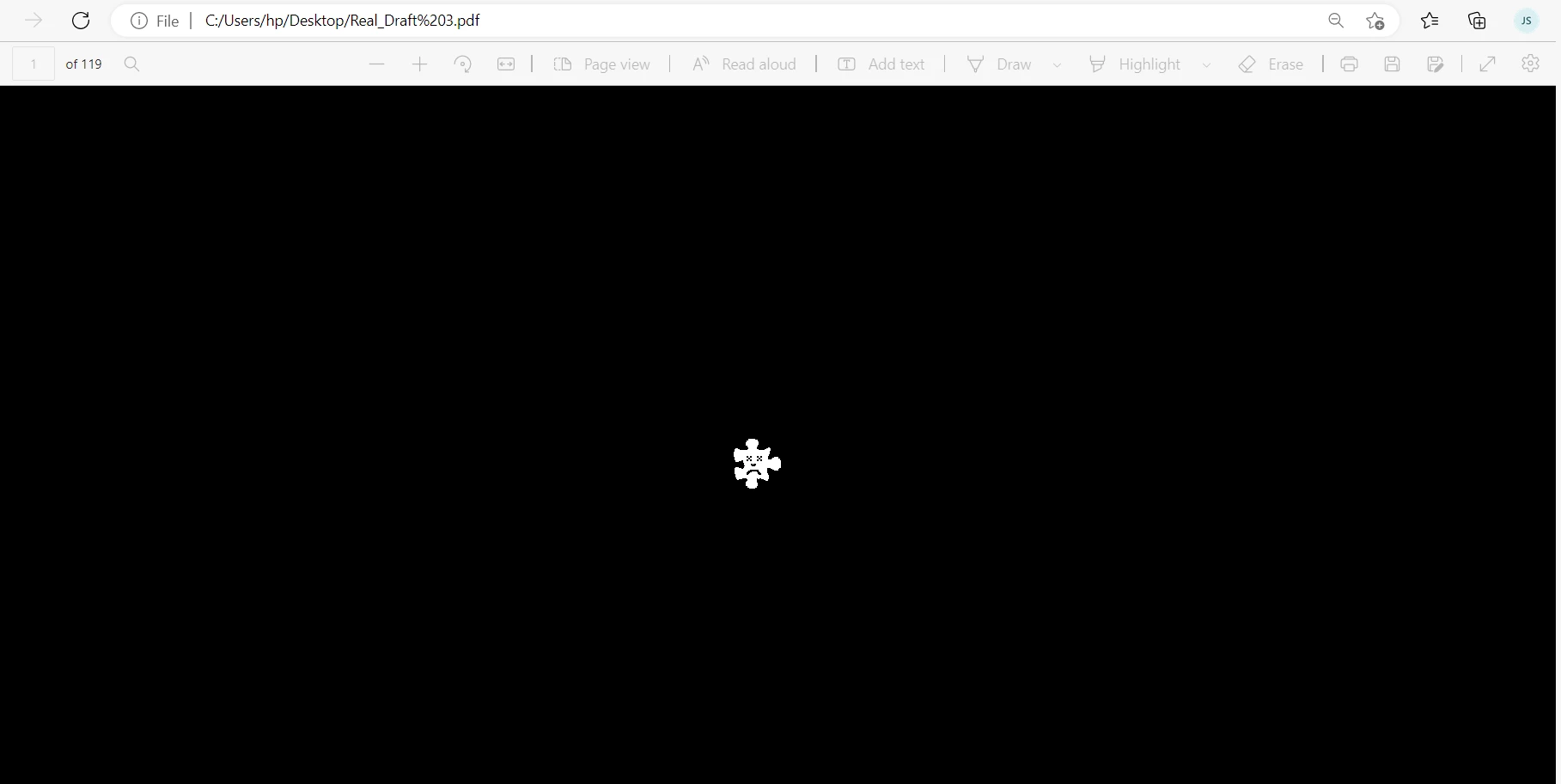


Thank you in advance


This topic has been closed for replies.

1 reply

Derek Cross
Community Expert
Community Expert
November 12, 2022

After you uploaded your Publish Online document, can you view it successfully via the link?

Have you indicated in the uploading process that viewers are able to download a PDF version?

Are you aware that the PDF version is static (no animations etc)?

It's difficult to see the issue in the screen shot you posted.

Participant
November 13, 2022

After you uploaded your Publish Online document, can you view it successfully via the link?  Yes

Have you indicated in the uploading process that viewers are able to download a PDF version? Yes

Are you aware that the PDF version is static (no animations etc)? Yes


I will try another way, thank you.

Derek Cross
Community Expert
Community Expert
November 13, 2022

Can you give us a screen shot of the error message and maybe a link to the Publish Online document?