
Export changes K=100% to CMYK in PDF
Hi,
I have designed a booklet in InDesign with standard setting (seems to be Fogra39). We have even printed it with a printing firm without issues. Now we are moving to a new printing firm and they want the export in FOGRA52. But if we switch the export our black K=100% text is exported as CMYK mixture (if I turn black off in Adobe Print preview, I still see the text in the 3 other colors) and the printing firm is saying that it will have undesirable shadows.
Problem: When exporting with a new color profile, our K=100% becomes CMYK.
Desired result: use FOGRA52 for export and change just the export settings and still keep the text in K=100%
Any idea how to do that?
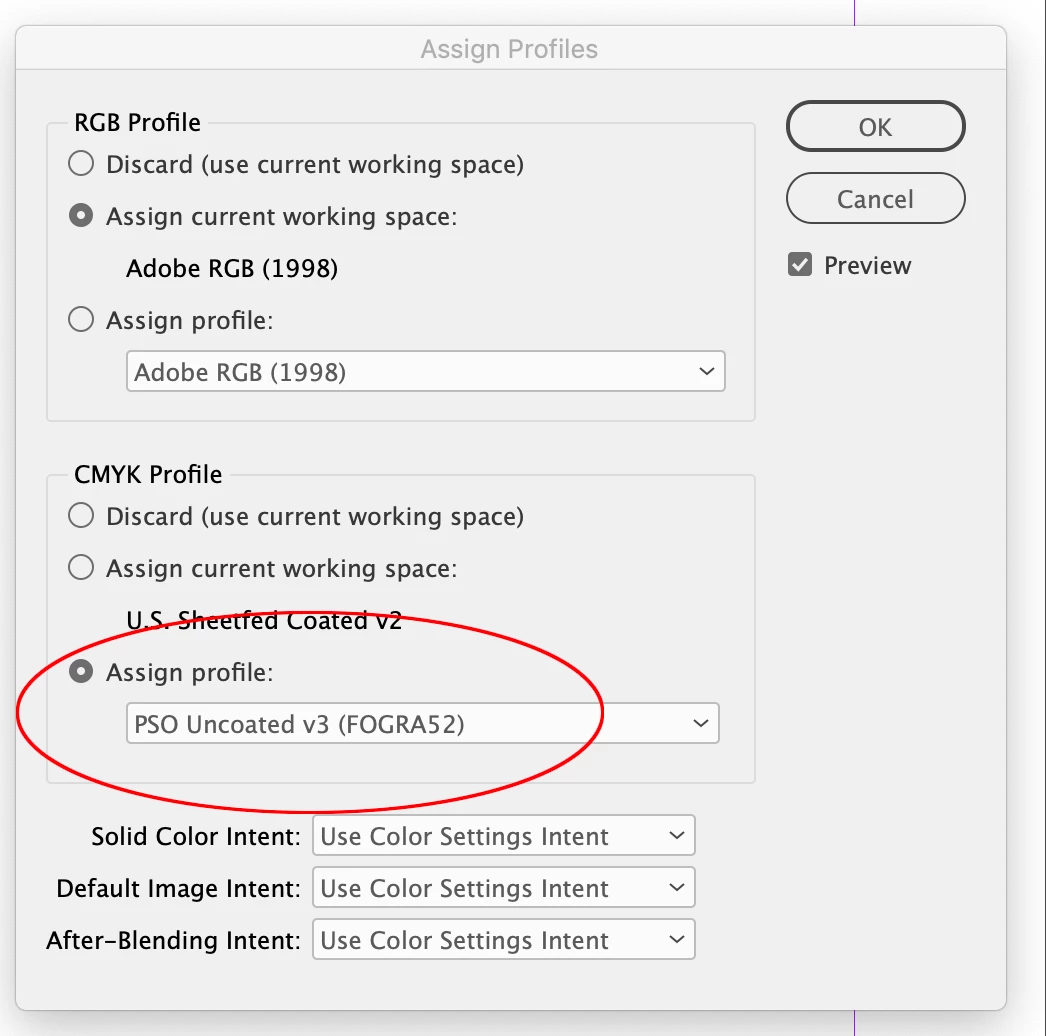
Here a few screenshots:
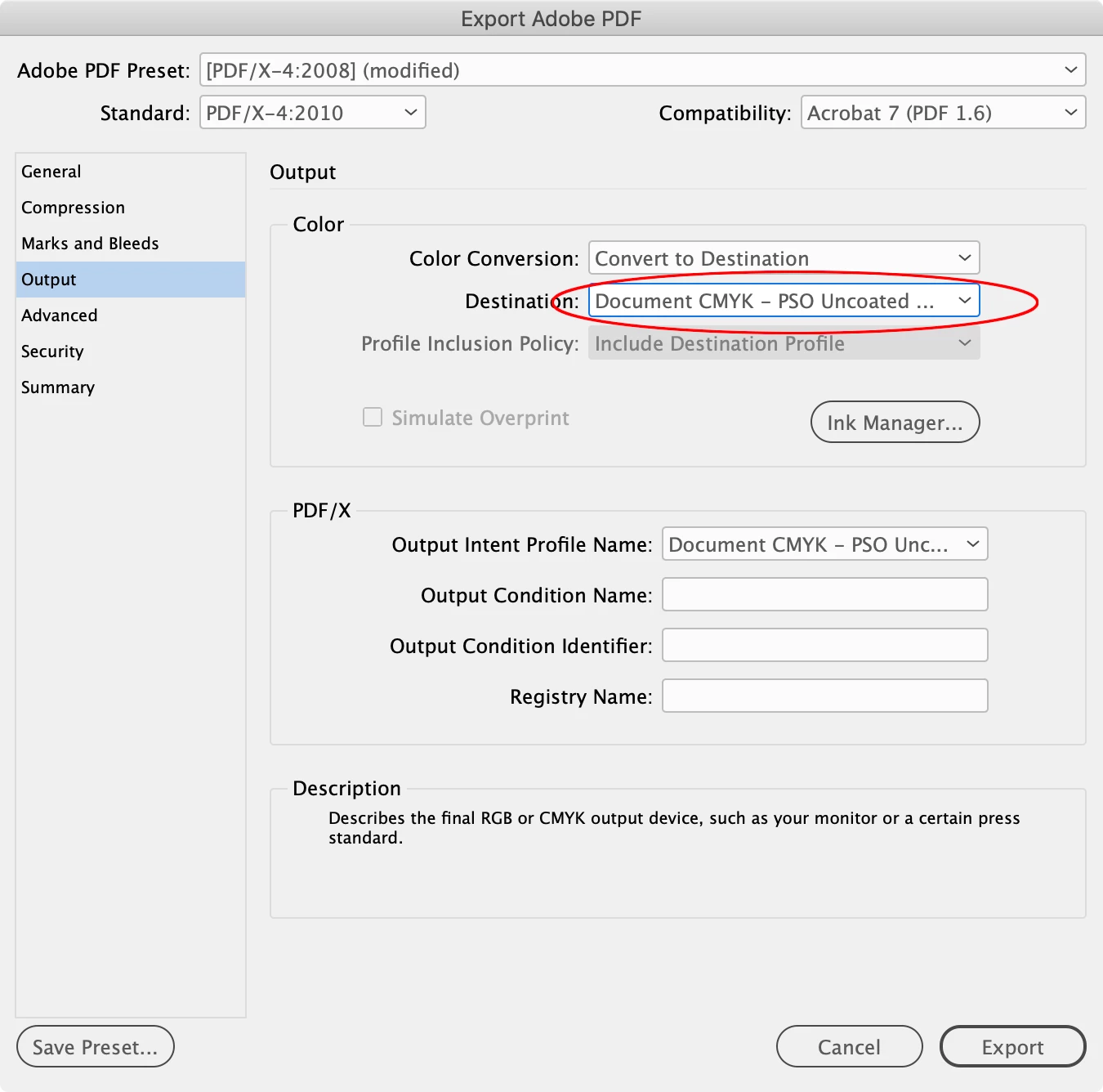
NEW export settings (just showing the differences to the working export, which is just the color conversion into the target profile):
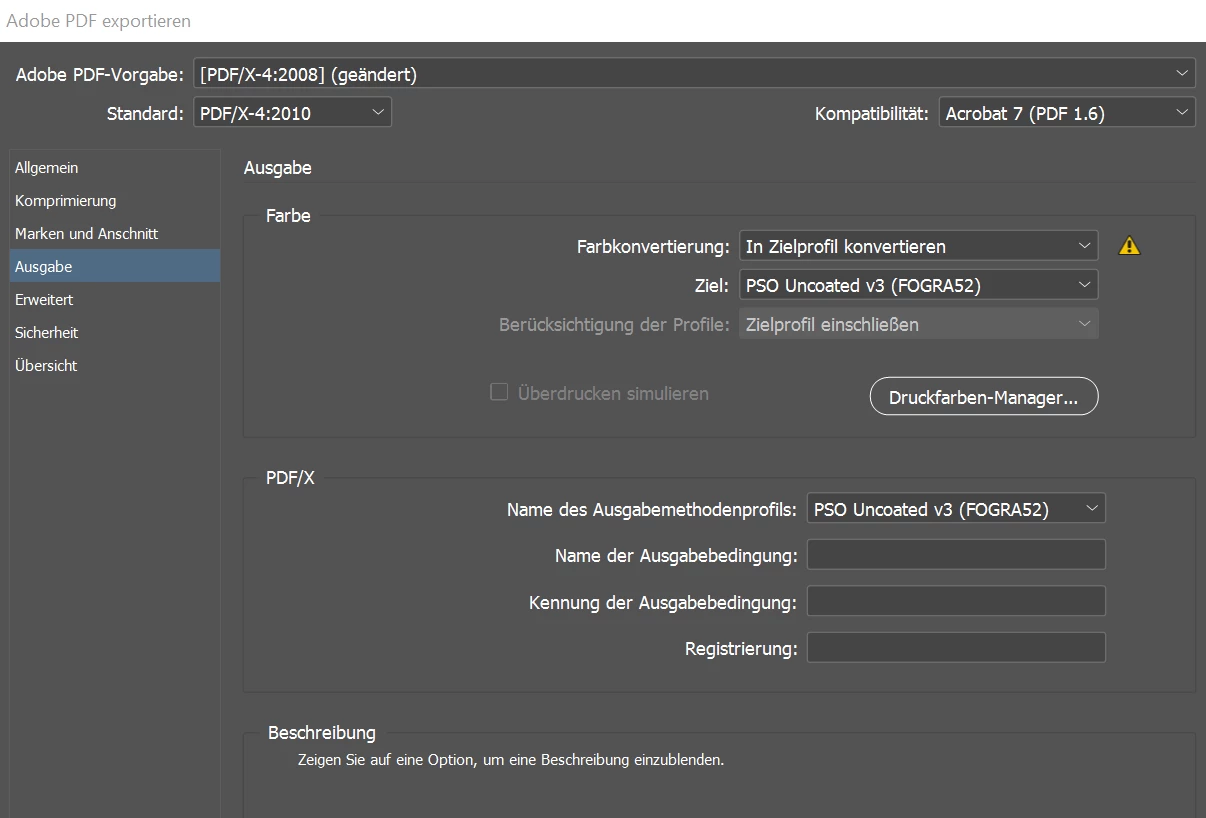
This is the only change we do in comparison to the previous export that works just fine.
This are the settings that work (Fogra39 and not color conversion):
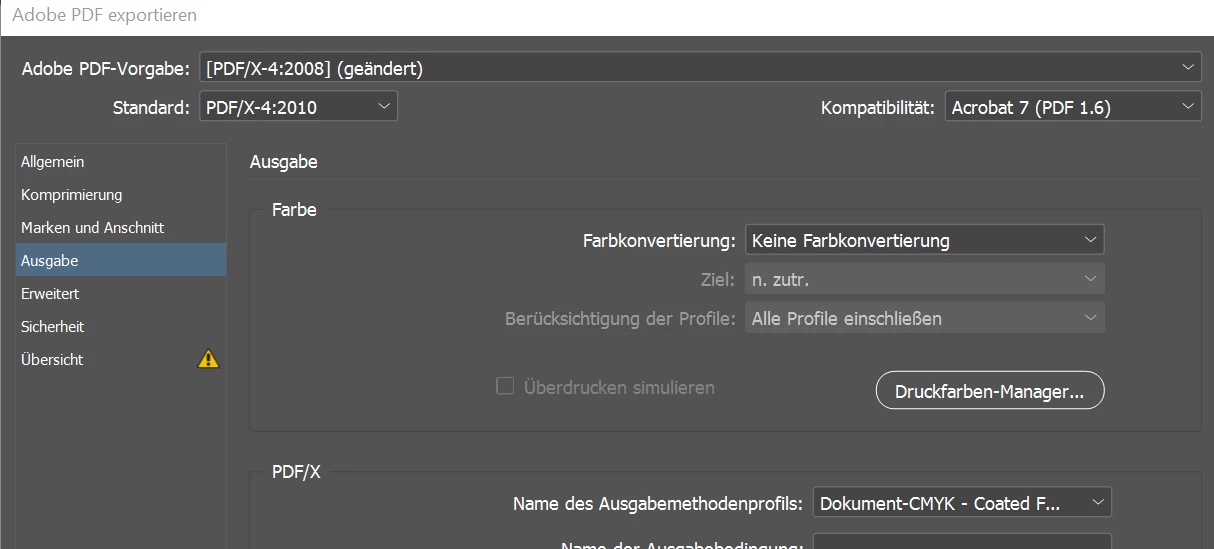
And these are all the basic settings I could think of that have something to do with color. But I would like to just correct the export and not all the other programm settings (if possible):
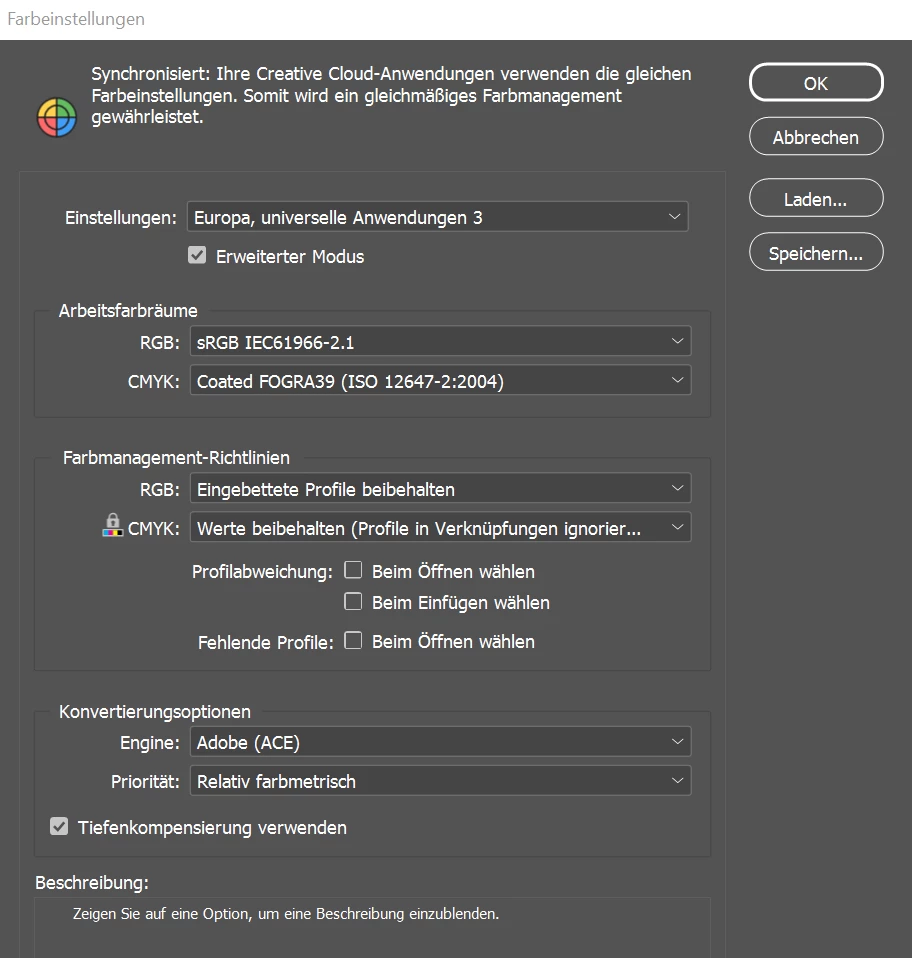
Color Settings (standard - no changes done) (as I understand, this is for all future documents, so we do not want that):
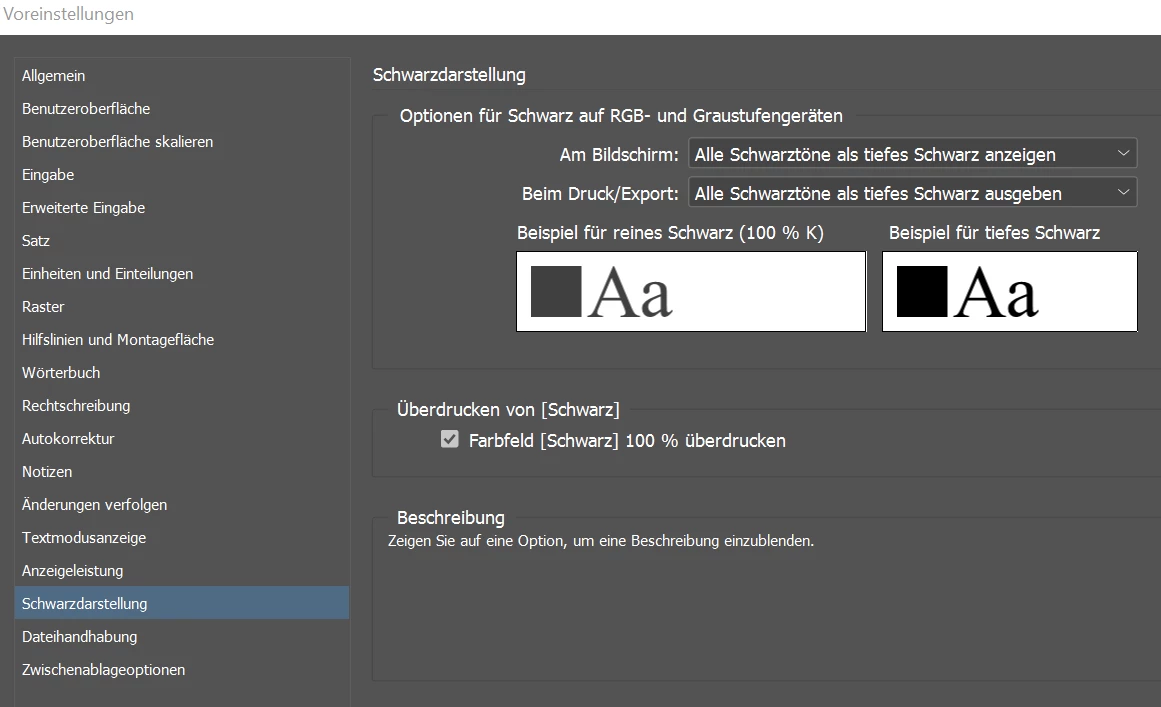
True Black (tested changing "use correct black for output" -> didn't yield any effect in the export result):
Set Color profile (as I understand this is just for display and as I have no calibrated display, it makes no difference):
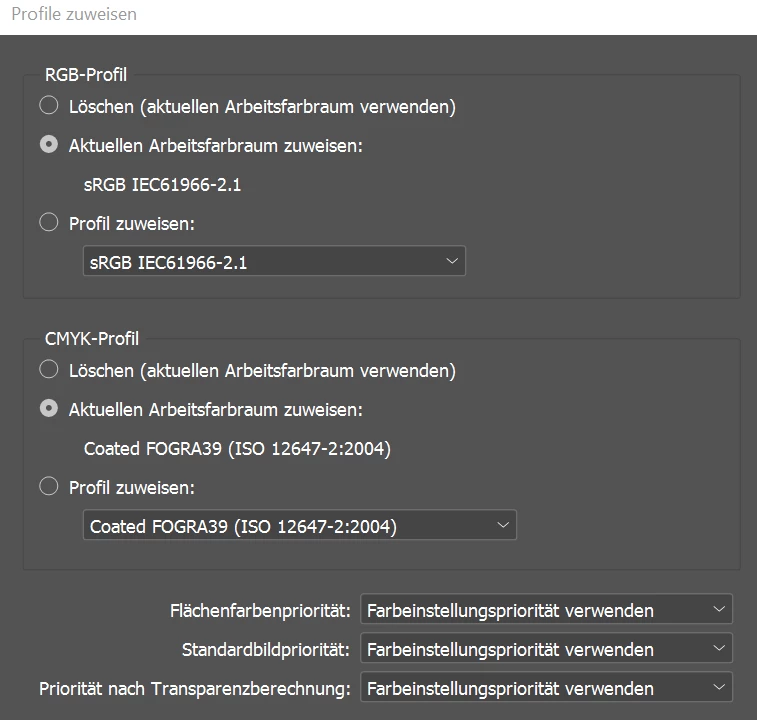
and lastly
convert profile (I have seen in a different thread that "placed object are not converted" - so why would I use this):
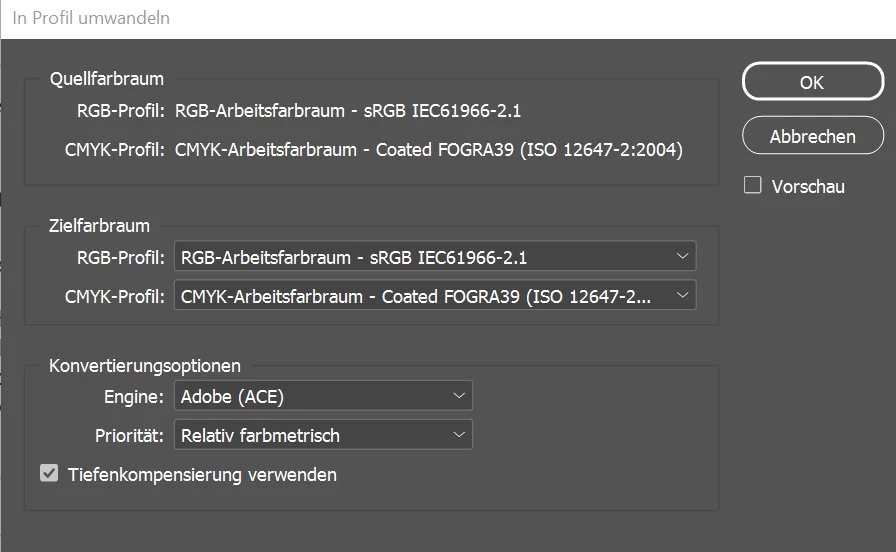
I have even reinstalled Adobe Pro, which was a suggestion in an different thread with a similar issue.
What am I missing?
Thank you very much for any input
 AdChoices