Participant
January 11, 2022
Answered

Export InDesign print pdf in RGB color mode

  • January 11, 2022
  • 1 reply
  • 22619 views

Hello there, I have a problem. I have a multiple page pdf with images and text, the images have to be .jpeg since I'm going to compress them a lot. Some images have a black background to seem transparent since the document has a black background, the A-parent and B-parent are both full black in RGB color mode, that's why the .jpeg's seem transparent with a full black background in RGB. Now, since I want to compress the pdf when exporting I cannot choose interactive pdf, so I choose print pdf. But print pdf comes out in CMYK, which makes the black in the A&B-parent template a grey tone and the images are still full black in CMYK. So basically my question is, how do I export a print pdf in RGB color mode (print pdf, not interactive, since I'll need to compress it later on)?

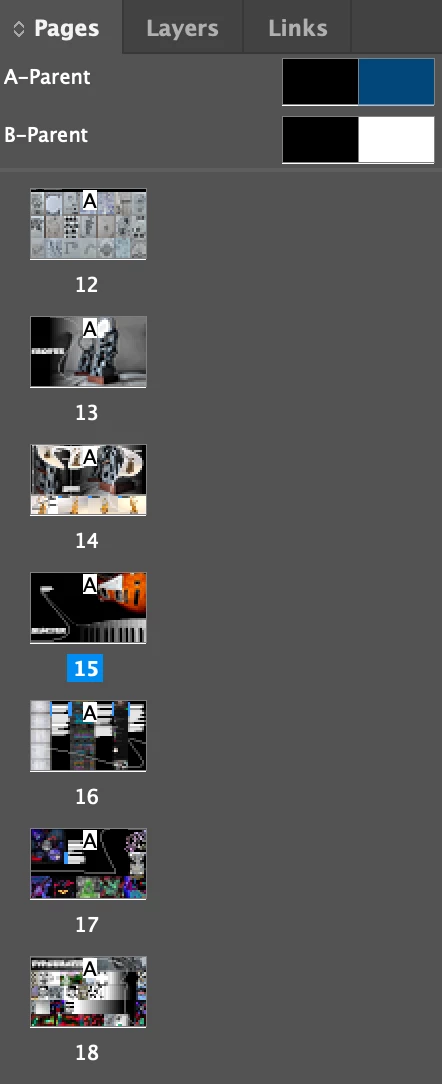


PS: Maybe this helps a bit, for some odd reason, if I import the pdf into illustrator (web or print does the same thing) the pdf colors seem too be fine. But not while reviewing them on mac preview.


Technical: InDesign version 17.0.1 & MacOS Montery 


Thank you in advance for helping me with this!!! 🙏  I've been trying to find an answer online but cannot seem to find it.

This topic has been closed for replies.
Correct answer rob day

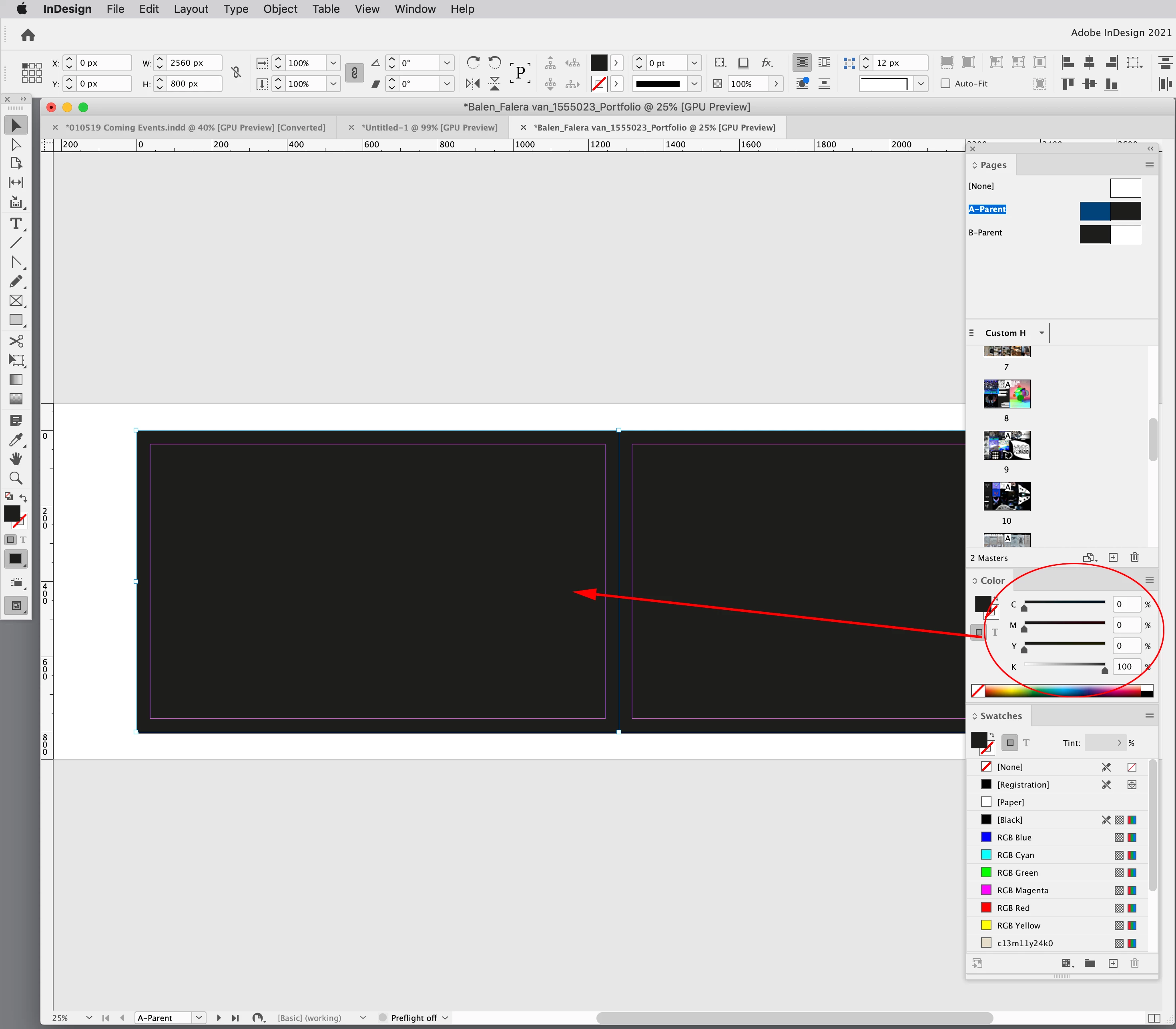
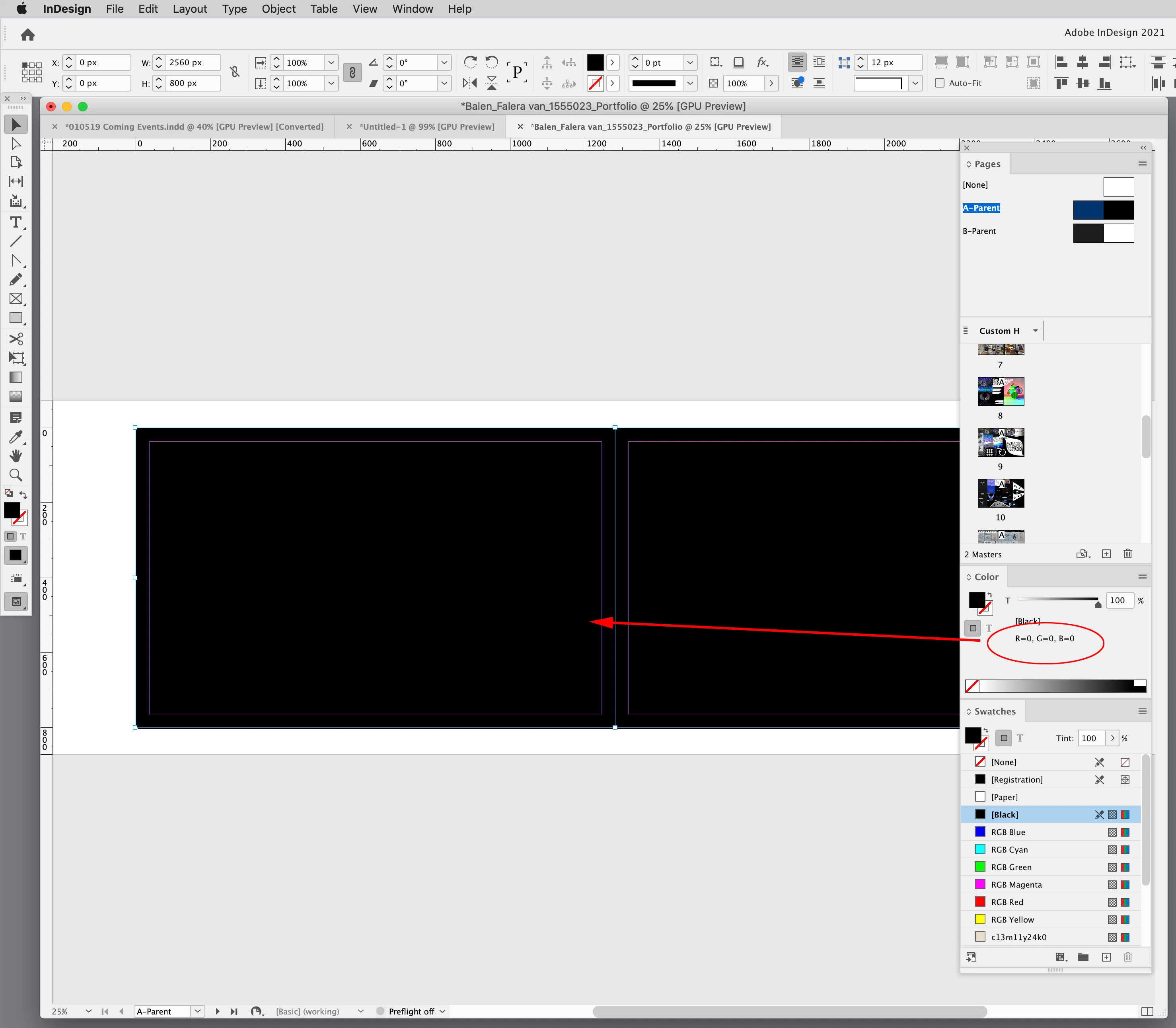
Hi @Falera van Balen , your parent page background fill is set to 0|0|0|100 CMYK black—to fix the problem set it to 0|0|0 RGB black. CMYK inks are transparent so 100% black only is not absolute black.


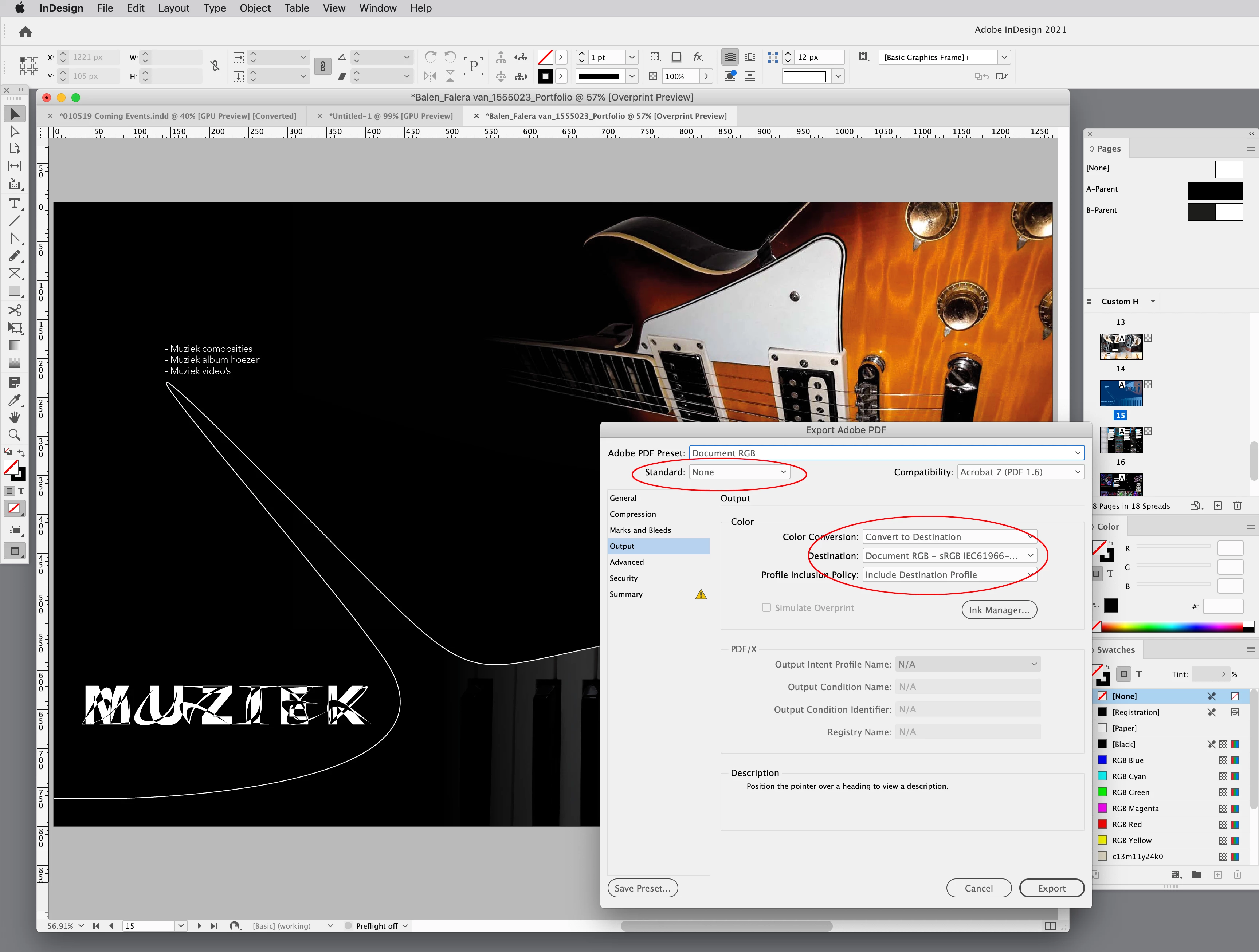
Also, don’t use the PDF/X-4 preset for screen destinations, it is designed for print output. Set the Output tab to Convert to Destination with the Destination set to sRGB:


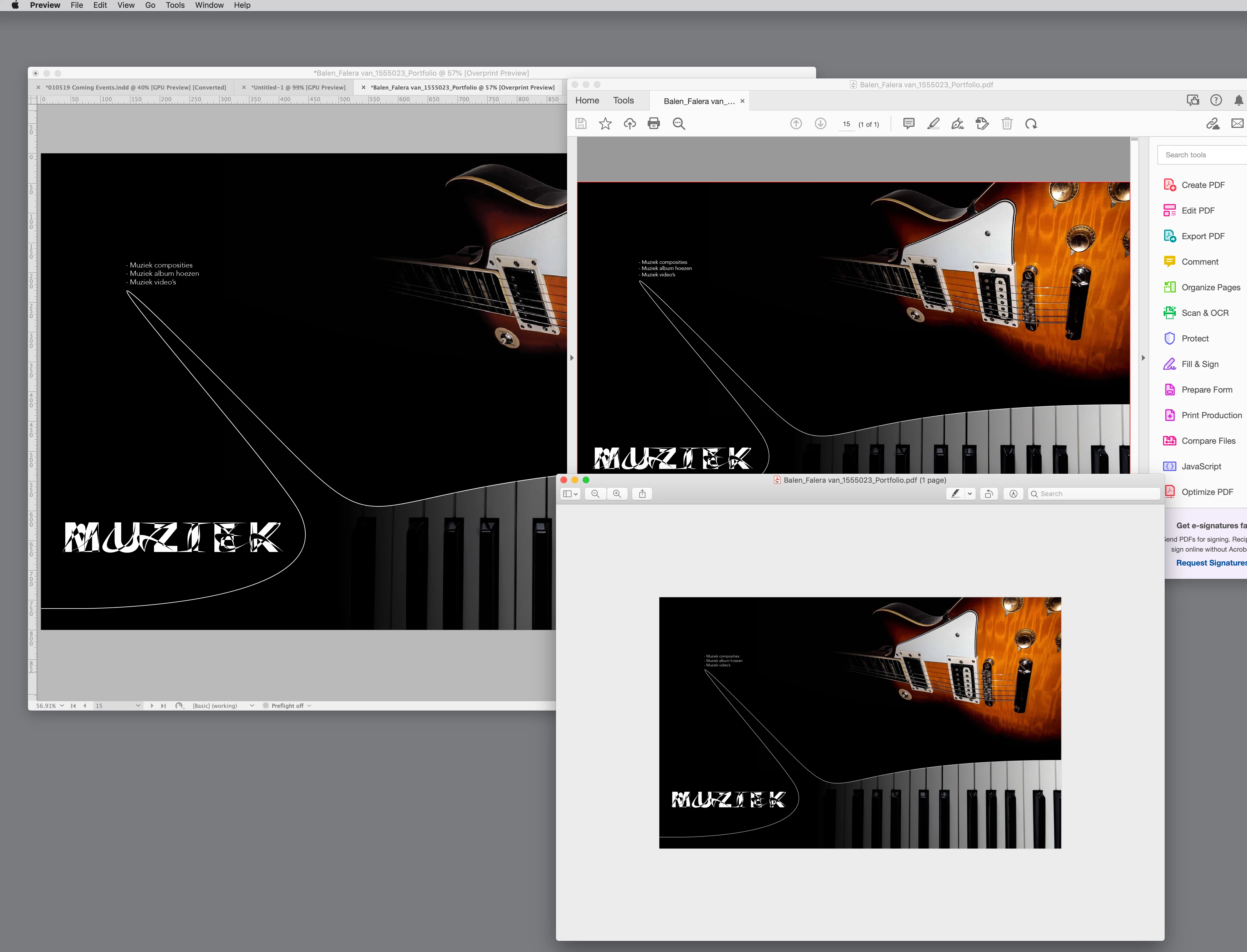
Page 15 in InDesign, AcrobatPro, and OSX Preview


1 reply

rob day
Community Expert
Community Expert
January 11, 2022

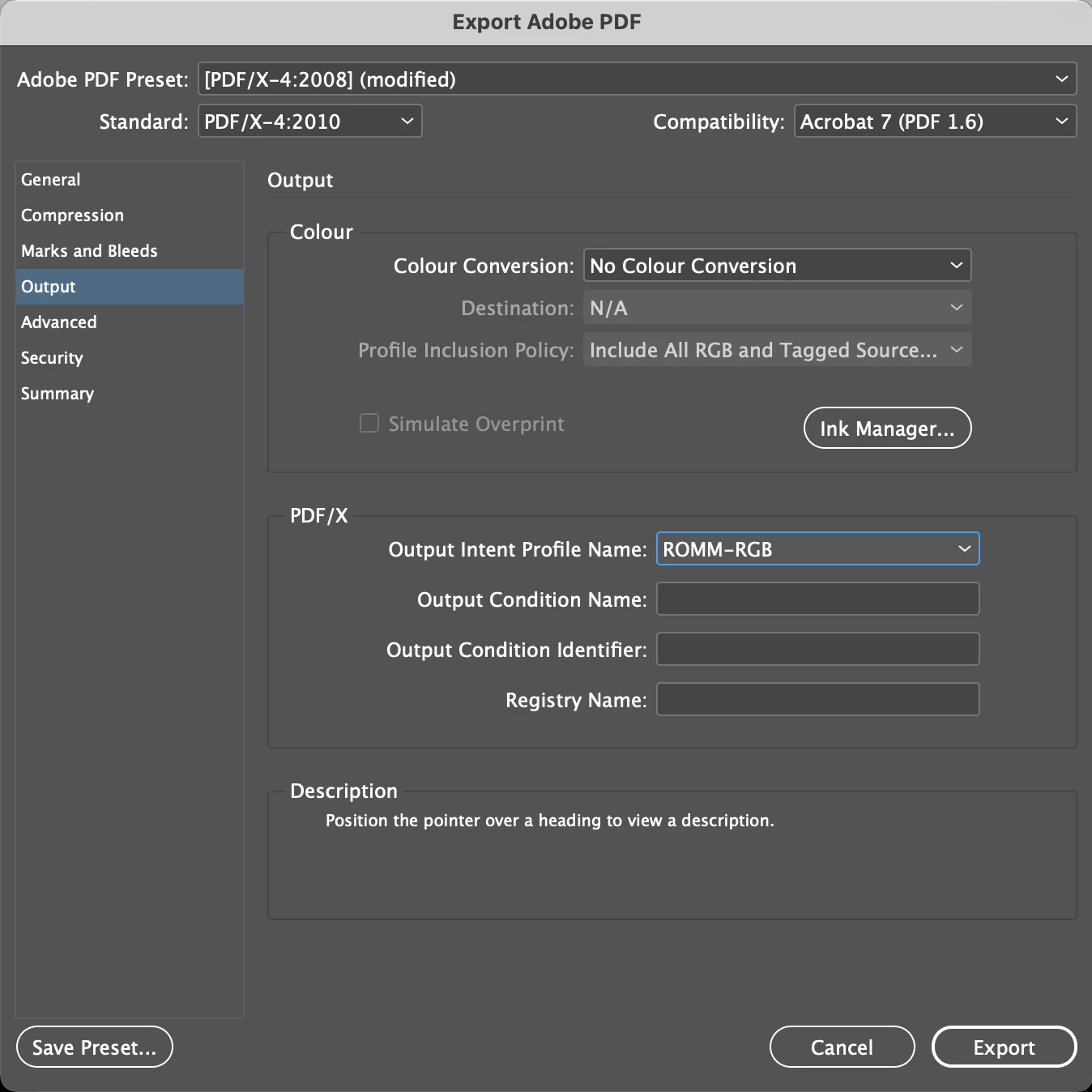
Hi @Falera van Balen , is the PDF going to be printed? If so, is the output going to be to a composite printer or an offset press? You are exporting to  PDF/X-4 with No Color Conversion and that would leave all of the color objects (CMYK, RGB, or Lab) in the document unchanged—you wouldn’t necessarily get an all RGB PDF.


Can you package and share the InDesign spread?

Participant
January 12, 2022

Good  morning Rob Day,


Thank you for answering!! I don't need to print the pdf, merely send it by email. I would  choose something different than print pdf, except I've heard only print  pdf works with big compression. So, I will not print it, but still want a  print pdf in rgb color. I'm not entirely sure if the problem is with CMYK instead of RGB, but as you can see in the image above , there  is something wrong with the black background color since it turns out grey. I have attached the packaged file, and hope you can help me further!


Thank you in advance for trying!!! It's a huge help since this is my portfolio for university application, so very important🙏🙏🙏. I cannot seem to upload a folder or a zipped file, so instead I will leave a wetransfer link right here: https://we.tl/t-3fqqYKx74D


rob day
Community Expert
rob dayCommunity ExpertCorrect answer
Community Expert
January 12, 2022

Hi @Falera van Balen , your parent page background fill is set to 0|0|0|100 CMYK black—to fix the problem set it to 0|0|0 RGB black. CMYK inks are transparent so 100% black only is not absolute black.


Also, don’t use the PDF/X-4 preset for screen destinations, it is designed for print output. Set the Output tab to Convert to Destination with the Destination set to sRGB:


Page 15 in InDesign, AcrobatPro, and OSX Preview