RikkiiZ
Participating Frequently
January 5, 2018
Question

Exported ePUB: Embedded Youtube or Vimeo video disappears

  • January 5, 2018
  • 3 replies
  • 3337 views

Hi people!

I recently discovered the awesome features of Digital Publishing in Indesign.
What I am trying to do is make a portfolio with several pages in which youtube video's are embedded.
But when I export the .epub the video's disappear.

How I do it:

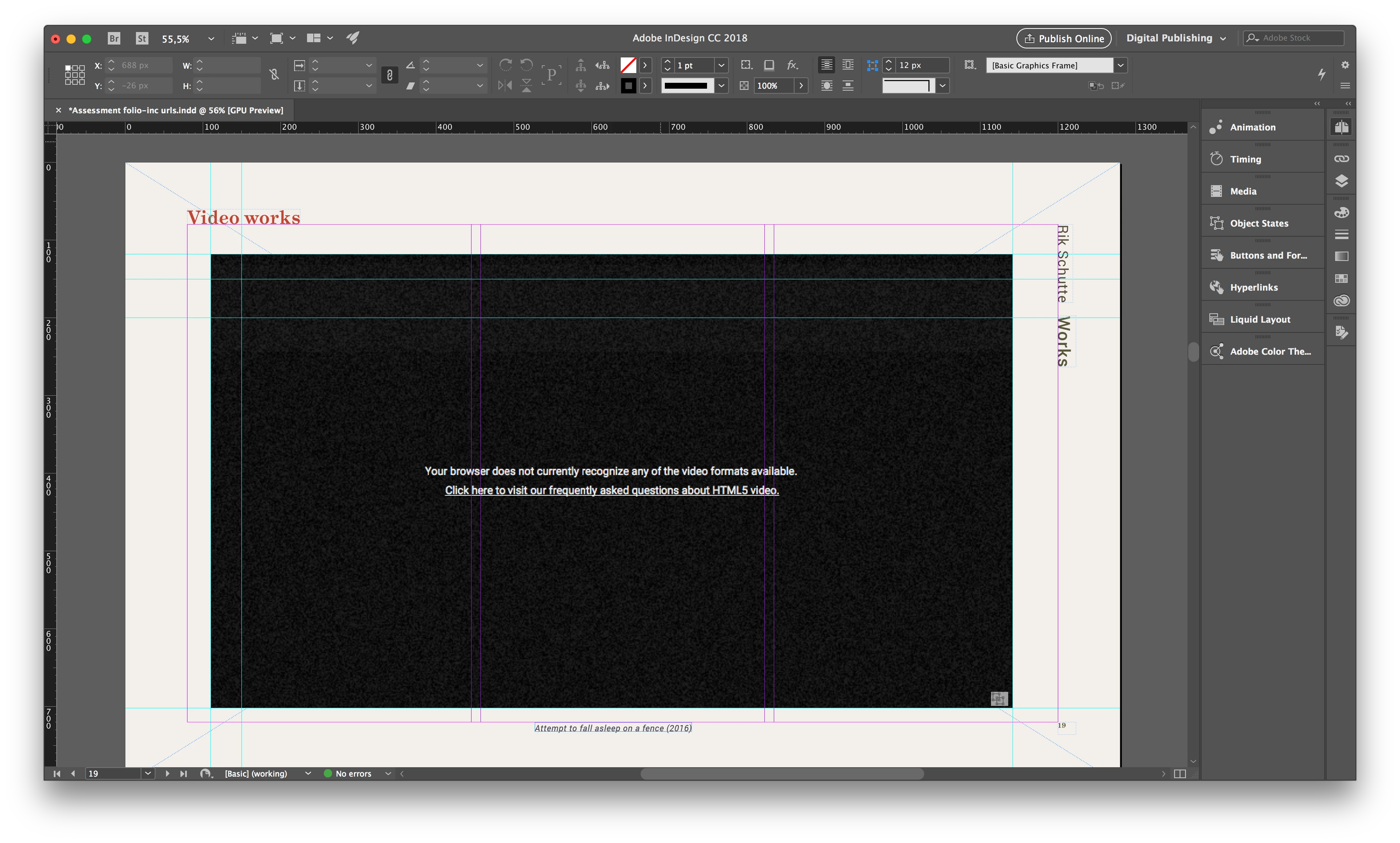
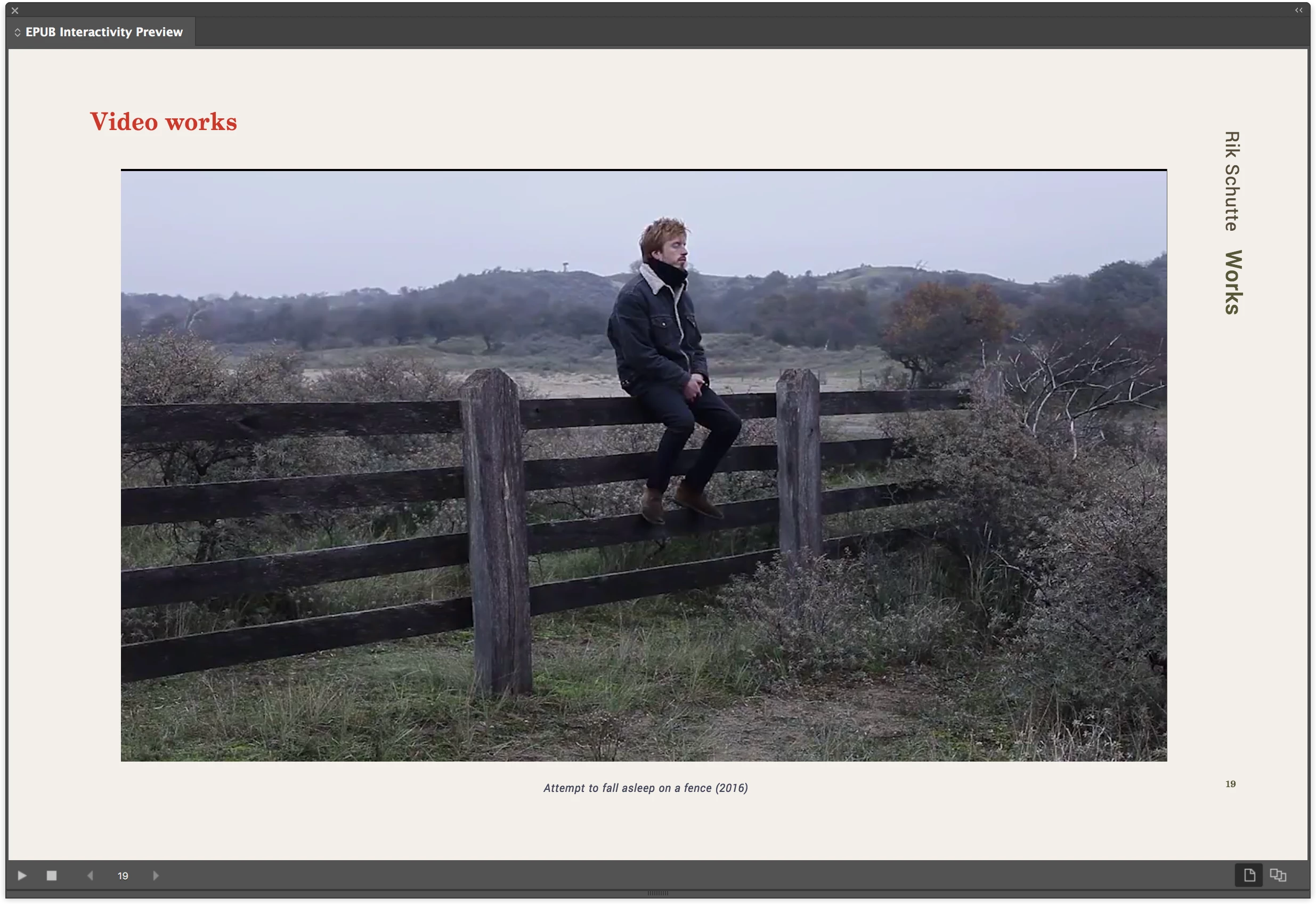
I paste the embed youtube link onto the page, a grey square appears, and after a view seconds the video appears, i reposition the frame. When I preview the page, I can play the youtube video, everything works fine. But when I export it to .epub and open it and go to the same page, the youtube video is there for a fraction of a second and then disappears. There is no animation attached to the frame of the video or anything. Also tried it with a vimeo video but that actually doesn't even show a fraction, the frame simply doesn't show up in the exported .epub.

Does anybody have suggestion or can tell me if I do anything wrong?

I hope you can help me! Thank you!

Rik


This is the embed code I use:

<iframe width=“1034” height=“584” src="https://www.youtube.com/embed/p_XLdBsw-Ws" frameborder="0" gesture="media" allow="encrypted-media" allowfullscreen></iframe>
This topic has been closed for replies.

3 replies

FeAle-7IZsBx
Participating Frequently
April 3, 2018

Hi,

I send you some tips to work with streaming video. This works better with epub reflowable

You can export an epub 3 from InDesign, after edit it in Sigil, for example

Pay attention - this works better from server without https://, then you can upload the video to your own server

1 - HTML code - place this code where I can view the video. Change the src to your URL
<video controls="controls" poster="file.jpg">

<source src="http://www.dualpixel.com.br/dualpixel/video/epub3_sumario.m4v" type="video/mp4">

</video>

2 - Content.opf - Edit the video item in content.opf and change the href for the same URL

<item id="video" href="http://www.dualpixel.com.br/dualpixel/video/epub3_sumario.m4v" media-type="video/mp4" />

3 - Content.opf - Edit the html item that recieve the tag video and apply the properties=”remote-resources”

<item id="cap1" href="capitulo1.html" properties=”remote-resources” media-type="application/xhtml+xml" />

I believe that from youtube wont works, but you can try.

Regards

foaad61
Known Participant
December 21, 2022

Your suggested solution seems to remedy all epubcheck errors. However, when the epub opened it says "invalid Source" and it does not play. Do I need to add something else to make it work? Thank you

James Gifford—NitroPress
Legend
December 21, 2022

Epubcheck is not an absolute indicator that an EPUB is perfectly functional; it merely validates the code and structure of the file. As I keep noting, multimedia is largely outside EPUB specs, and presentation/playback is highly dependent on the EPUB reader in play.


Think of it this way: a mechanic can "blueprint" a car from end to end, to better than original condition in every way... and it will still drive like crap on a rutted, washboard road.


Participant
March 26, 2018

Hey Bob,

Any updates here?

BobLevine
Community Expert
Community Expert
March 26, 2018

No, and I don't think anything will change. It appears to be intentional on the part of Apple not to allow anything to run inside an iframe.

Participant
March 26, 2018

Oh i see. Can we add web overlays like DPS to EPUB files?

BobLevine
Community Expert
Community Expert
January 5, 2018

That link is forcing a full screen video. Get the regular embed code from youtube and I’m pretty sure that will fix your problem.

Steve Werner
Community Expert
Community Expert
January 5, 2018

Moving to InDesign EPUB forum