
exported pdf displays the bleed of the previous page encroaching on the next page
Update: thanks for all the reply so far, my current plan is to send the pdf with an inner bleed of 0? (the book will be staple bound) I'm waiting to see if my printer accepts this, I must say I'm rather frustrated by how clueless the printer seemed, I'm sure the issue was on my end but with far more information than I provided in this post they came up with far less informative and helpful suggestions. I wish I'd gone to this community much sooner!
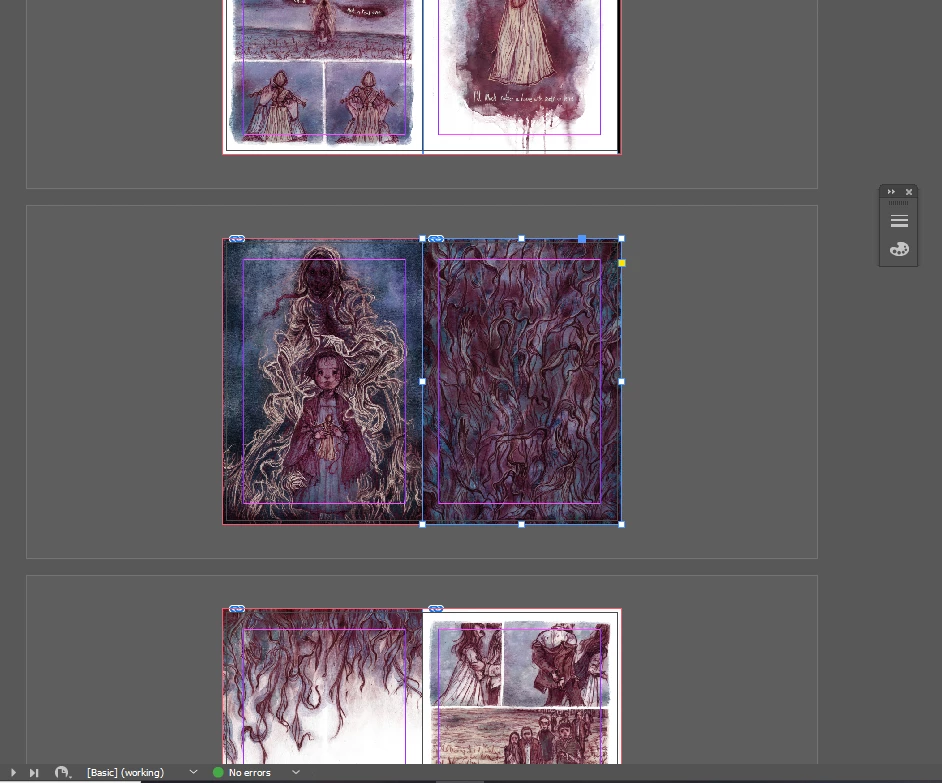
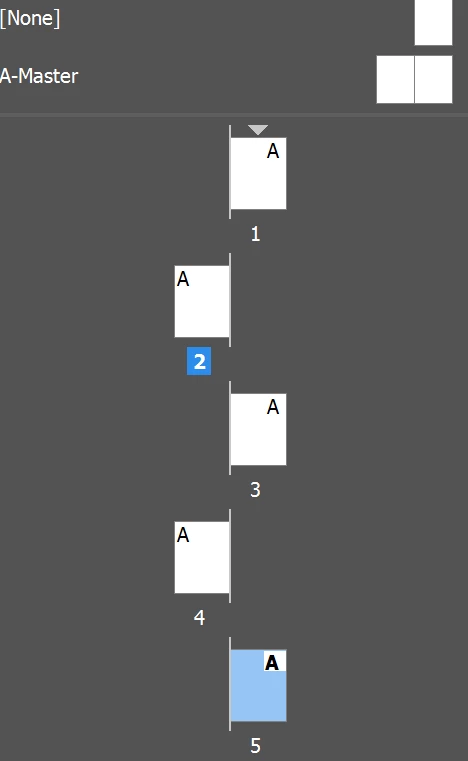
I have a InDesign document with images set to have 3mm bleeds all the way around. When exported as single pages as a print-ready pdf (as required by my printer mixam) some of the images show part of a page encroaching onto the next page. This could be happening in more than the pages I have identified it in as a lot of my pages all have white borders so it wouldn't be noticeable. This seems to only happen on page turn pages and not across double spreads but again it could just not be noticeable on certain spreads.
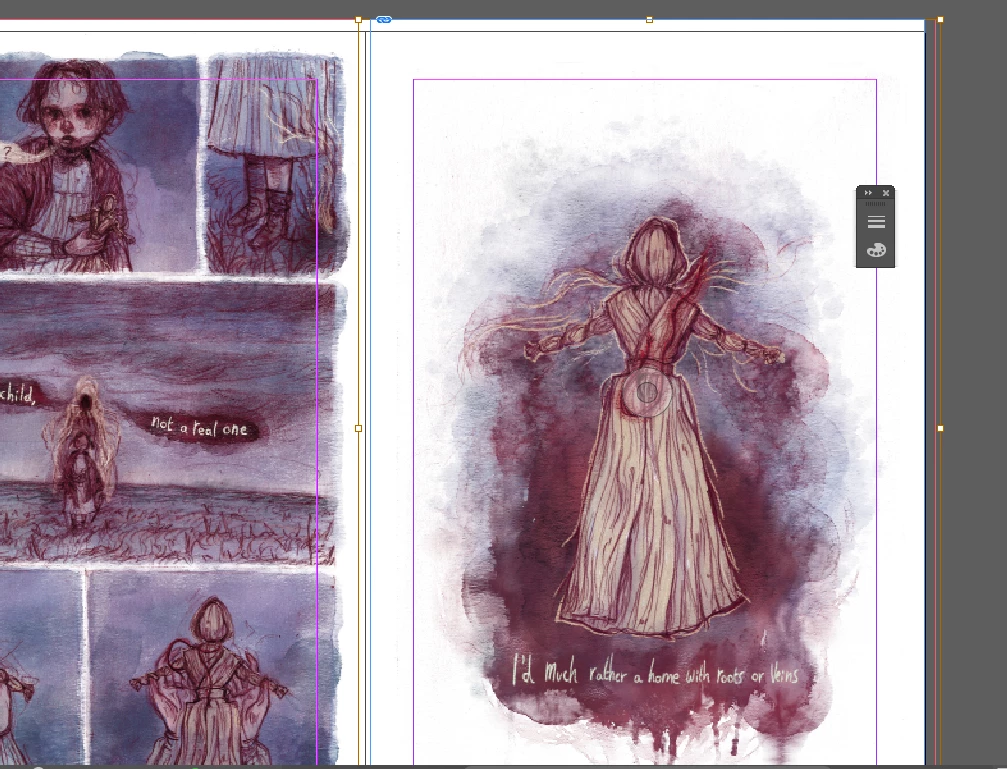
I've called the printer twice and exchanged way too many messages with them but haven't really gotten anywhere. As hopefully visible in one of the provided images, one page is bigger than the bleed, however, i cropped the blue content box to the bleed so surely that should not matter? Additionally, the other page that presents the same problem is not bigger than the bleed. Help!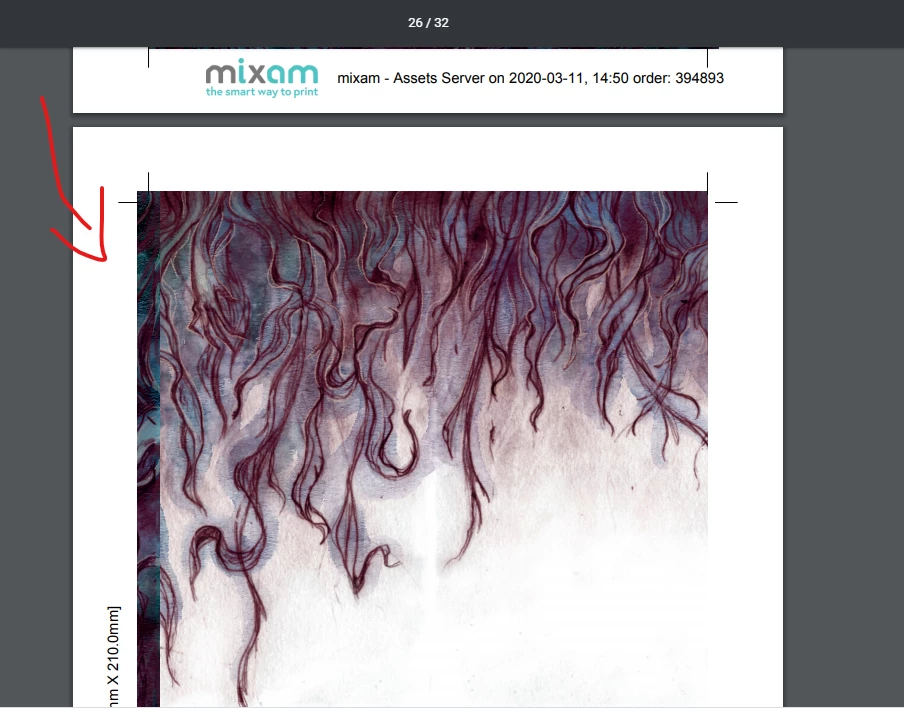

 AdChoices