
Answered
Exporting PNGs with Transparency - Weird Lines on First Import, Fine on Second
Hey folks,
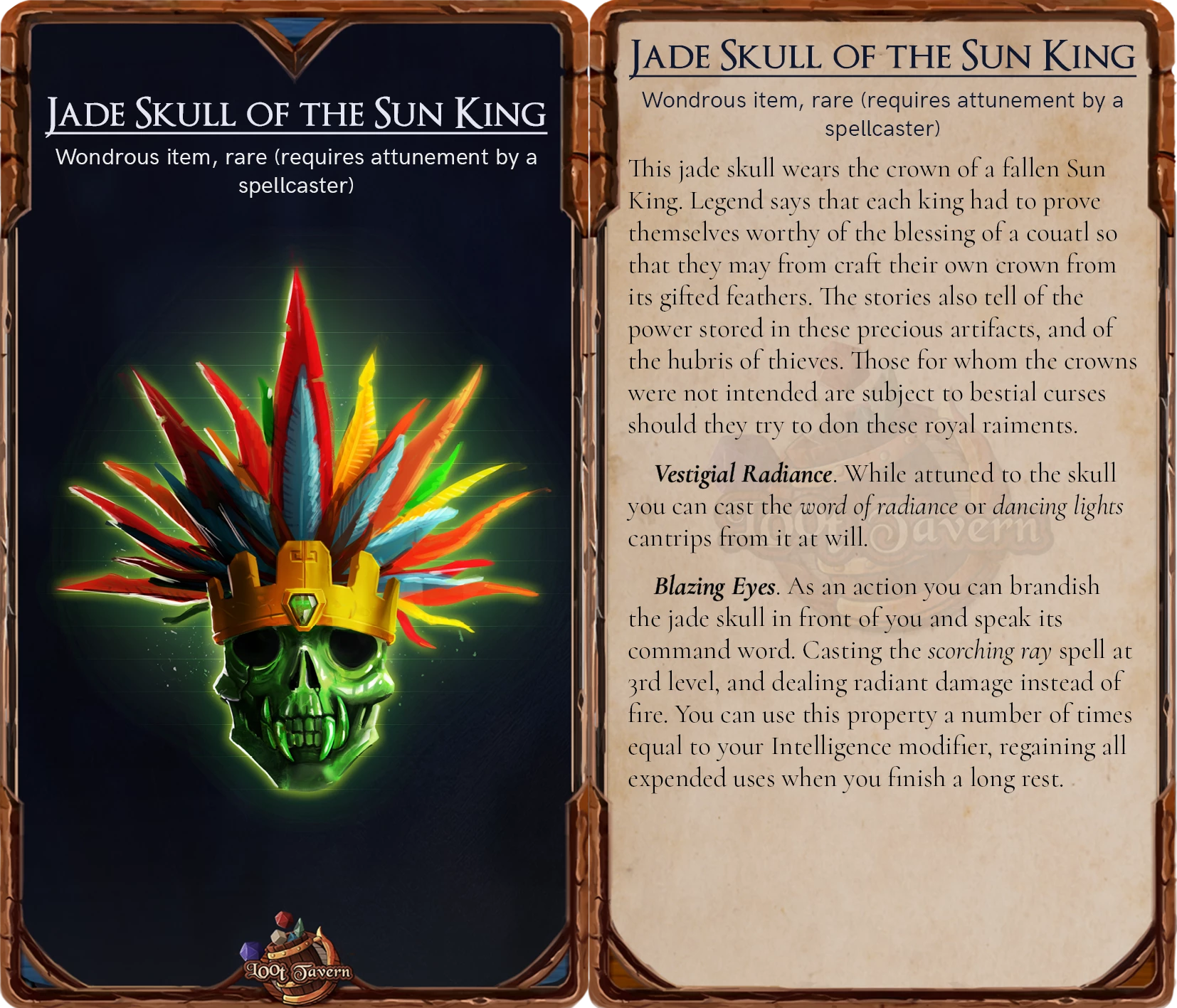
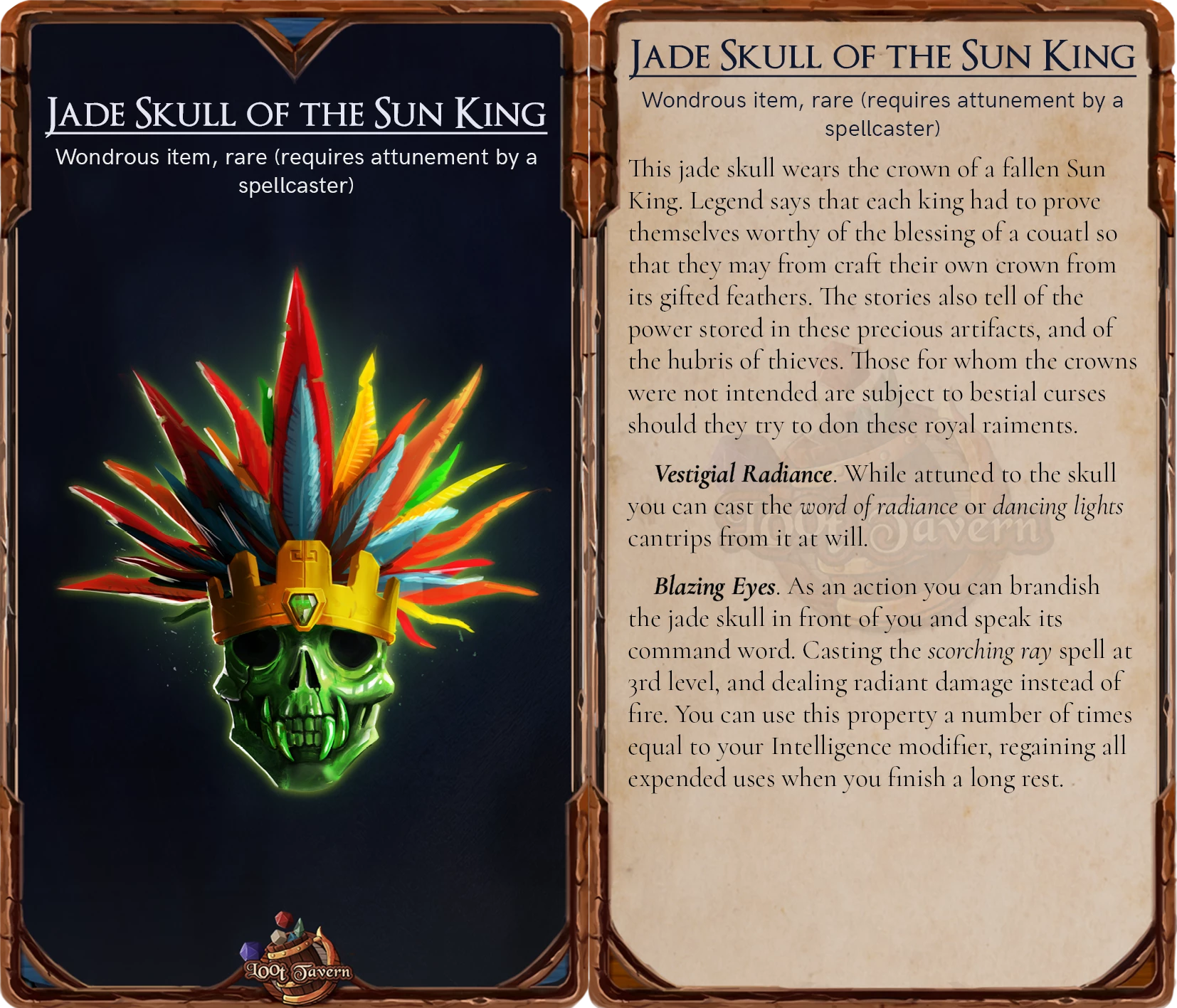
When I export these files, they often have weird lines on them the first time I export them. The second time - they're fine. I can't put my finger on what is going on.
Here are the images:
Lines examples

No lines examples
Here are my settings:
Transparency blend mode: RGB
Quality: Maximum or High (doesn't seem to make a difference)
Resolution: 300 ppi
Colour space: RGB
Checked: transparent background
Checked: Anti-alias (is it this??)
On Windows 10, Indesign v 15.1.2 (I'll update soon, but this has happened across multiple verisons).
Let me know if you need any more info! Thanks
 AdChoices